

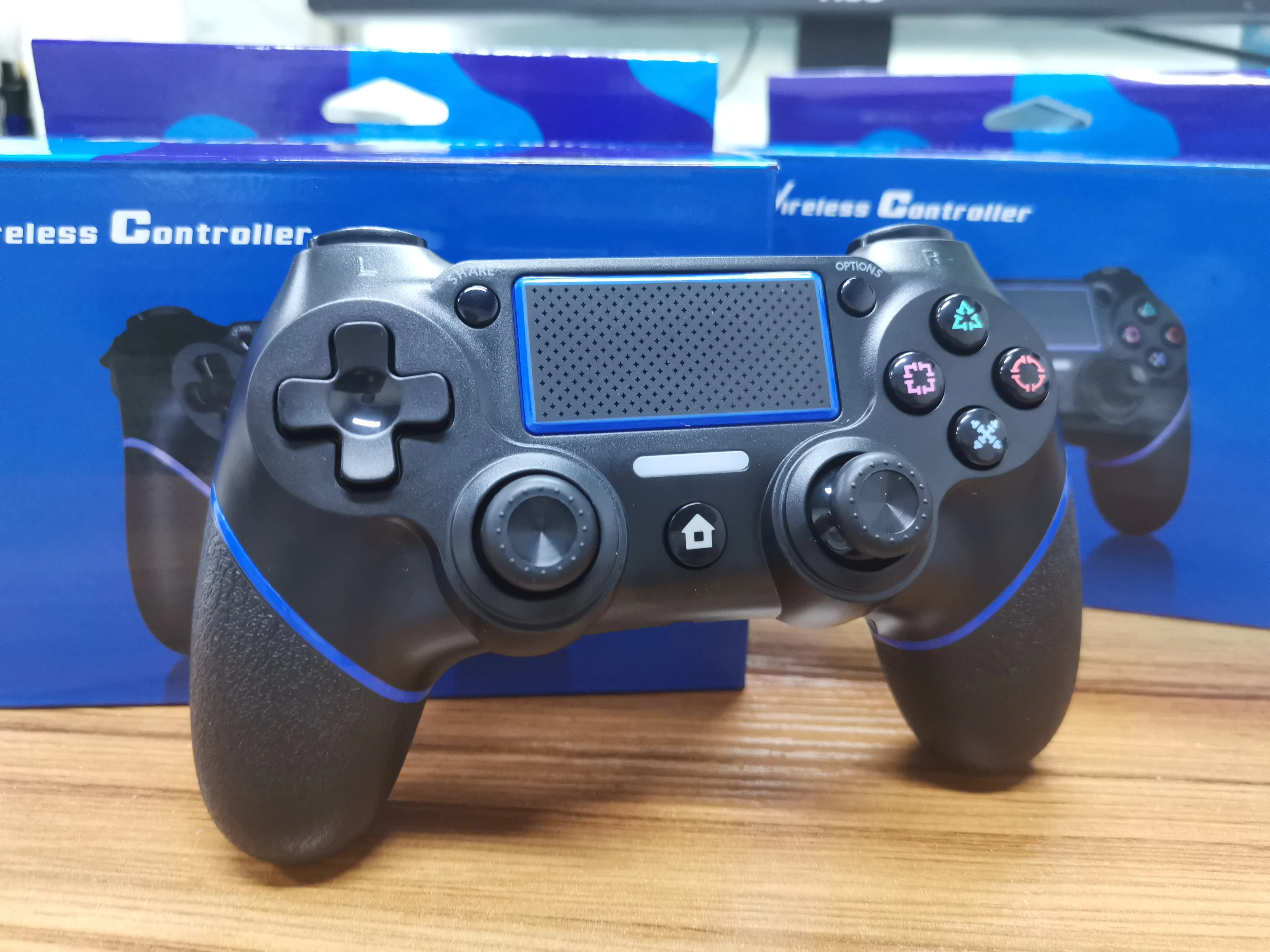
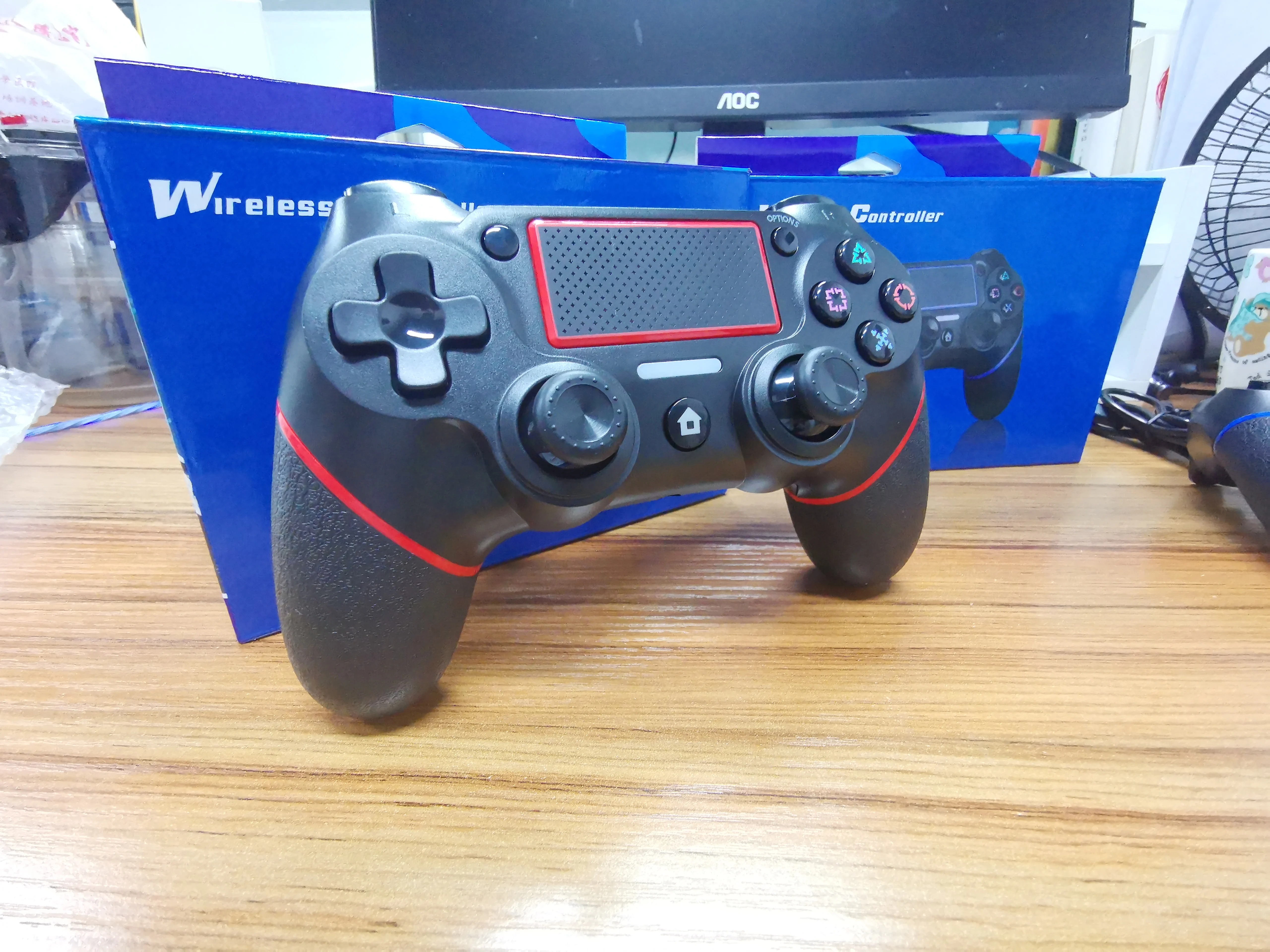
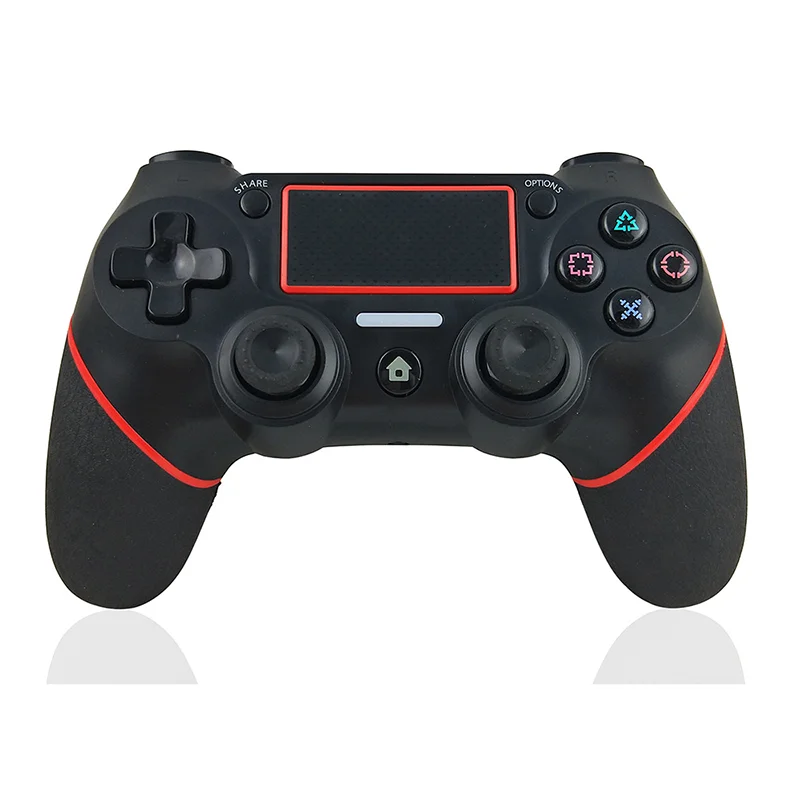
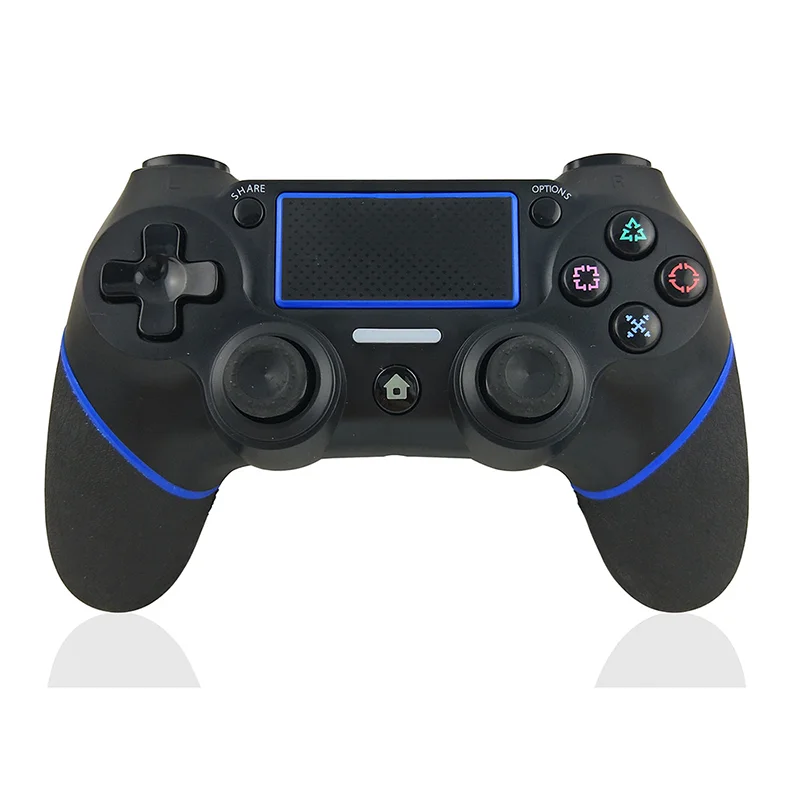
Gamepad For PS4 Controller, Wireless Bluetooth Controller, Six-axis Double Vibration Controller, For PS4/PC Wireless Gamepad


Gamepad For PS4 Controller, Wireless Bluetooth Controller, Six-axis Double Vibration Controller, For PS4/PC Wireless Gamepad
- Free worldwide shipping
- Pre-ship QC
- Tracked delivery
- Arrives Nov 4 – Nov 13
- Import duties included
Defective, damaged or wrong item? Free replacement or refund — just send us a short video. Details
Product details & specifications
SPECIFICATIONS
Brand Name: MicroData
Certification: CE
Compatible Brand/Model: None
Compatible Platform: playstation,PC
Interface Type: Bluetooth
Model Number: Gamepad For PS4 Controller
Origin: Mainland China
Package: Yes
Trigger Button Type: None
Type: Gamepads
Please Note:
When you use this product connect the computer, need use cable.
Product specification
Product parameters:
Product name: Bluetooth Wireless Gamepad
Using system: PS4/PC
Connection method: Bluetooth or USB interface
Charging time: 3-4 hours
Suitable distance: within 8M
Charging voltage: 3.5-4.5V
Continuous use: 4-5 hours(The specific time depends on the game type)
Packing list: Gamepad X1/Charging cable X1/Instruction manual X1
This product has a built-in battery with a capacity of 600mAh.
Play the game experience
Suitable for PS4 host / PC system
The handle supports touch function, six-axis control, audio headset ( Only PS4 Host can hear ) , motor, RGB light display
Operating instructions
1. When the handle is turned off, use the USB cable to connect with the host. After about two seconds, the handle and the host are paired successfully;
2. Press the PS key of the handle to start the machine, and the handle will be connected to the host within 3-5 seconds;
3. After the handle is connected to the host, the handle light will display white light, and the handle will display channel light after the user presses the confirmation key;
4. The handle and the host only need to be paired once, and the subsequent connection can be connected to the host by pressing the PS key
Handle switch on/off/charging/sleep
1. Briefly press the PS key on the handle to start the machine; Press and hold the PS key for 10 seconds, and the handle light will turn off, or the handle can be turned off by logging out at the host end;
2. When the power of the handle is low, the host will display 0 bar of power and flash; At this time, connect charging via USB cable, and the host will display the charging progress bar, and three grids of power will be displayed when fully charged;
3. When the handle is charged in the off state, the indicator light will display an orange breath light, and it will be displayed circularly. When the handle is fully charged, the light will go out;
4. When the handle is in the state of power-on and reconnecting to the host, if it is not connected successfully for more than 1 minute, the handle will automatically shut down;
5. When the handle is online, the handle shutdown time can be set through the host, usually 10 minutes/30 minutes/60 minutes/no power off.
Reset handle
When the handle is abnormal, for example, the keys are disordered, the computer crashes, and the connection is unavailable, you can try to restart the handle.
Reset method: insert a slender object into the Reset hole on the back of the handle, and press the Reset key to reset the handle status.
Using the wireless controller
Press the PS button on the controller, and then select a user.
● The first time you use a contoller, youll need to register (pair) it with your P4 system.
● Up to four controllers can be used at the same time. When you press the PS button, the light bar will glow in a uniquely asigned color. The color that is assigned depends on the order in which each user presses the PS button. The first controller to connect is blue, the second is red, the third is green, and the fourth is pink.

Registering (pairing) a device
The frst time you use a controller or when you want to use the controller on another P4 system, you'll need to register (pair) it with your system. Connect the controller to your system with a USB cable while the system is on.
If you want to use two or more controllers, you must register each controller separately.
Charging
The controller battery charges when you connect the controller to your P4 system with a USB cable. The system must be turmned on or in rest mode. The charge level of the battery appears on-screen when you press and hold the PS button.
While the system is in rest mode, the light bar slowly blinks orange. When charging is complete, the light bar turns off.
● It takes approximately 2 hours to charge the contollr when the battery has no remaining charge.
● Charge the controller when the temperature is between 10 °C and 30 °C (50°F and 86°F). You might not be able to eficiently charge the controller at other temperatures.
● You'll need to completely charge the contoller at least once a year to keep it functioning property.
● Battery life varies depending on how you use the contrller and the environment in which the contoller is used and stored.
● To charge while the system is in rest mode, select an option other than [Off]
in (setings) > [Power Save Sttings] > [Set Features Available in Rest Mode] >
[Supply Power to USB Ports].

Purchase Notes
The logistics method includes door-to-door delivery or delivery to the express point, and then the buyer picks up the package. The time limit for self-pickup of the package is generally 10 days, and the package will be returned if it exceeds the time limit.
If it is verified that the product has a problem and cannot be repaired, it can be divided into the following situations:
4. Upon receiving the package, to protect your interests, be sure to take a video when opening the package. If the item is missing or the appearance of the package is damaged, the buyer can provide evidence over time. We will not take any responsibility if there is no full unpacking video;
5. Scratch the surface
All products need to be tested before shipping, and it is normal for some scratches to appear.
6. Broken packing
Long distance international transport will damage and squeeze the package. If you find signs of unpacking, please don't sign. The outer packaging is intact, but the extruded product in the retail packaging will be deformed, but it will not affect the use of the product, which is normal.
7. Packaging
We guarantee that the product is 100% original, but the manufacturer has the right to modify it, so the appearance and design of the package may be changed without prior notice and at the same time, we will not take any responsibility.
8. Installation
Buyers must have the ability to DIY, such as installing an operating system to avoid installation problems.
Note: Dear customer, we are currently unable to access the home area for zip codes 35, 38, 51, 52. Please note that we apologize for any inconvenience caused.
Any losses caused will be borne by you. Please understand.