GBA IPS LCD Screen Kit No Shell Cutting Required Easy Install 2.9" High Bright IPS Display 480*720 Shell Set for Gameboy Advance


GBA IPS LCD Screen Kit No Shell Cutting Required Easy Install 2.9" High Bright IPS Display 480*720 Shell Set for Gameboy Advance
- Free worldwide shipping
- Pre-ship QC
- Tracked delivery
- Arrives Nov 4 – Nov 13
- Import duties included
Defective, damaged or wrong item? Free replacement or refund — just send us a short video. Details
Product details & specifications
SPECIFICATIONS
Accessories Type: Replacement Shell
Bluetooth range: 0
Cable features: Without cable
Compatible Brand/Model: Nintendo
Compatible Nintendo Model: GameBoy Advance
Control Method: Push button
Controls Type: Others
Electric: No
Enclosure material: Others
Fastening type: Others
Harness Feature: Others
High-concerned chemical: none
Occasion: Collecting
Origin: Mainland China
Platform: Other
Portable: Yes
Reusability: Reusable
Sensor Technology: Others
With USB: NO
This is a LCD screen, not a console! If you don't have a motherboard, you can't assemble it into a console.
Please do not pull the cable of the LCD screen. Slight pulling may damage the LCD screen. It will cause the LCD to display horizontal and vertical lines.Don't squeeze the LCD screen. Don't wipe the LCD screen with a wet towel. Squeezing the LCD frame and back cover will lead to uneven backlight display, light spot and dark spot.
Product features:
1. IPS LCD screen. No need for shell cutting or welding. Easy to install. The LCD screen display size is 2.9 inches, which is the same as the original.
2. Comes with 32 pin and 40 pin ribbon cables, supporting all Nintendo GBA motherboards.
3. The battery life of a regular AA battery is about 5 hours, and the power consumption of different game cards may vary.
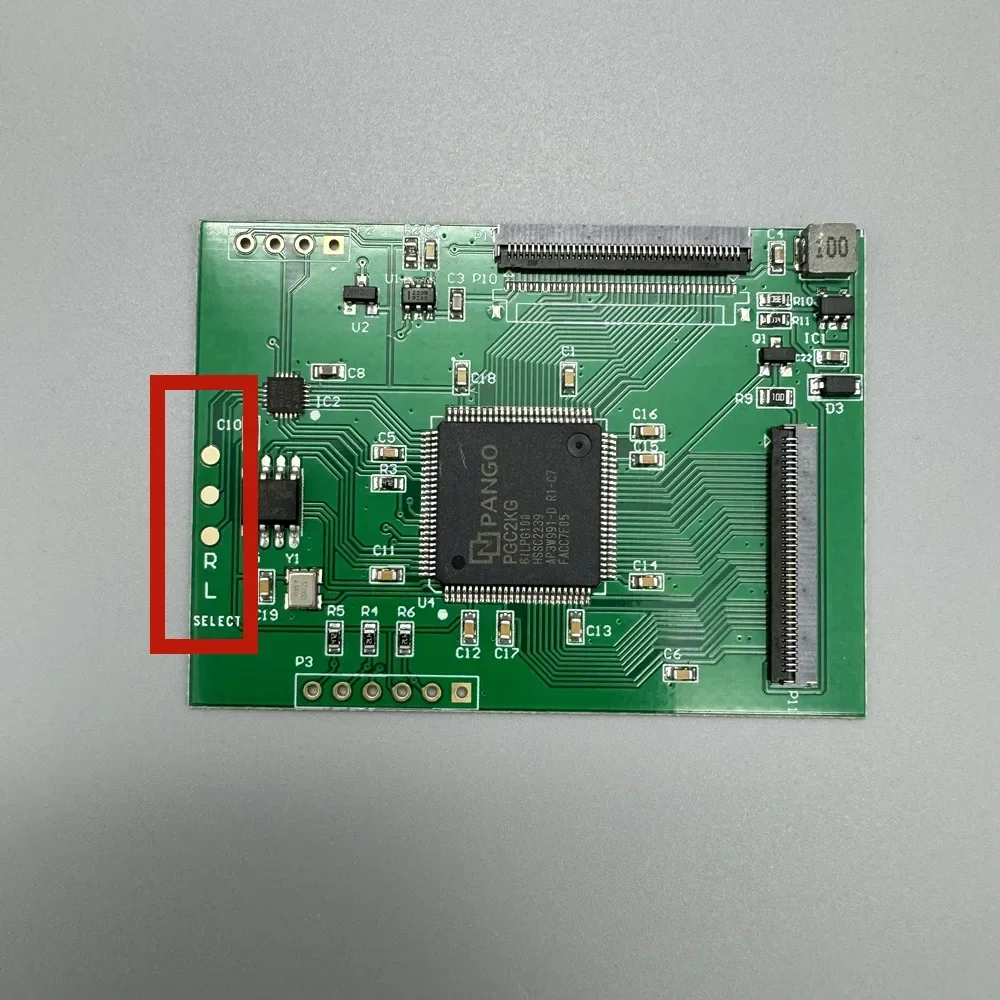
4. 480 * 720 resolution, point-to-point display. Supports analog B-screen pixel display. Black and white display. Short press to adjust brightness, long press to switch display style.You can also solder wires to buttons, and the display style and brightness can be adjusted using SELECT+LR.
5. Console shutdown. The brightness and display style settings will be saved.
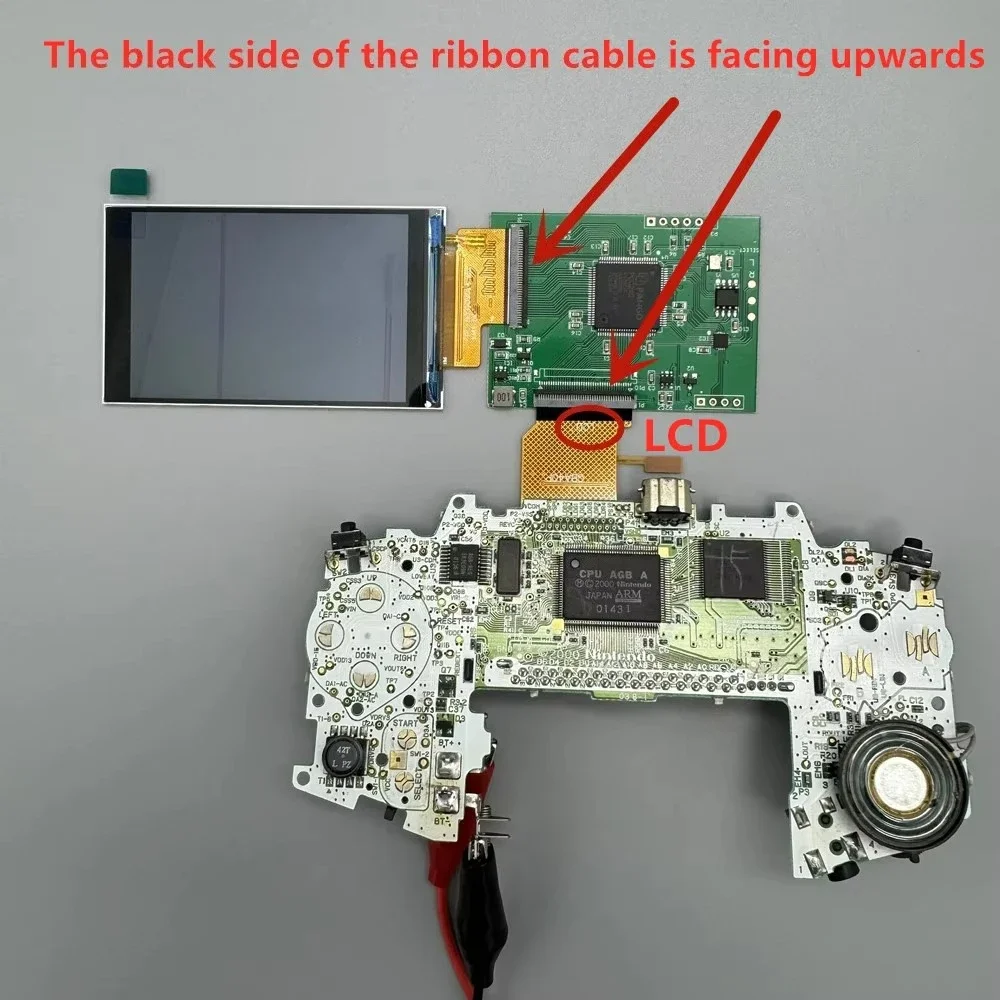
Each set of LCD has been tested before shipment. You can test it again like this before installing. Test before installation. It is helpful to find out the causes of problems in later installation.
 Installation tutorial
Install self provided tools: Y-shaped 3.0 screwdriver, cross shaped 3.0 screwdriver.
GBA console motherboard LCD cable support is divided into 32 pin and 40 pin. There is a model mark under the cable support. Choose the right cable for yourself.
Do not squeeze the LCD screen. Squeezing the LCD screen frame and back cover can cause uneven backlight display, resulting in light spots and dark spots.
Do not pull the LCD screen cable.
Do not touch the LCD screen after tearing off the protective film, as it may leave dust and fingerprints.
Stick double-sided tape. Pay attention to the shape of the double-sided tape. The double-sided adhesive tape has strong adhesion and is difficult to remove if stuck incorrectly.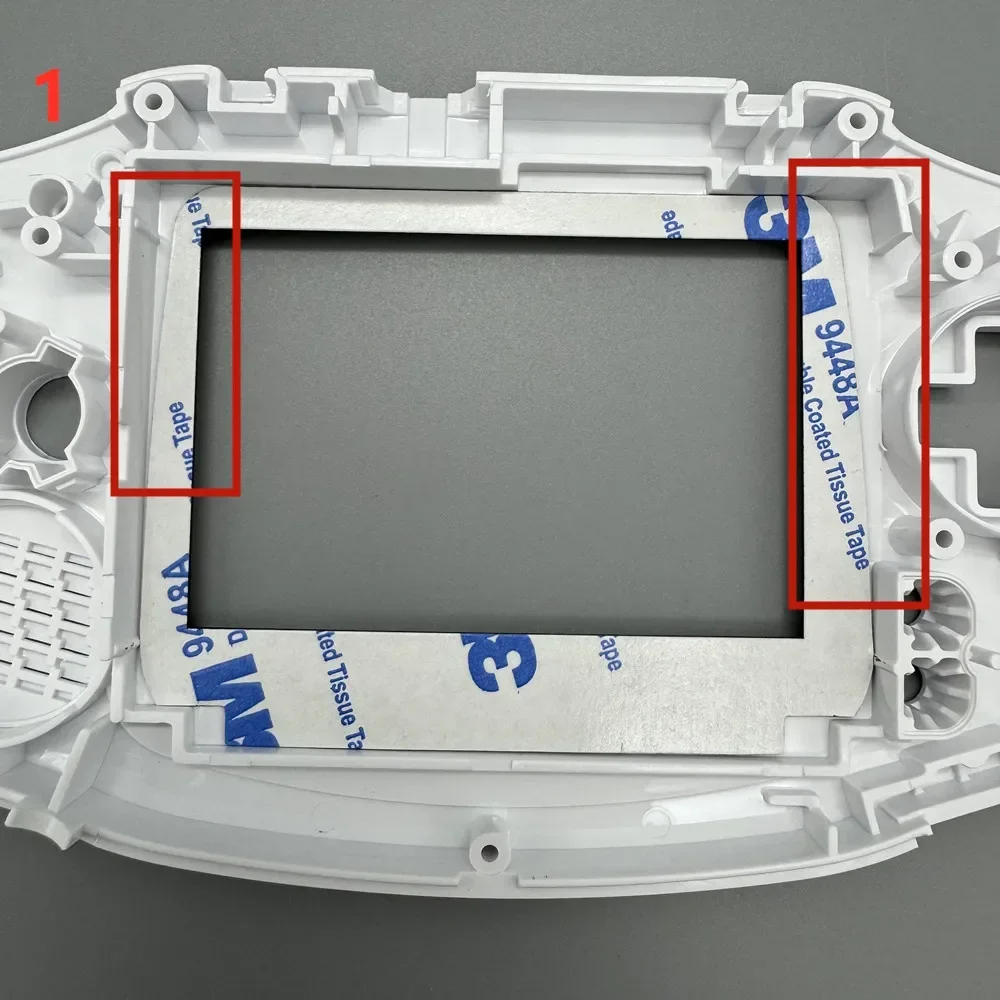 stop block
 Paste the LCD screen.
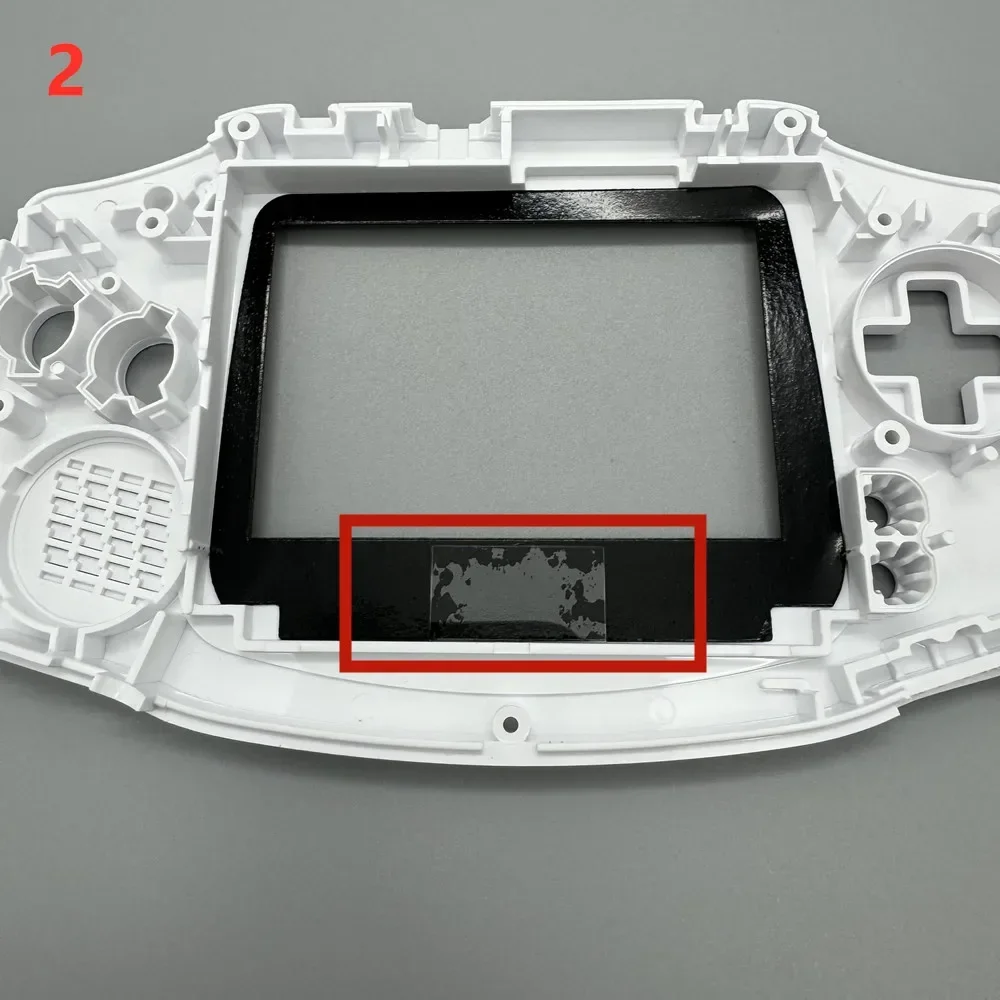
 Paste lens
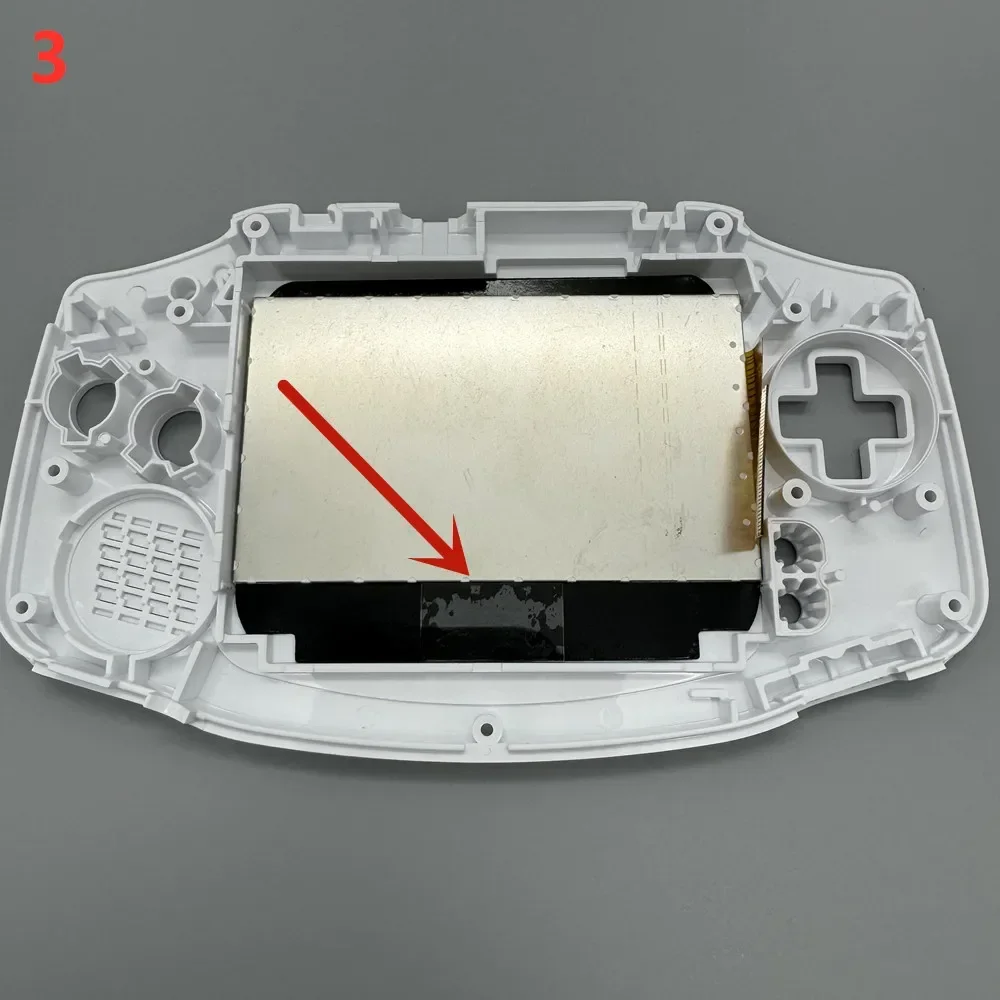
 Pay attention to the direction of the cables and do not plug them in incorrectly. Incorrect insertion can burn out the motherboard.
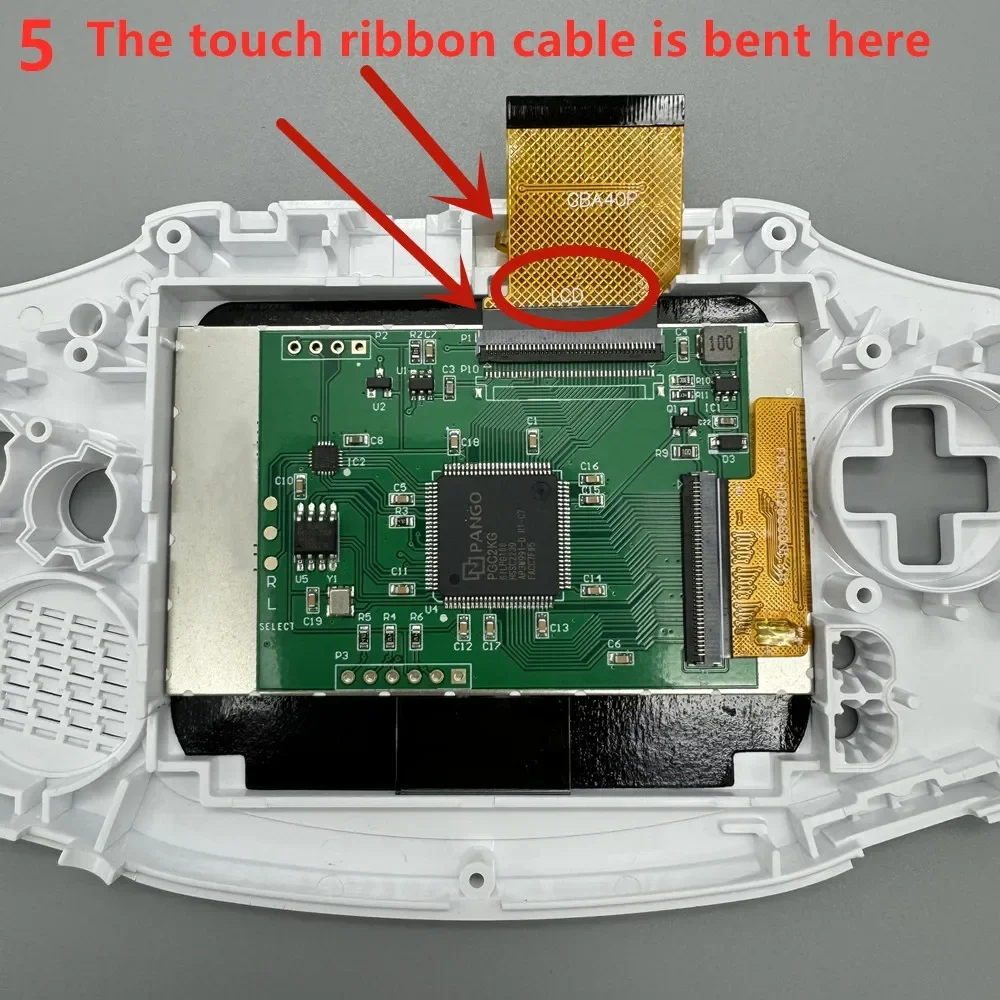
Bend the touch ribbon cable behind the Nintendo logo on the front of the casing.
Touch the cable. The side that must be covered with film is in contact with the shell. Gold faces inward.
Otherwise, there may be accidental touches.
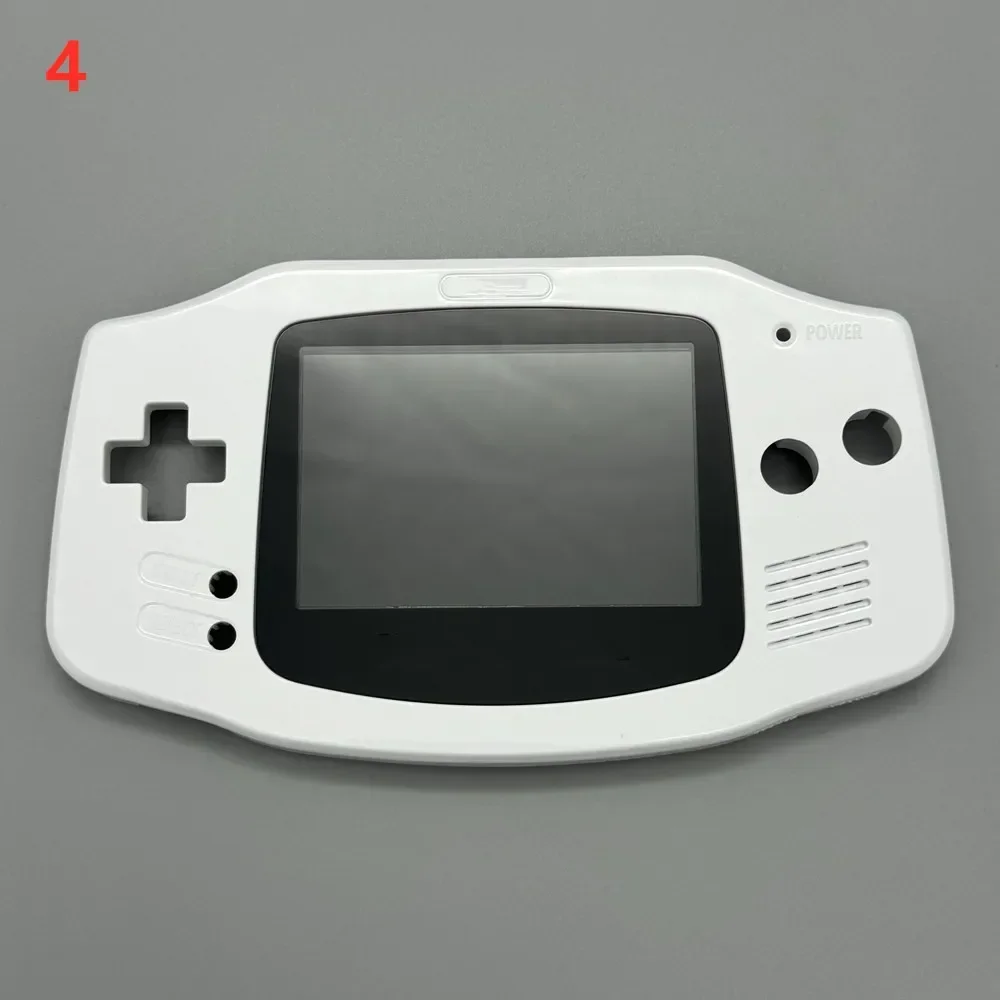
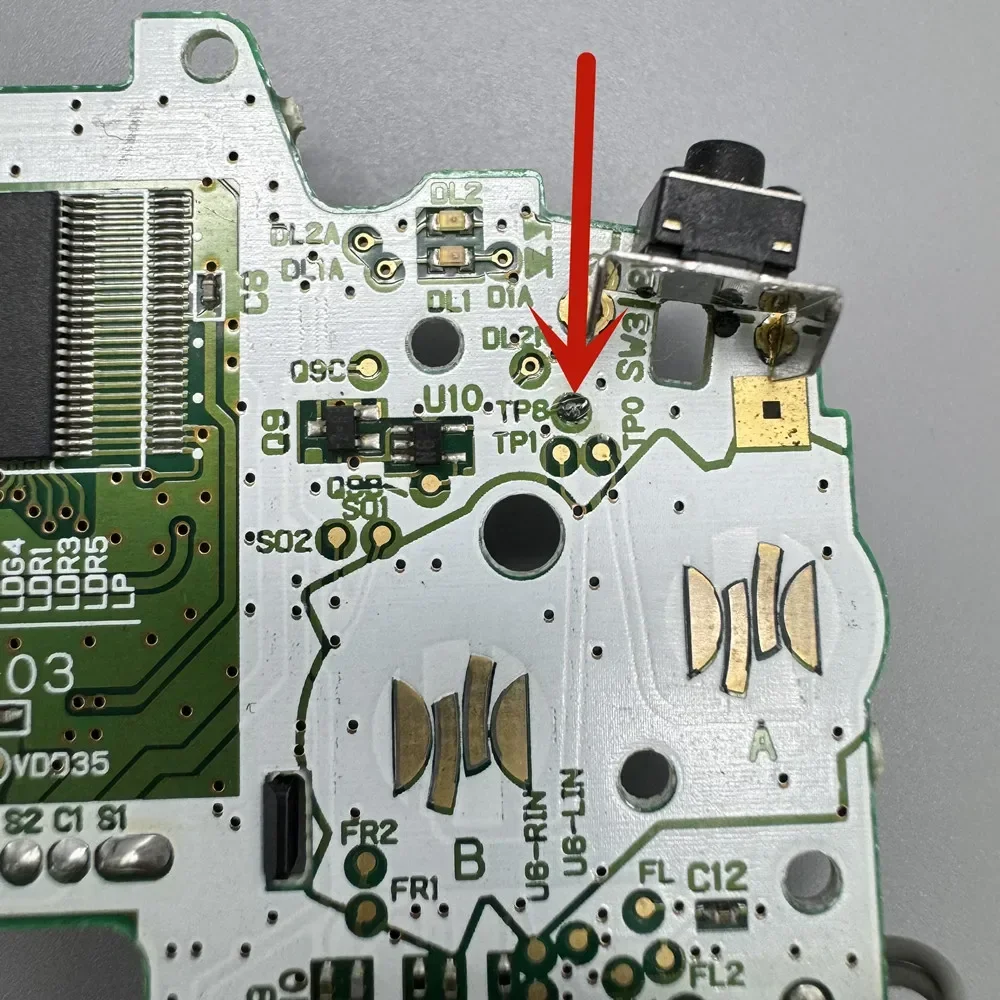
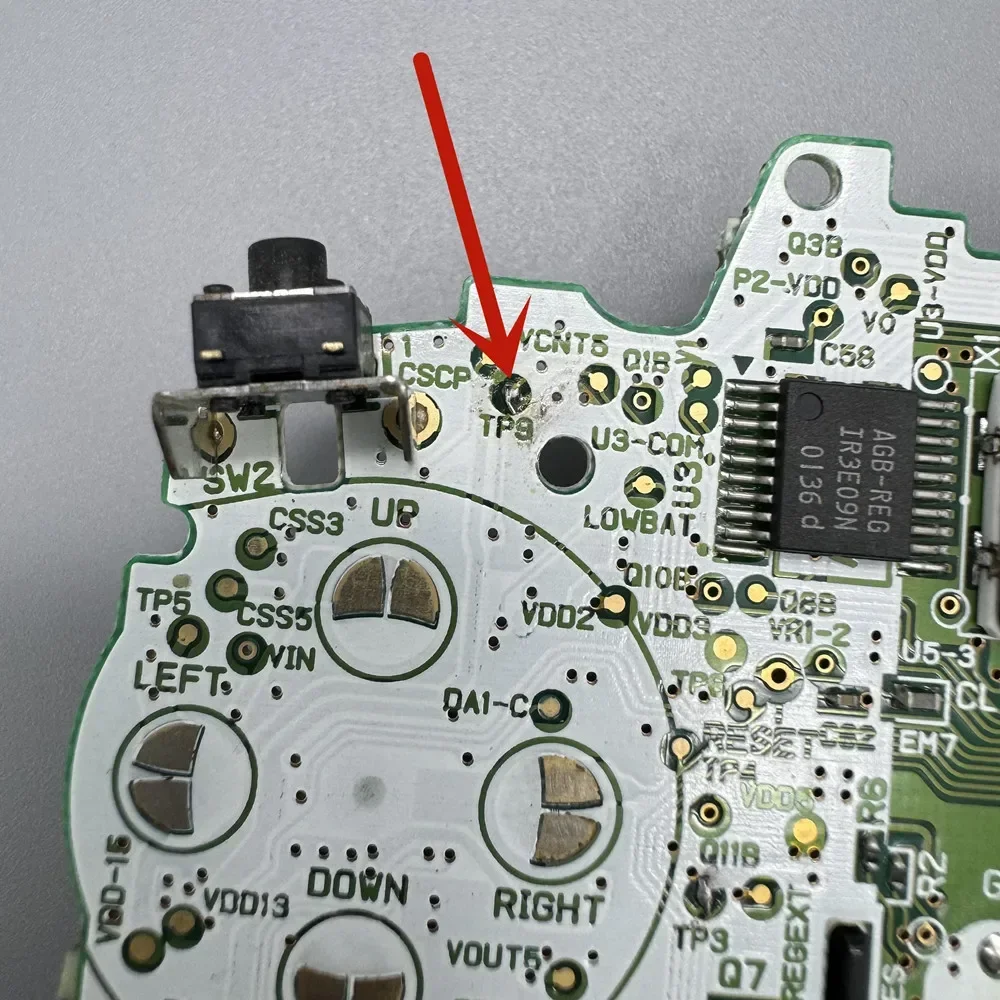
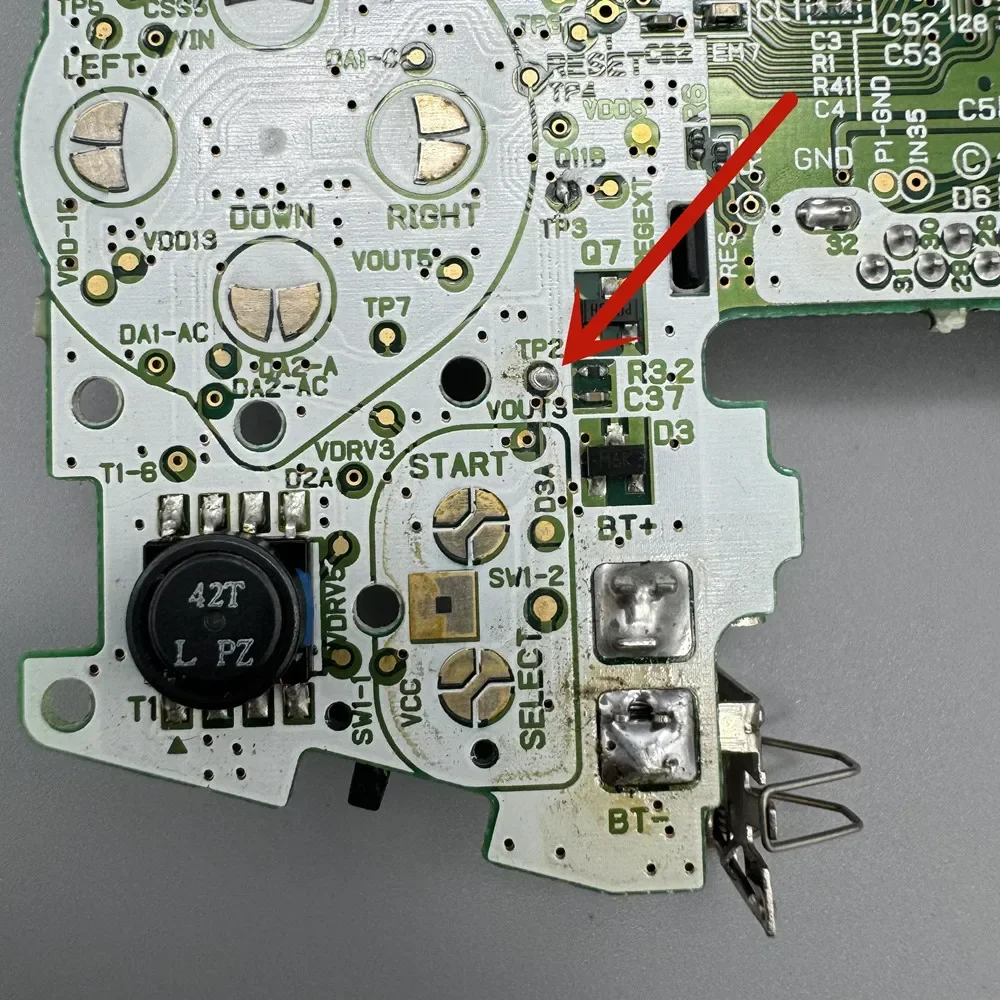
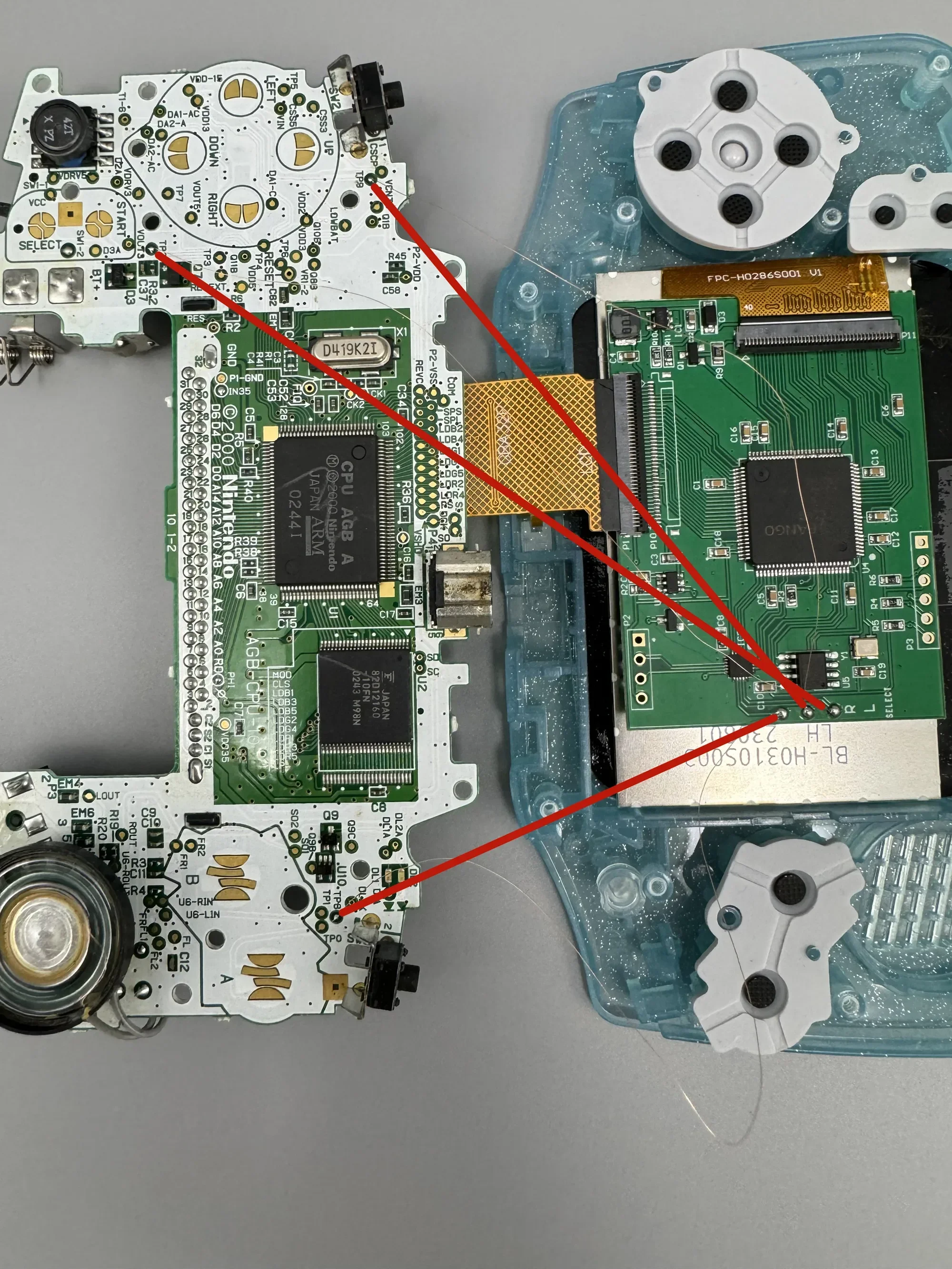
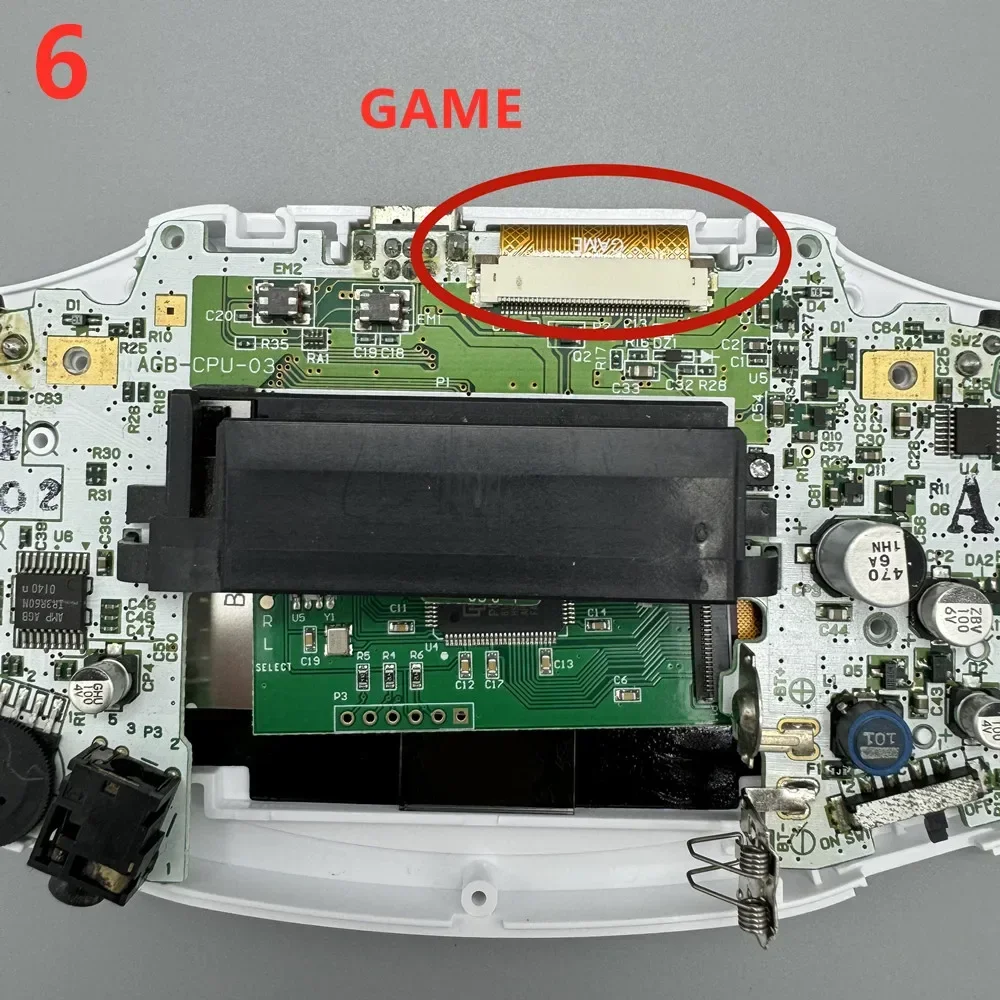 If you don't like to touch adjust the LCD screen, you can solder the wires to the button and use the button to adjust.
The L-point of the LCD circuit board is connected to TP9 of the GBA motherboard.
The R point of the LCD circuit board is connected to TP8 of the GBA motherboard.
Connect the SELECT point of the LCD circuit board to TP2 of the GBA motherboard.
Press and hold SELECT, and adjust the LCD screen brightness and display style by pressing L or R.
Black and white display.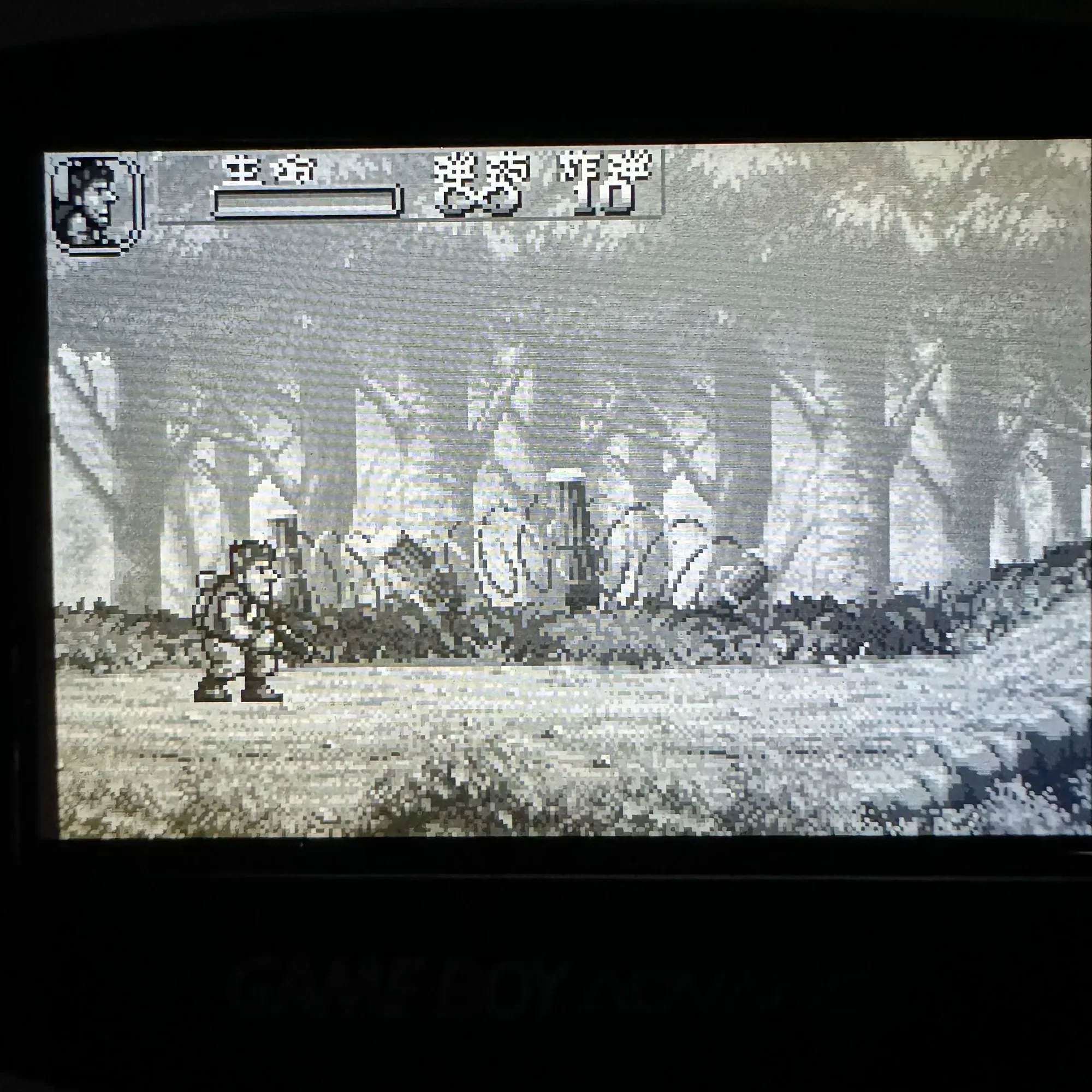 HD display
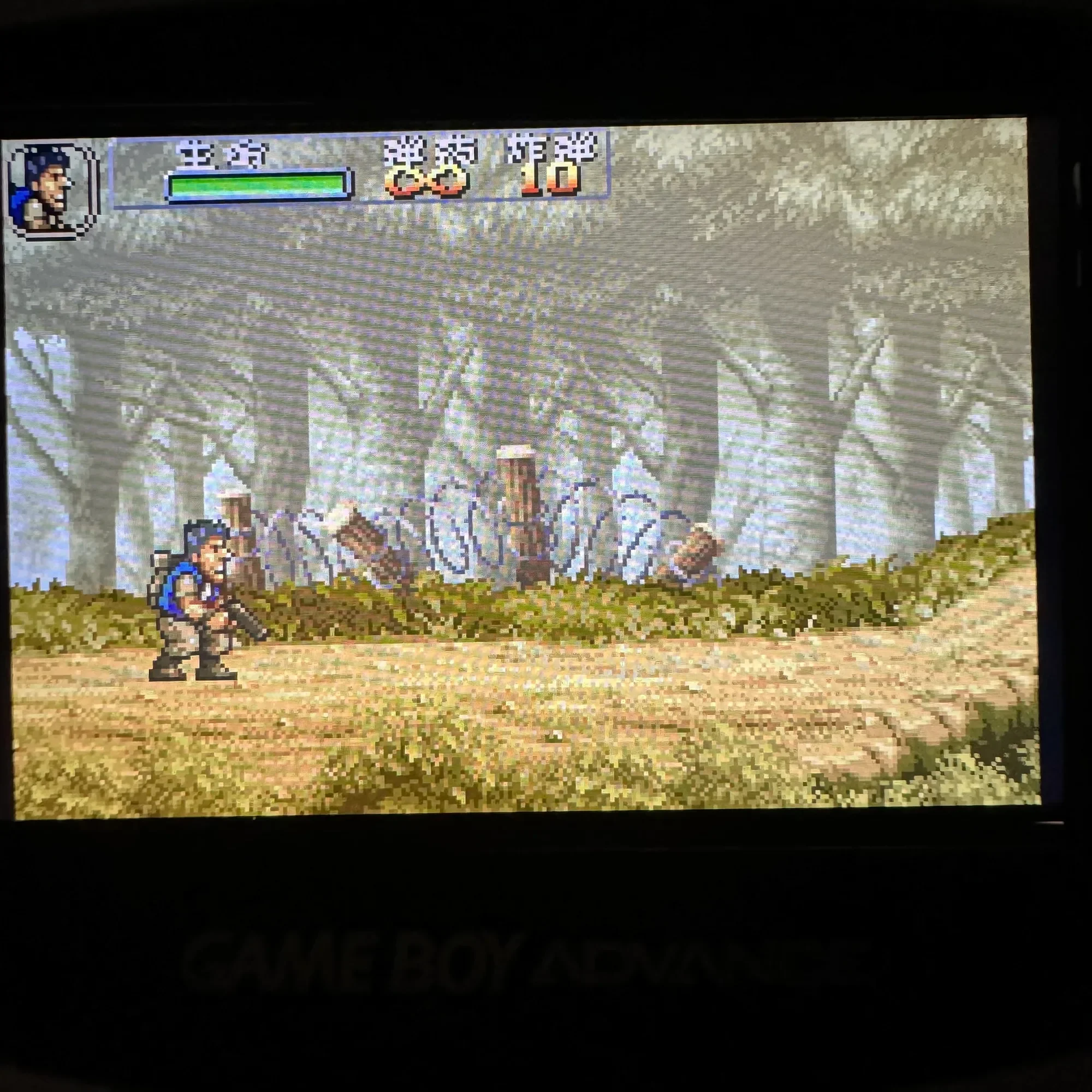 Pixel display
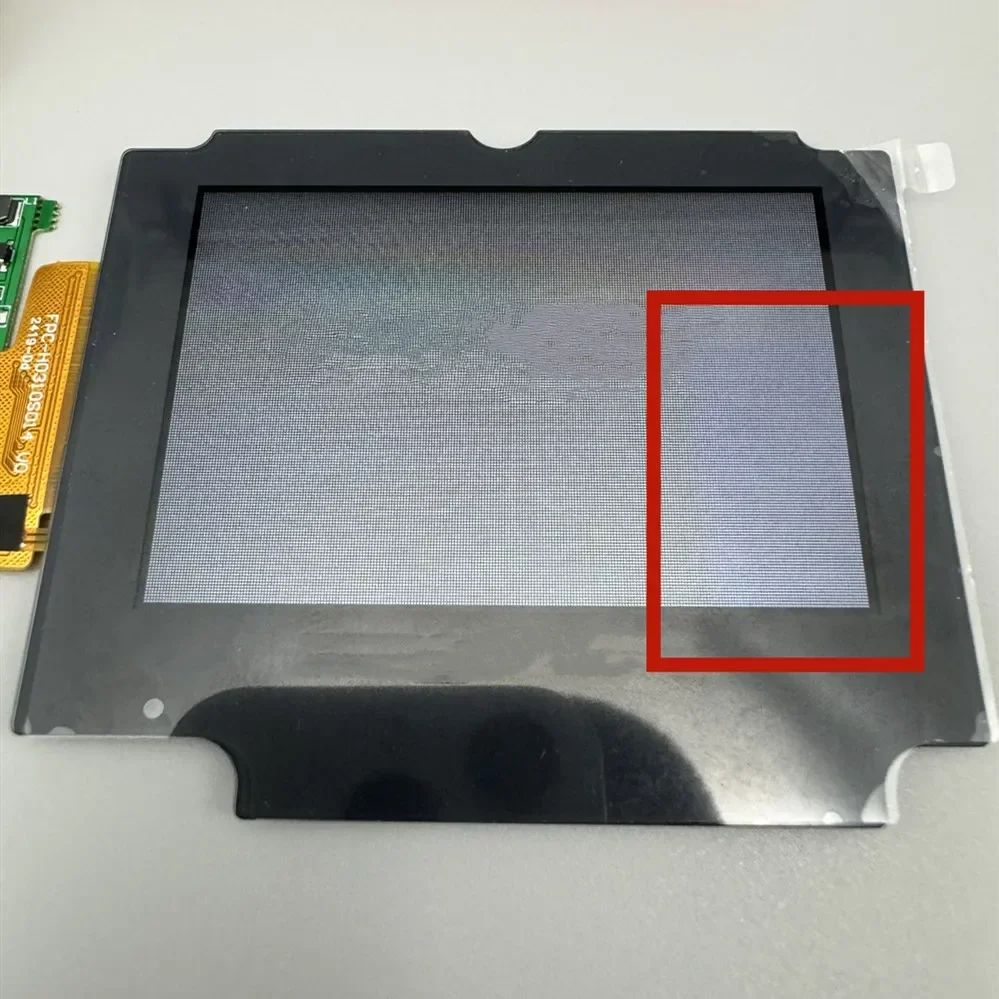
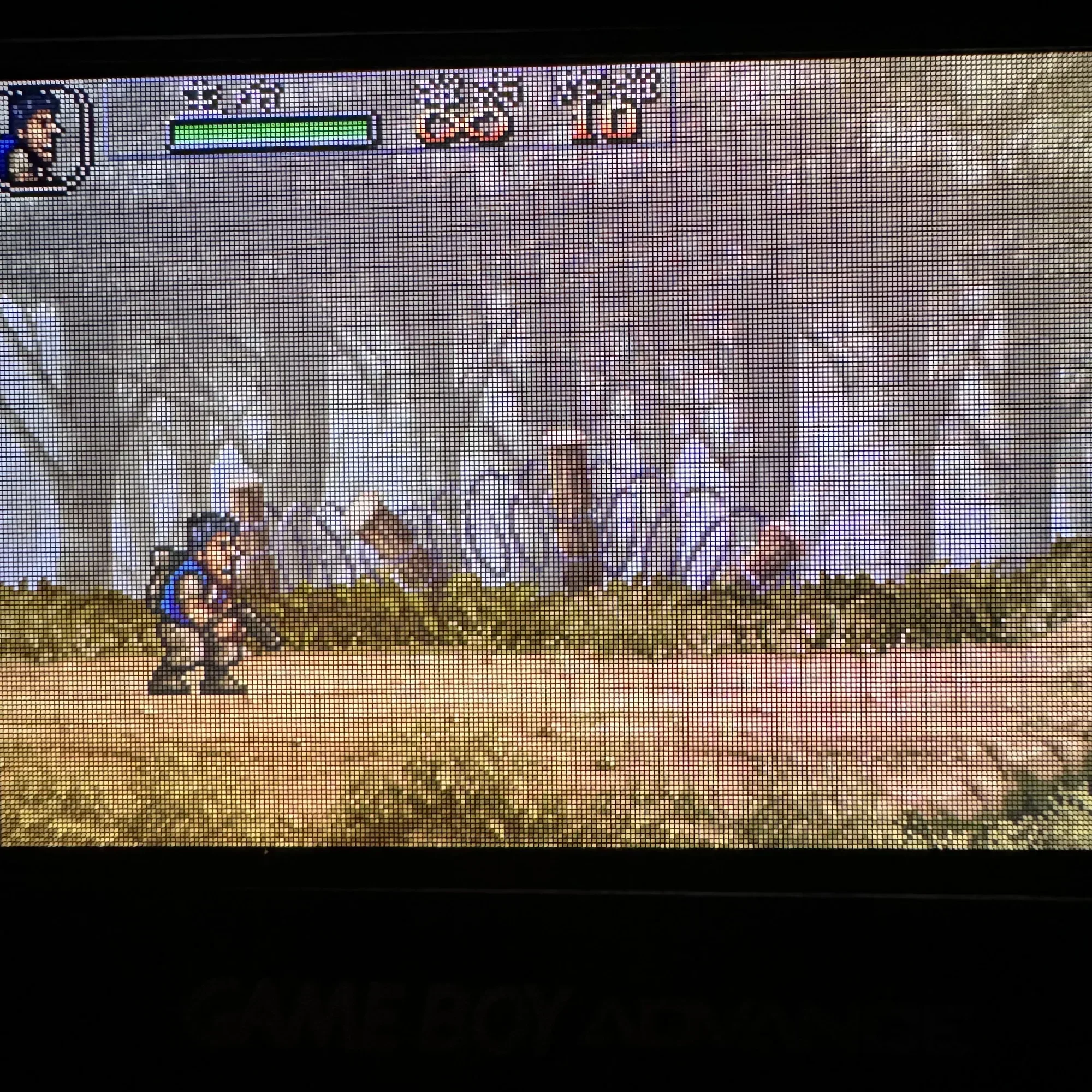 In pixel mode, the LCD screen may be affected by electrostatic interference, resulting in abnormal color display. As shown in the following figure.
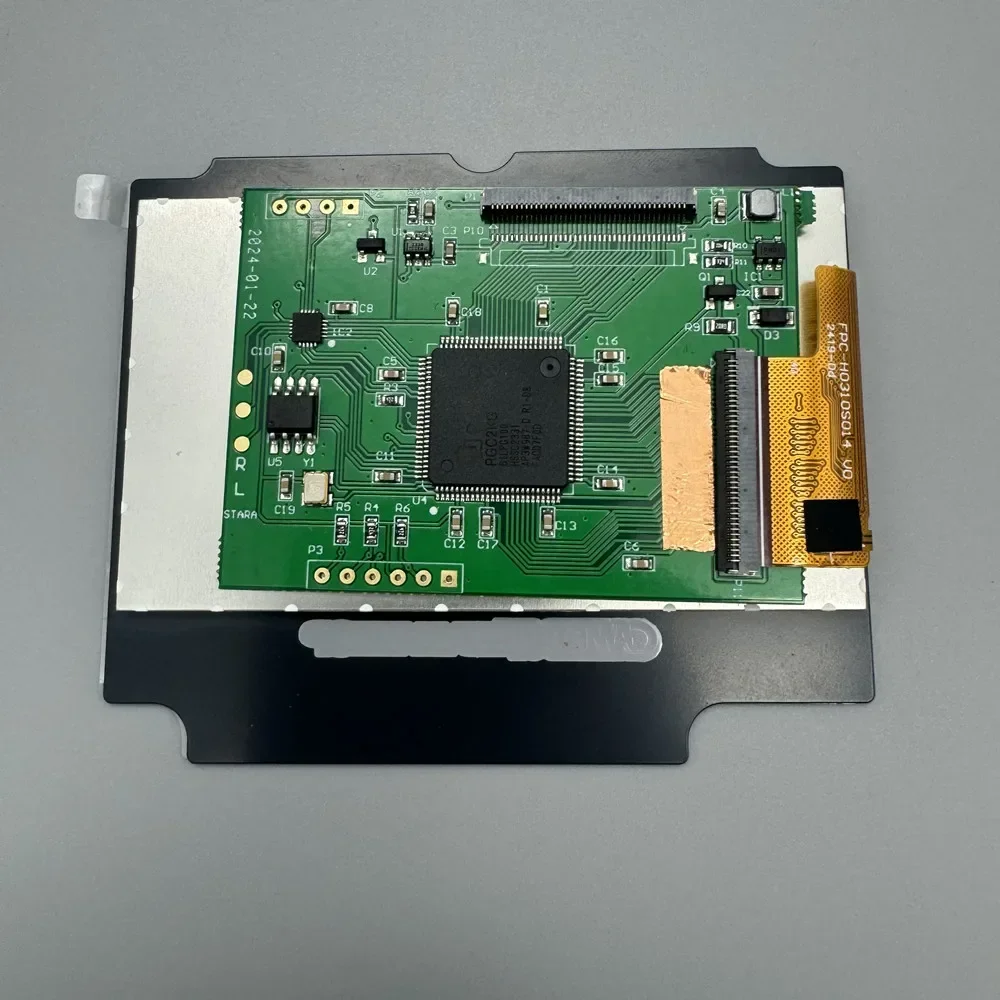
Stick copper foil or aluminum foil at the position shown in the picture. Can make the color display normal.
At present, we do not know what is willing to cause it.