Haute42 Fightstick Arcade Controller Joystick Hitbox Leverless Controller For PC/PS4/PS5/Switch Fight Stick Game Controller


Haute42 Fightstick Arcade Controller Joystick Hitbox Leverless Controller For PC/PS4/PS5/Switch Fight Stick Game Controller
- Free worldwide shipping
- Pre-ship QC
- Tracked delivery
- Arrives Nov 4 – Nov 13
- Import duties included
Defective, damaged or wrong item? Free replacement or refund — just send us a short video. Details
Product details & specifications
SPECIFICATIONS
Accessories Type: Leverless Controller,Hitbox Leverless Controller
Arcade Controller: Leverless Controller
Bluetooth range: Without Bluetooth
Brand Name: haute42
Cable features: Retractable
Compatible Brand/Model: PC
Control Method: Push button
Controls Type: Push button
Electric: No
Enclosure material: Plastic
Fastening type: Others
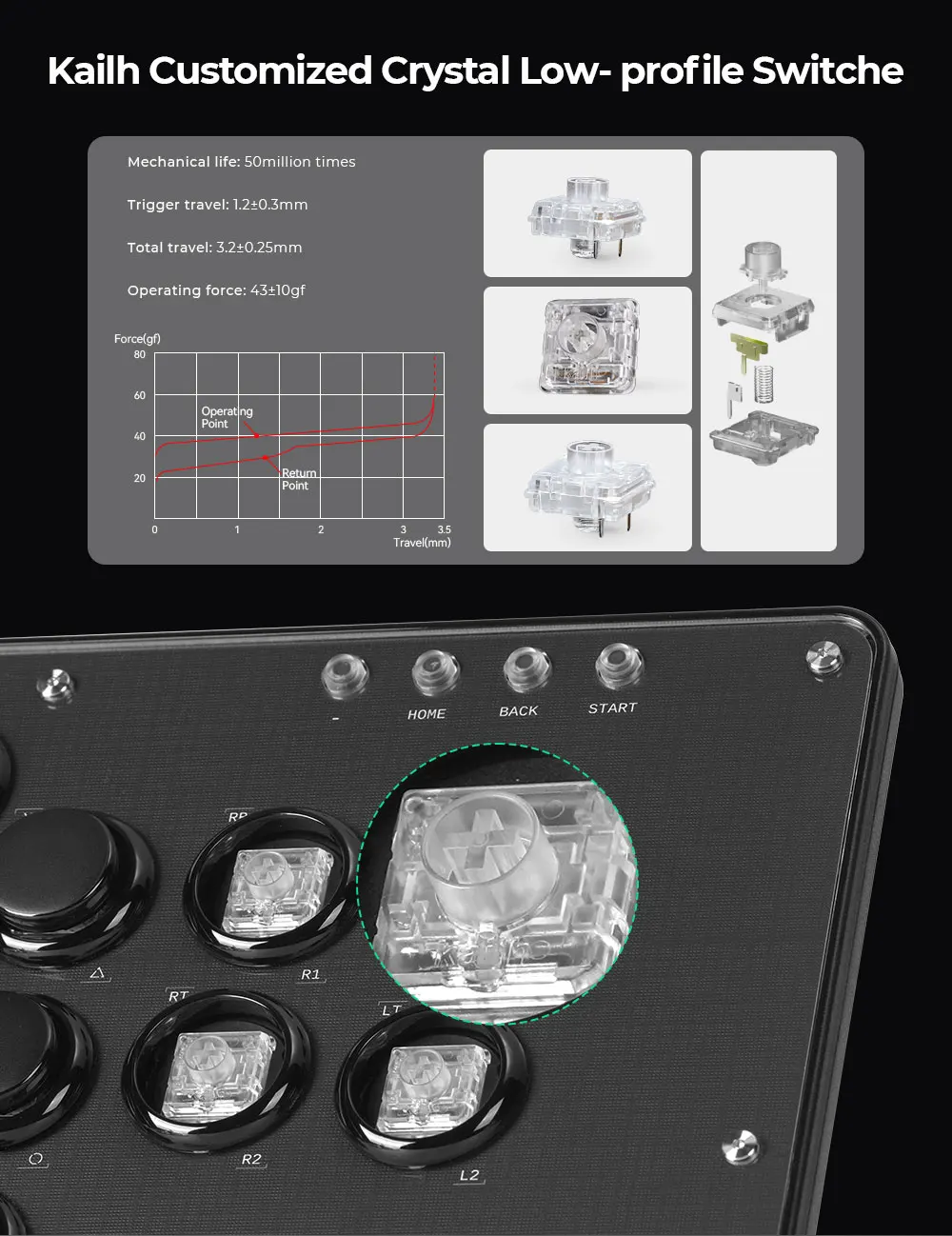
Feature: 16 button with RGB mode,Button Rim
Harness Feature: Others
High-concerned chemical: none
Item: U16
Model Number: U16
Occasion: Others
Origin: Mainland China
PC System: Windows 10
Platform: Nintendo Switch 2
Portable: Yes
Reusability: Reusable
Sensor Technology: Others
Supported platforms: For PC/PS4/PS5/Switch/Steam
Treet fighter 6 & Tekken 8.: fighting game hitbox
With USB: YES
arcade joystick: hitbox arcade stick
fighting stick: hitbox controle
hitbox controller: leverless arcade stick
is_customized: NO


Hauter42 Fightstick Arcade Controller Joystick Hitbox Leverless Controller For PC/PS4/PS5/Switch Fight Stick Game Controller
product Description
Working voltage: 5V
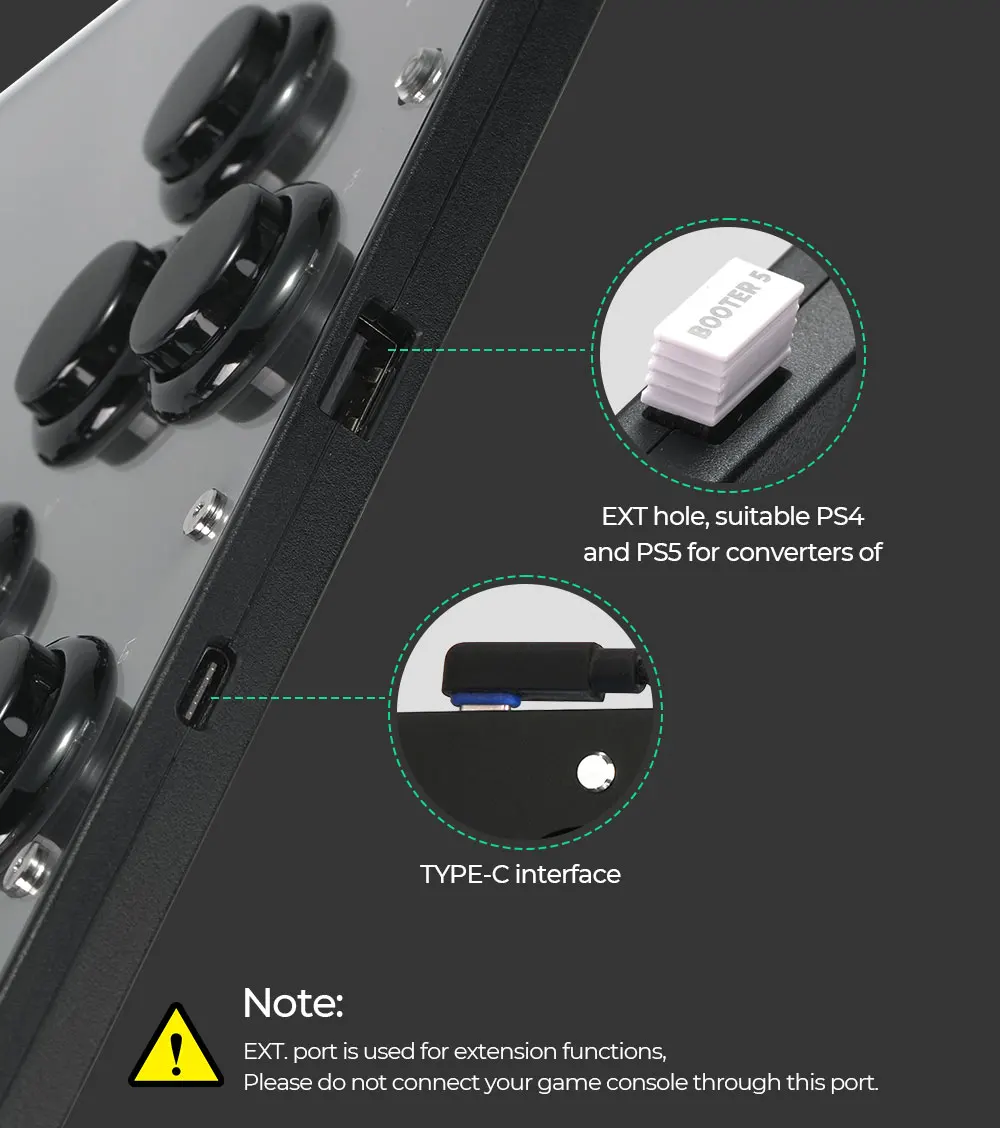
Link method: USB Type-C
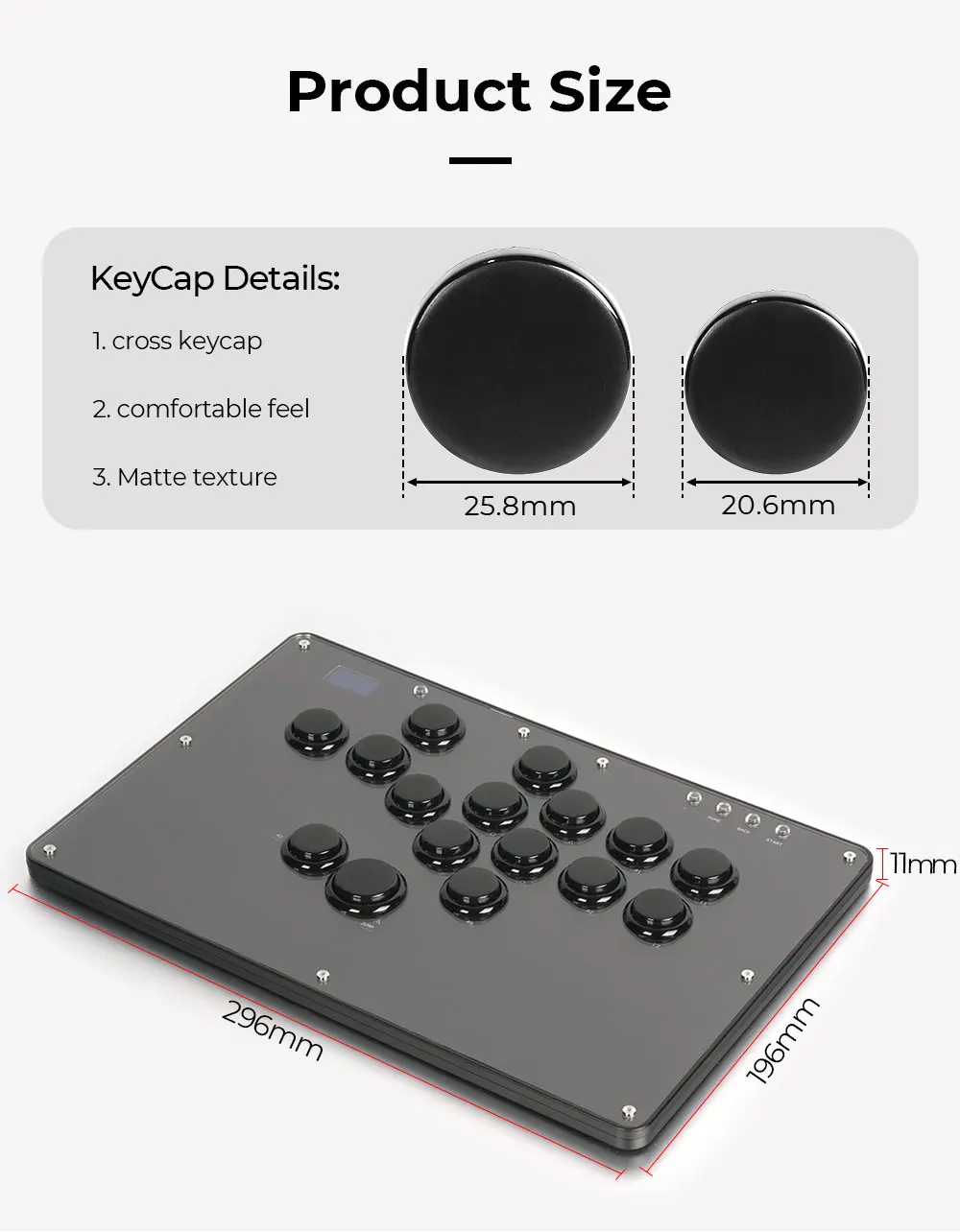
Product size: 296mm * 196mm * 11mm
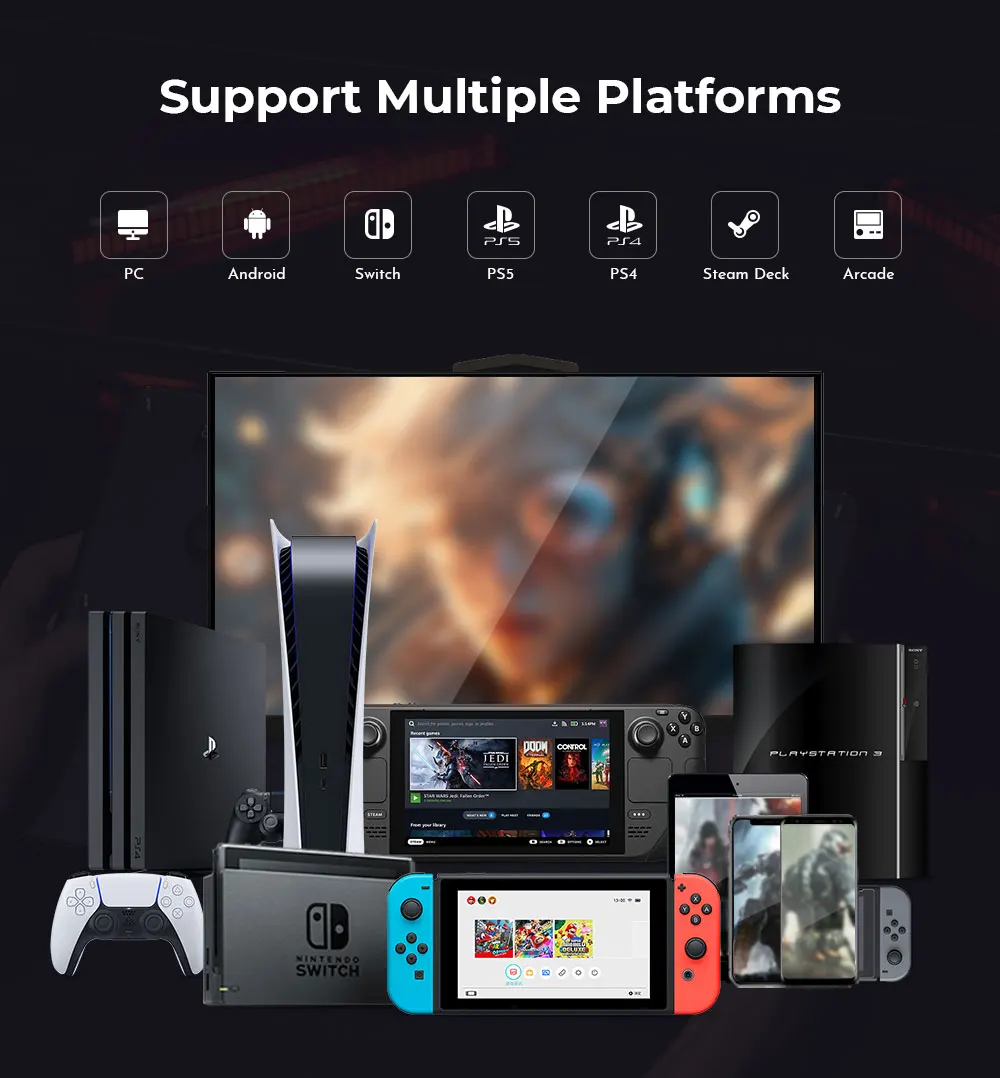
Supported Platforms : pc /ps3/ps4/switch/ Android/Steam
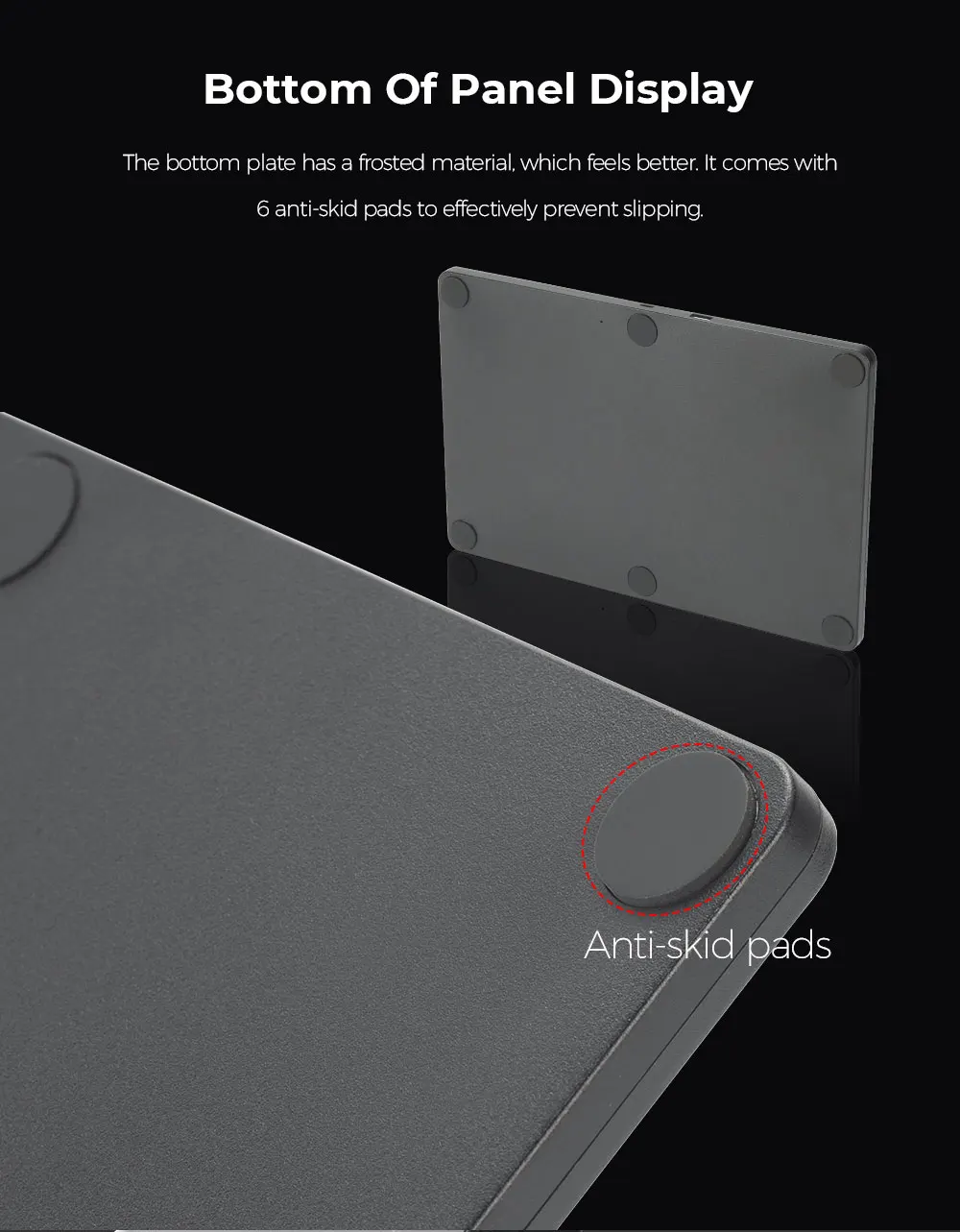
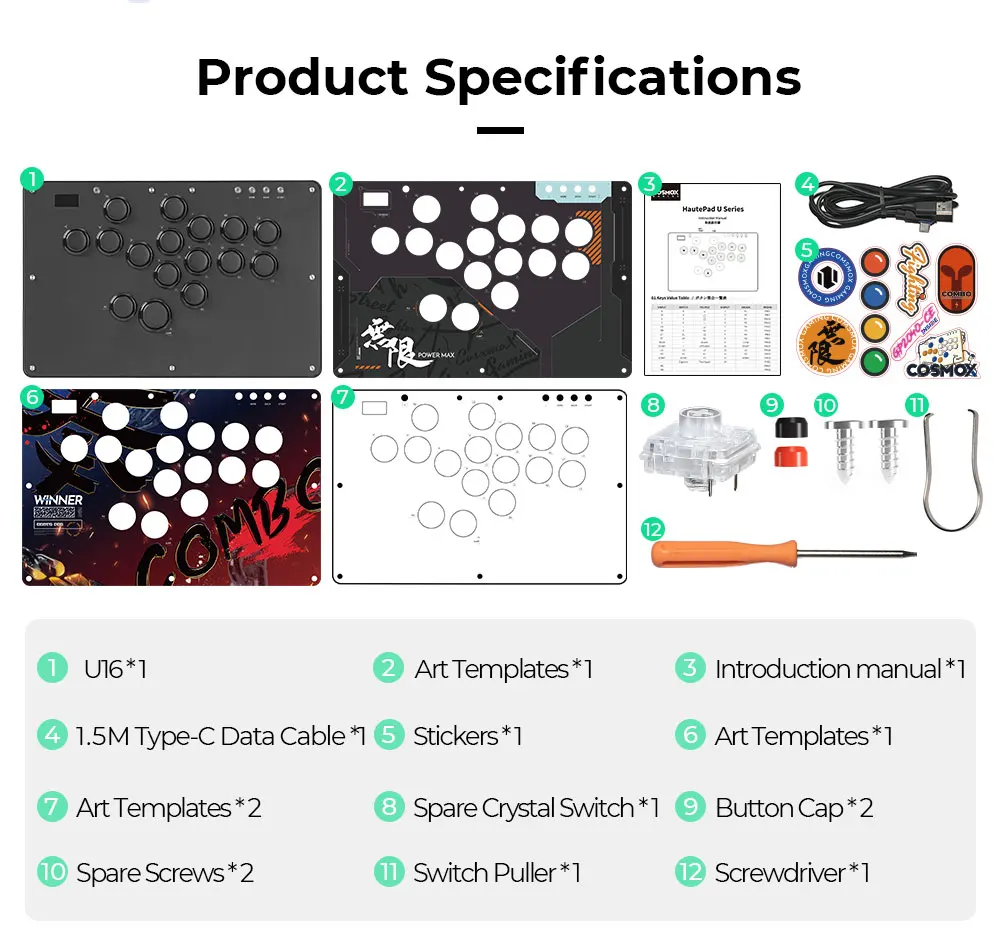
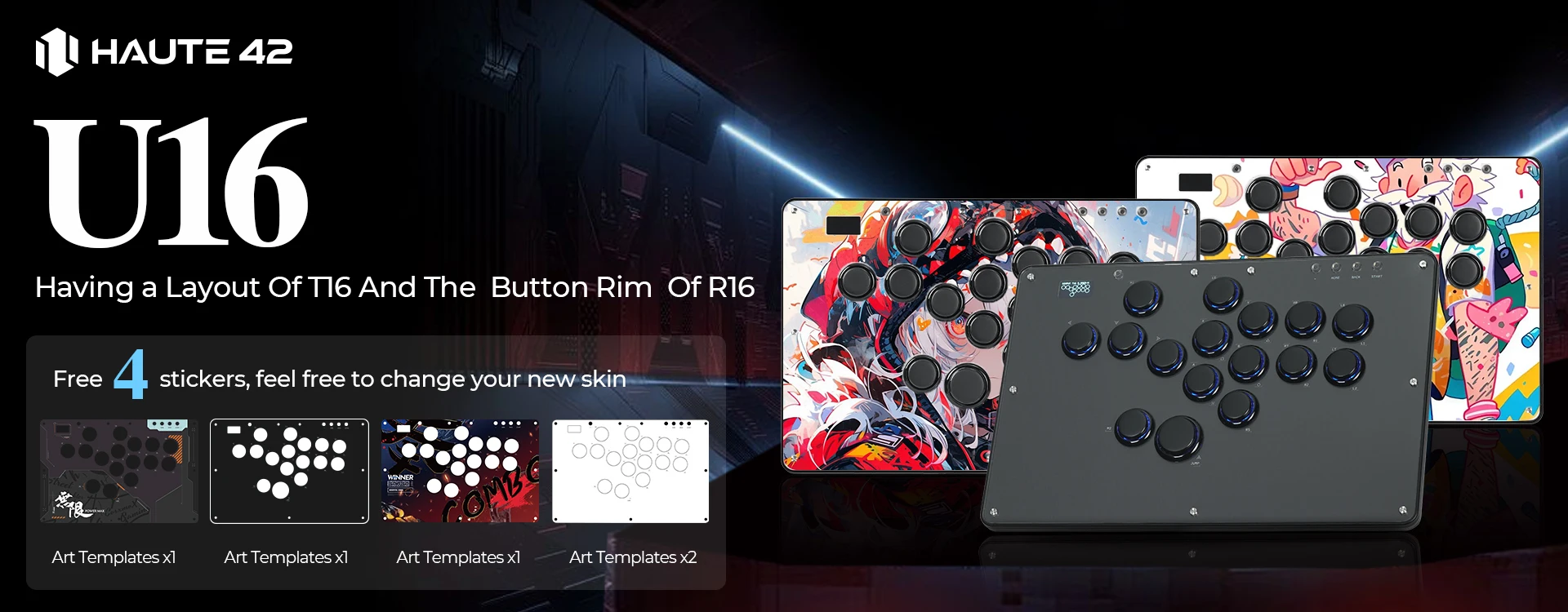
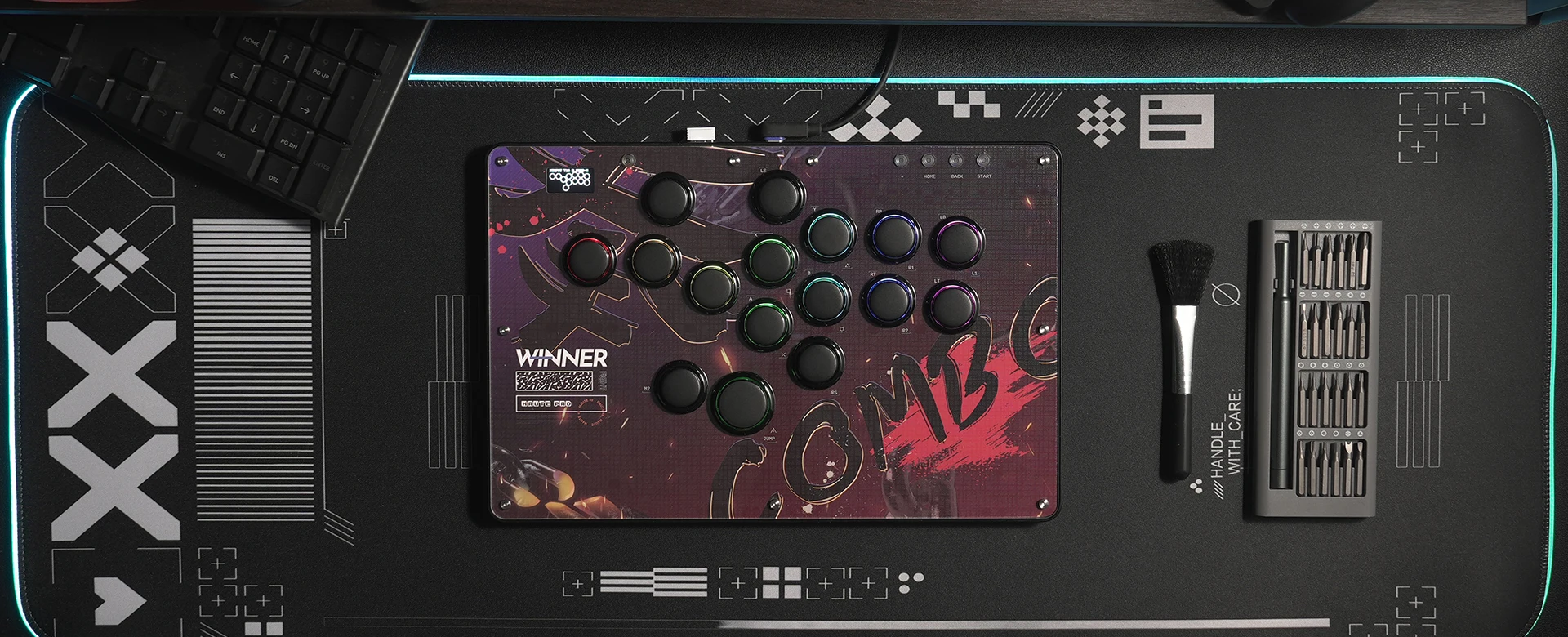
Product Specifications:1 *Keyboard,1 *Data Cable Type-C,1 *Keycap Puller,6 *Anti Slip Pads,4 *art templates,1*Screwdriver ,1* backup switch
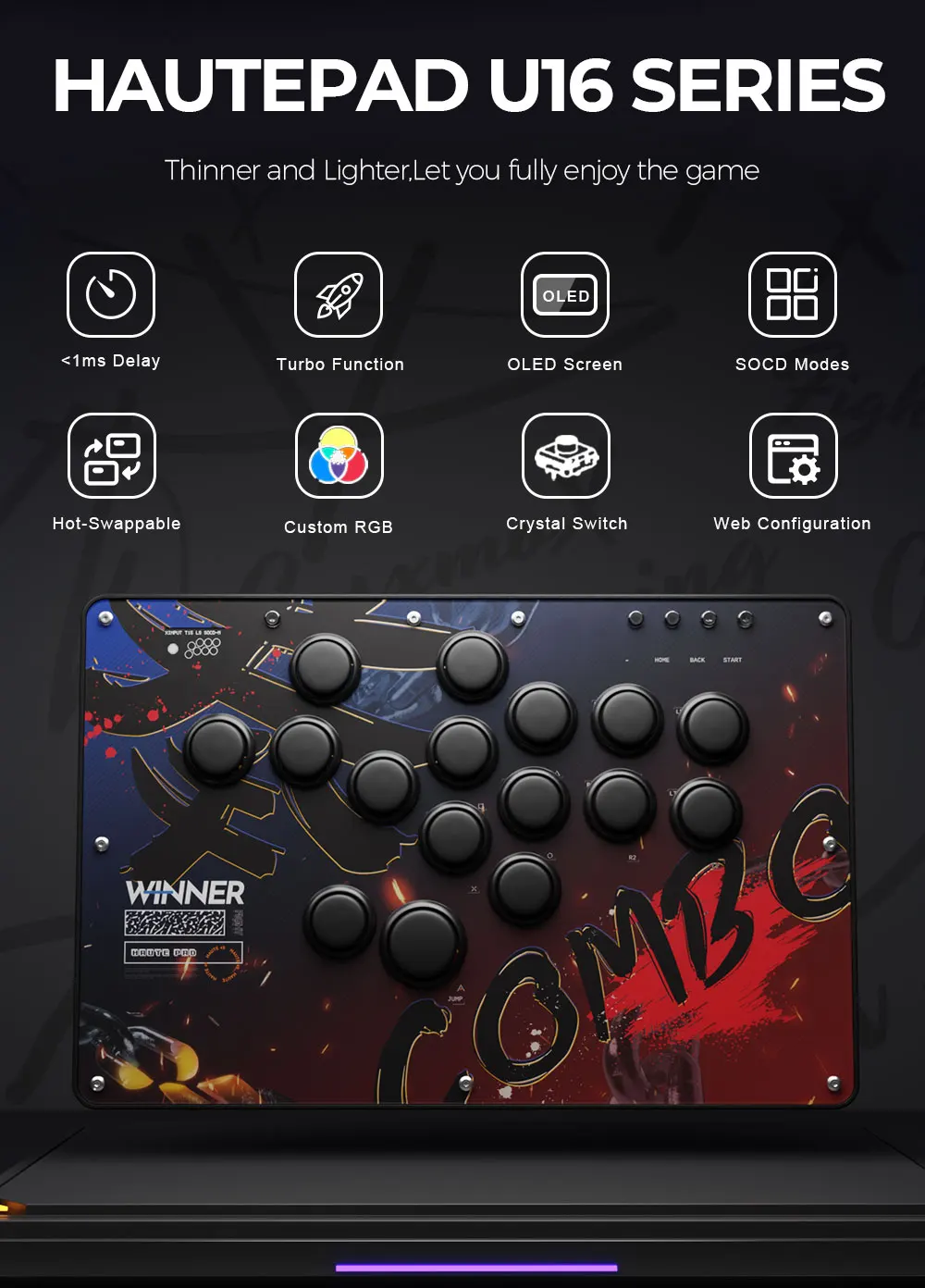
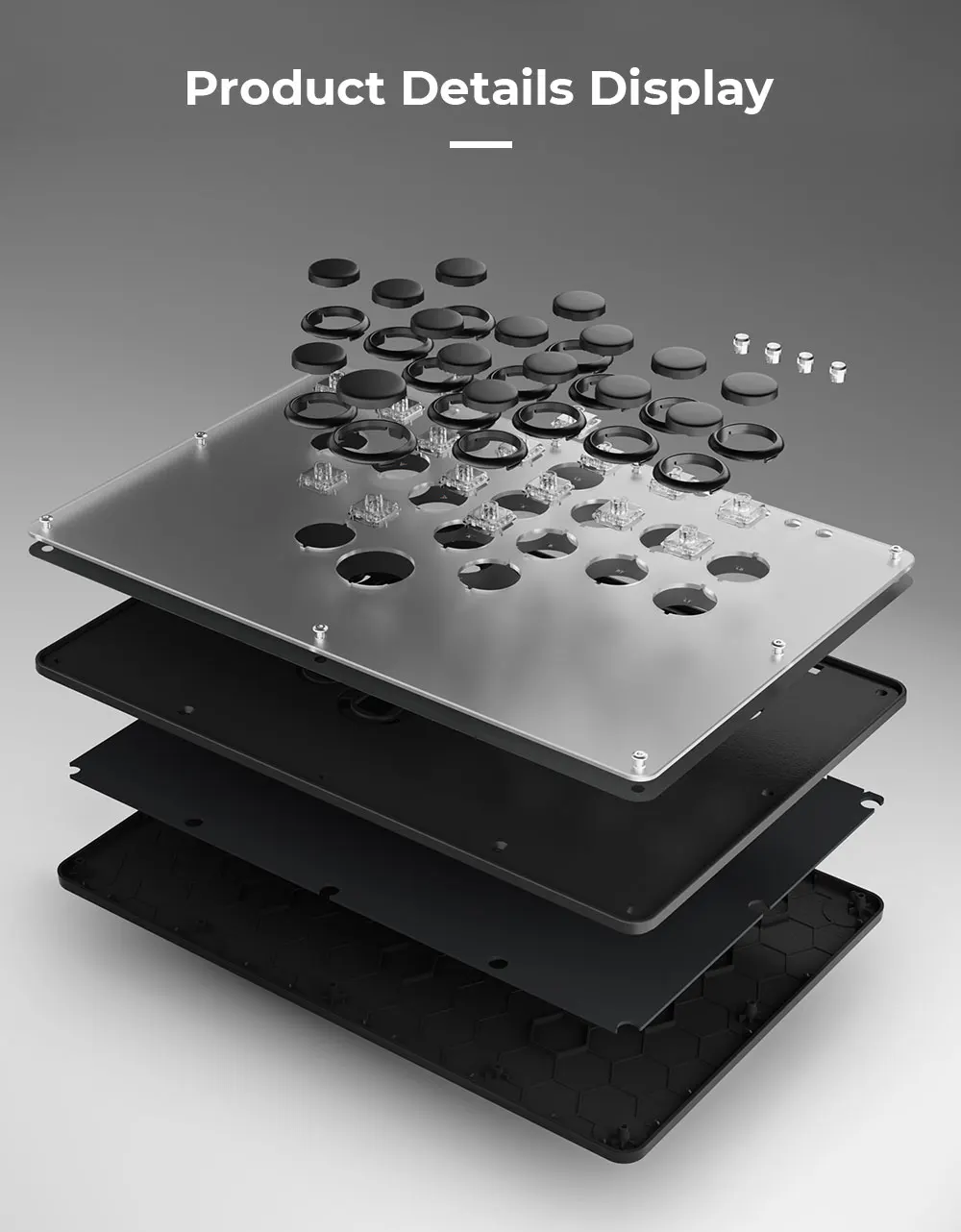
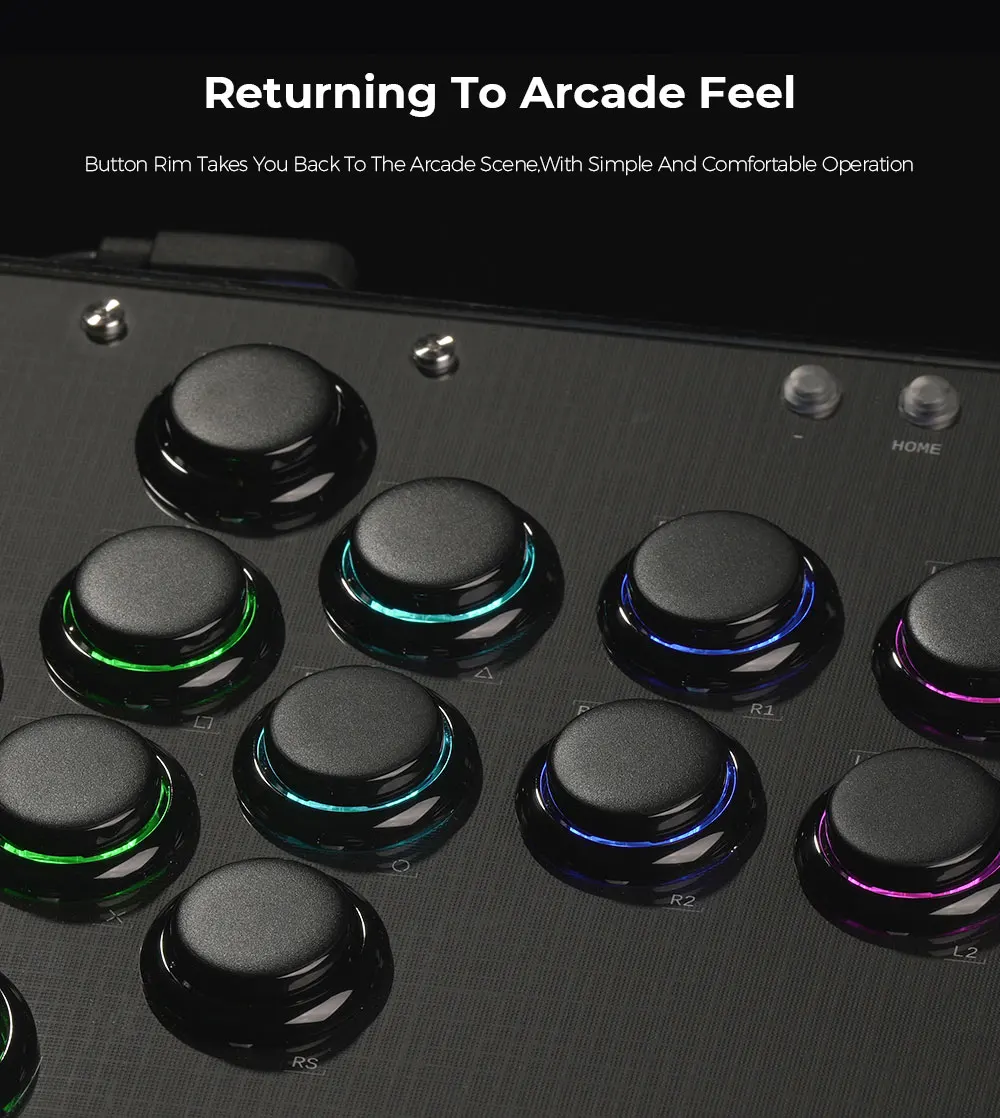
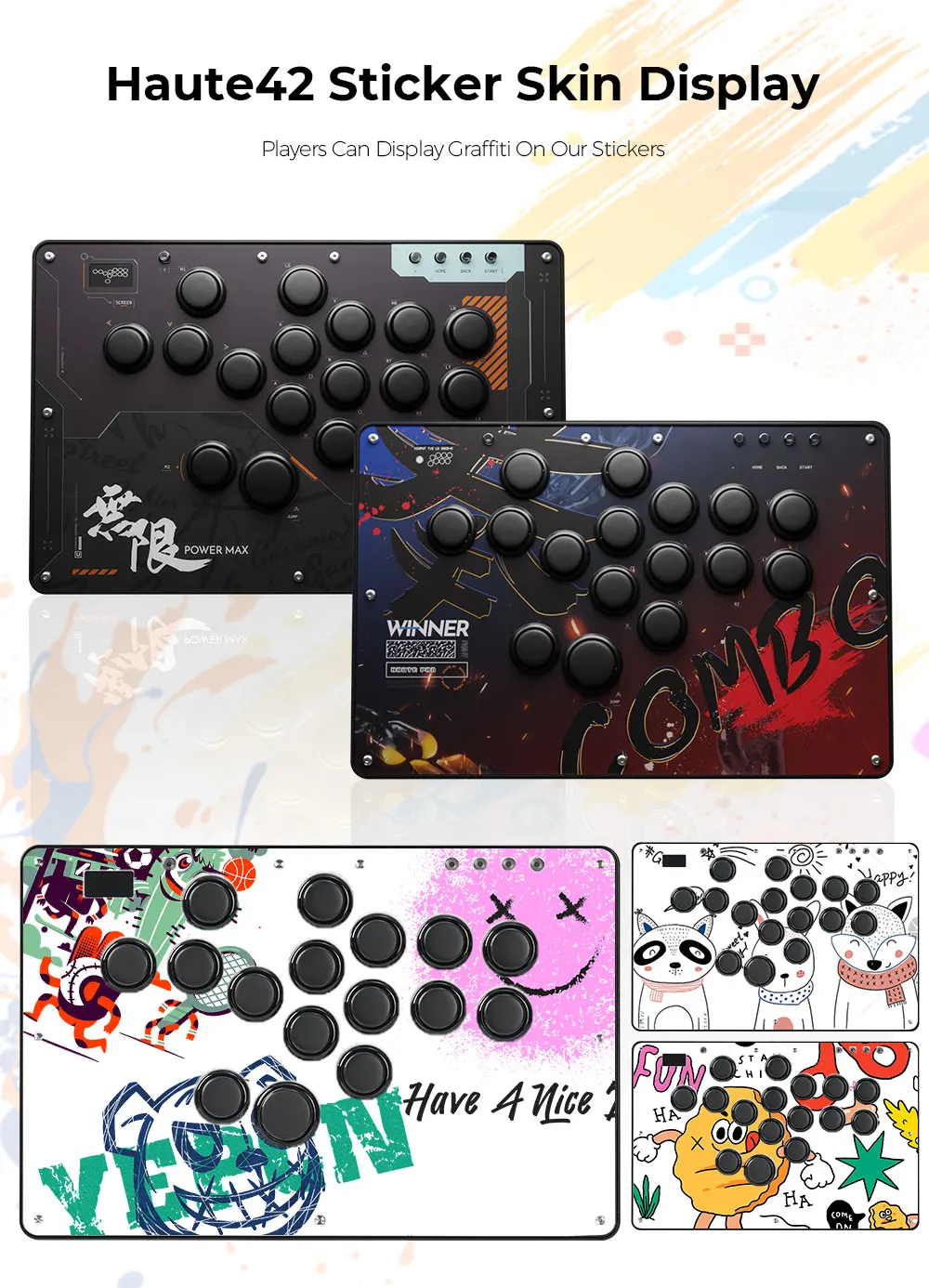
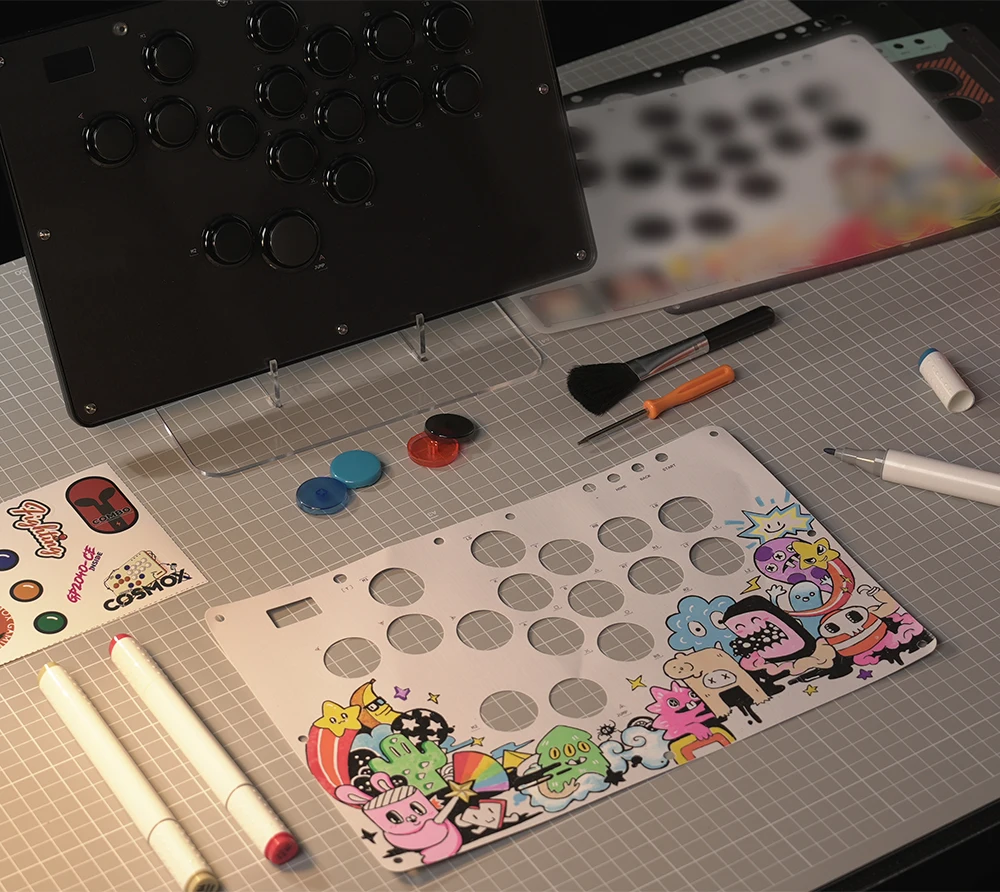
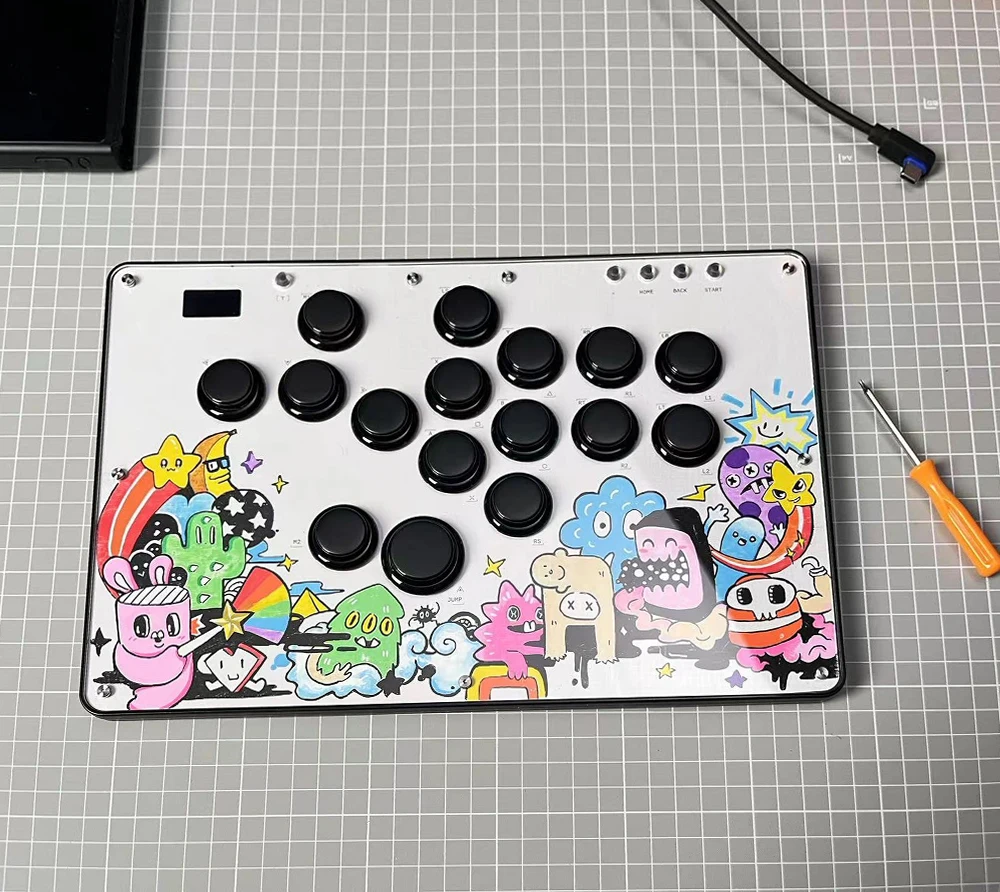
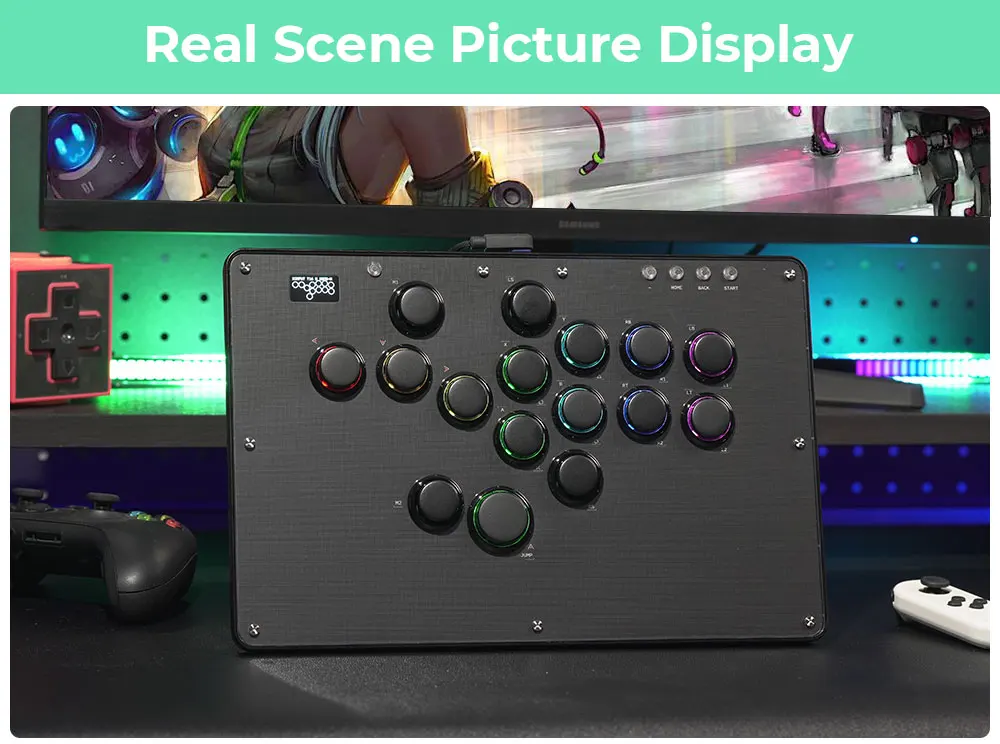
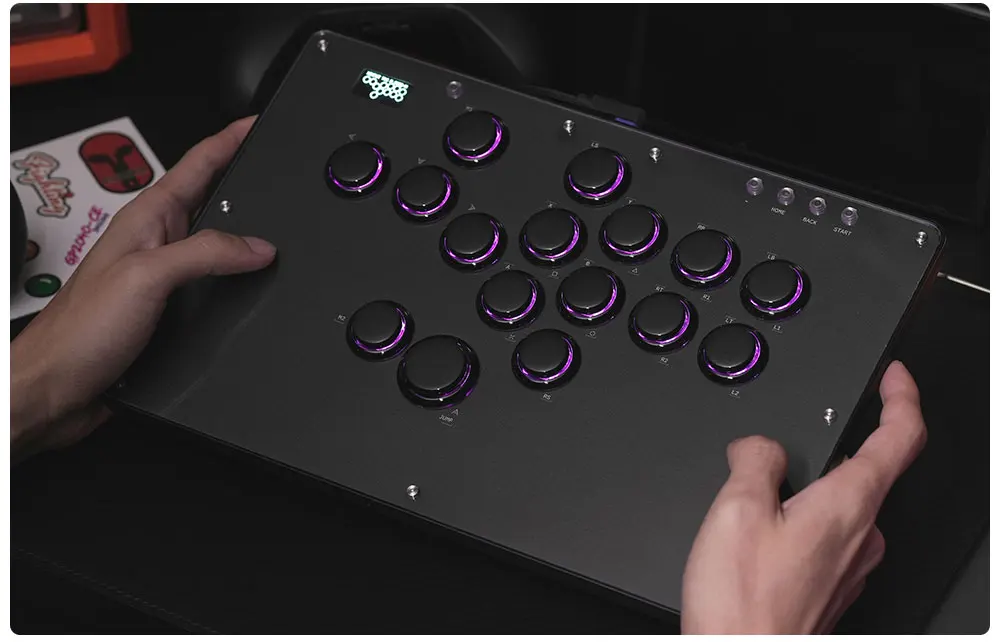
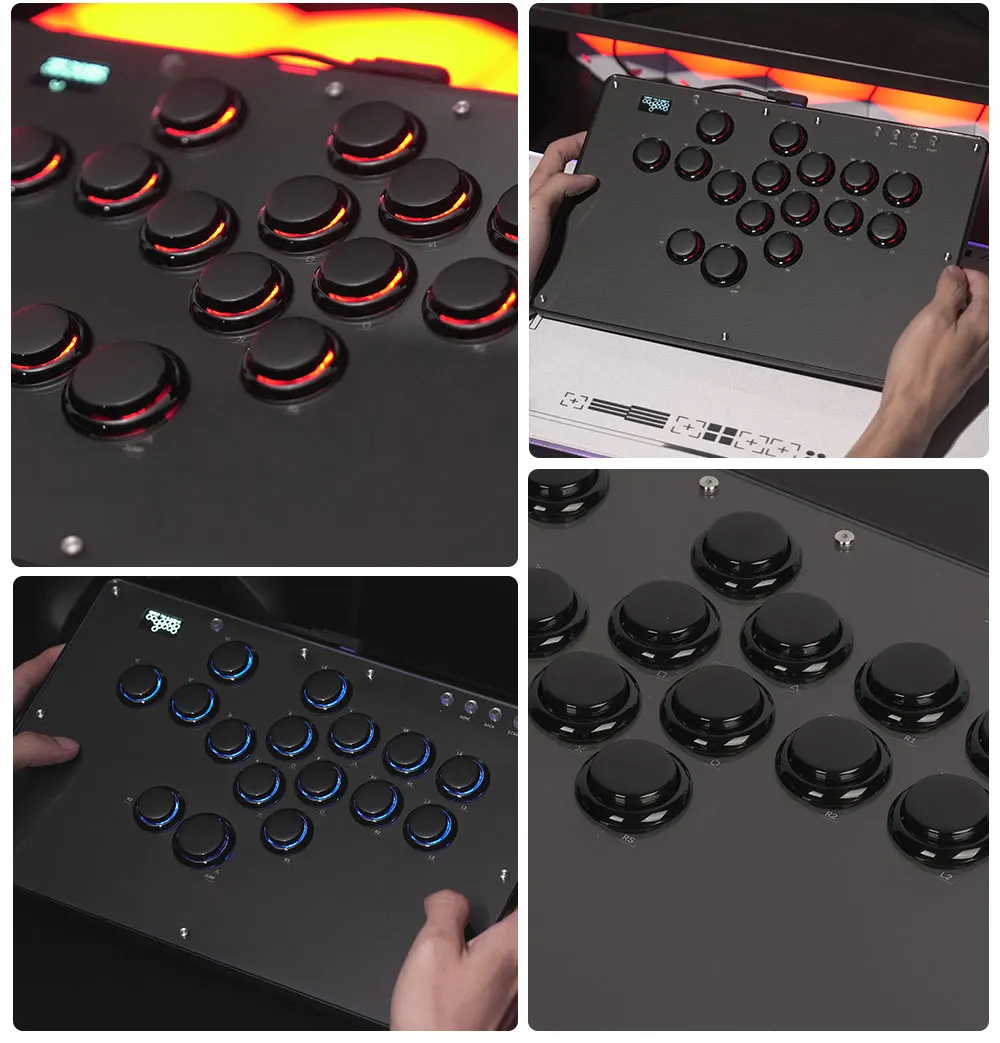
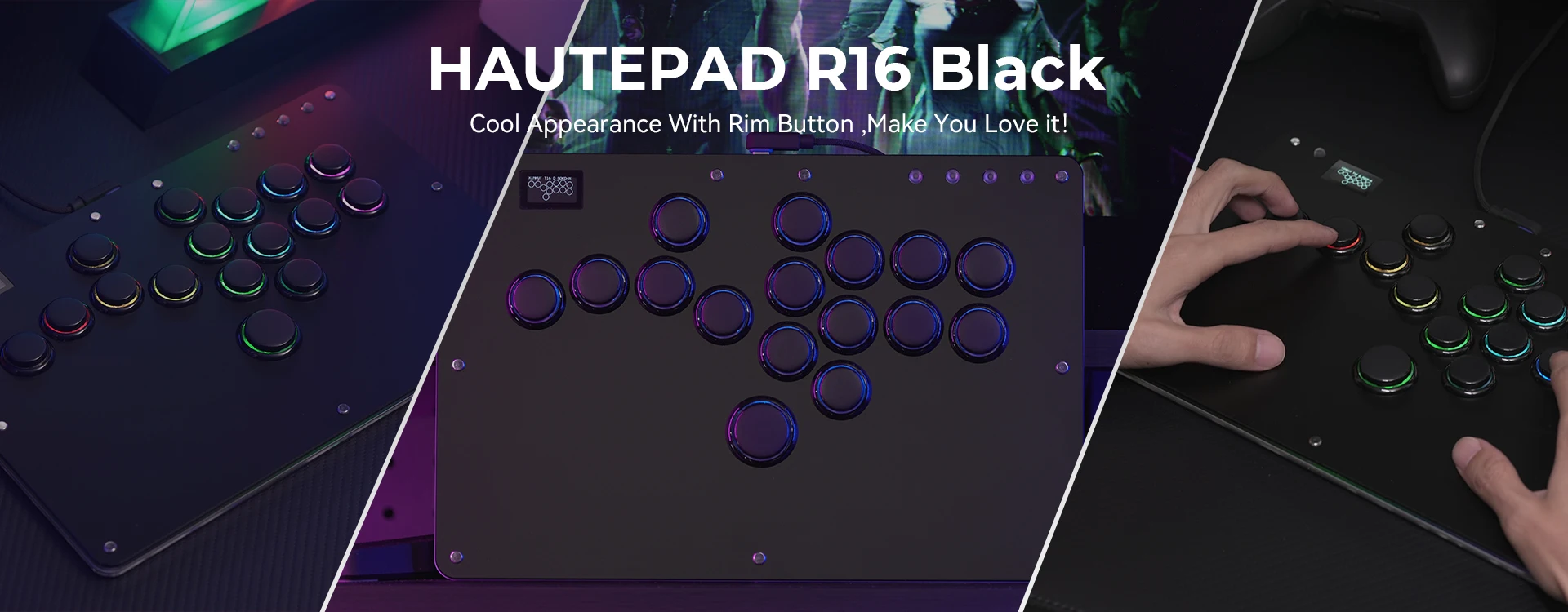
U16 adopts PC material, which is lighter and thinner. The controller has a button Rim with a retro arcade feel and RGB lighting effects. This time, our product has 4 DIY panel papers, and players can graffiti on our blank panels to create their own hitbox controller!
01 Compatibility
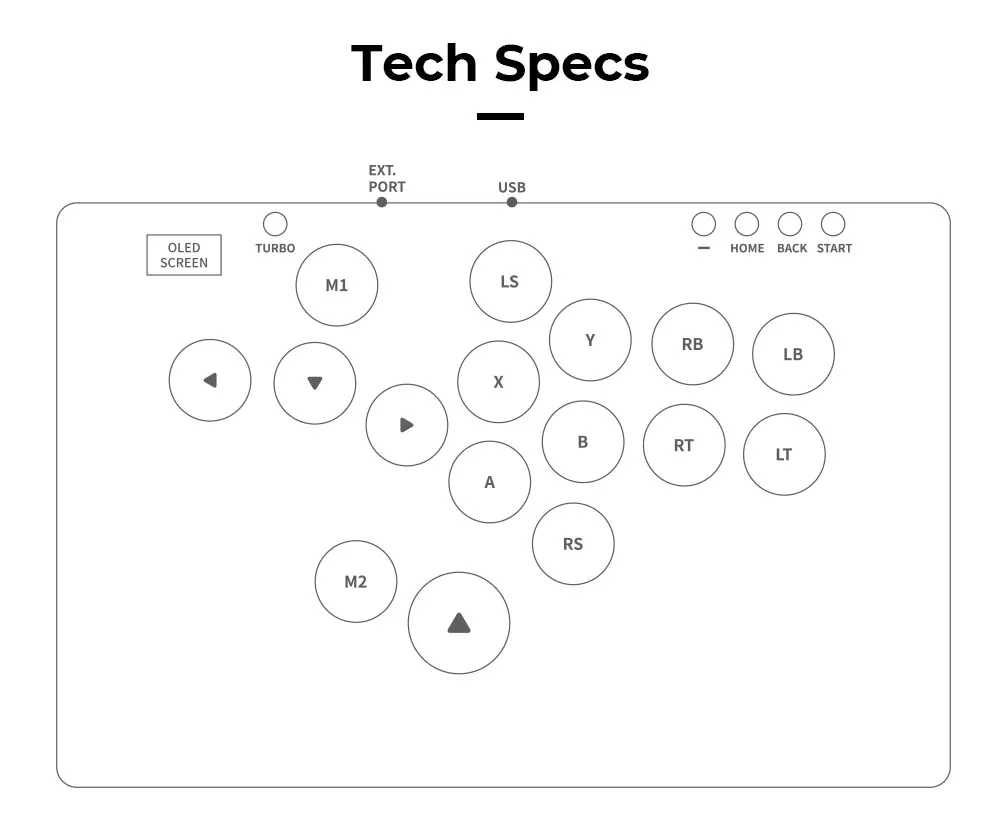
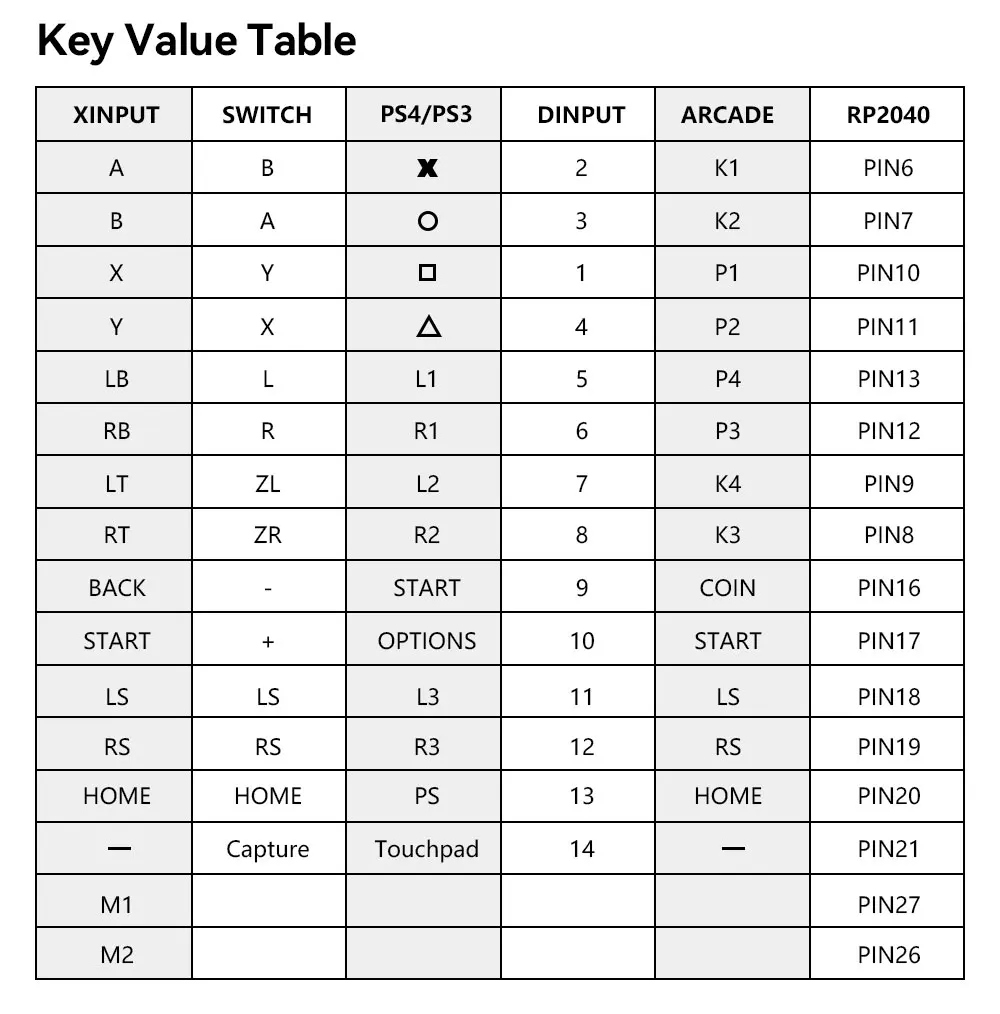
B — Xinput mode (Windows/Steam)
A — SWITCH mode
X — PS3 / Dinput mode (Raspberry Pi / Android)
Y — PS4 mode (Compatible with PS4 games on PS5 console)
RT — KEYBOARD mode
Input Mode
To change the input mode, hold one of the buttons(as shown above) as the controller is plugged in.
Tips:
This product defaults to Xinput mode,Input mode is saved across power cycles.
If there are games that do not compatible the above input modes , you can enter the Web Configurator to modify them for normal use.
Web Configurator
This product contains a built-in web-based configuration application which can be started up by holding START when plugging your controller into a PC. Then access http://192.168.7.1 in a web browser to begin configuration.
TURBO
Hold TURBO,then press the button which you need to be set for turbo function,then this button will be continuous sending while you press it,to cancel this turbo key,just repeat the privious step.
The turbo key that set will be cleard when power off.
These keys can be set as a Turbo key: A / B / X / Y / LB / RB / LT / RT
04 RGB LED Setting
●BACK + START + X Next Animation
●BACK + START + A Previous Animation
●BACK + START + Y Brightness Up
●BACK + START + B Brightness Down
●BACK + START + RB LED Parameter Up
●BACK + START + RT LED Parameter Down
●BACK + START + LB Pressed Parameter Up
●BACK + START + LT Pressed Parameter Down