

MACHENIKE G5Pro Max SE Wireless Gamepad, Hall Effect, Dock


MACHENIKE G5Pro Max SE Wireless Gamepad, Hall Effect, Dock
- Free worldwide shipping
- Pre-ship QC
- Tracked delivery
- Arrives Nov 4 – Nov 13
- Import duties included
Defective, damaged or wrong item? Free replacement or refund — just send us a short video. Details
Simply amazing control, I recommend it. The box arrived in perfect condition, I even made a video and uploaded it on YouTube😅
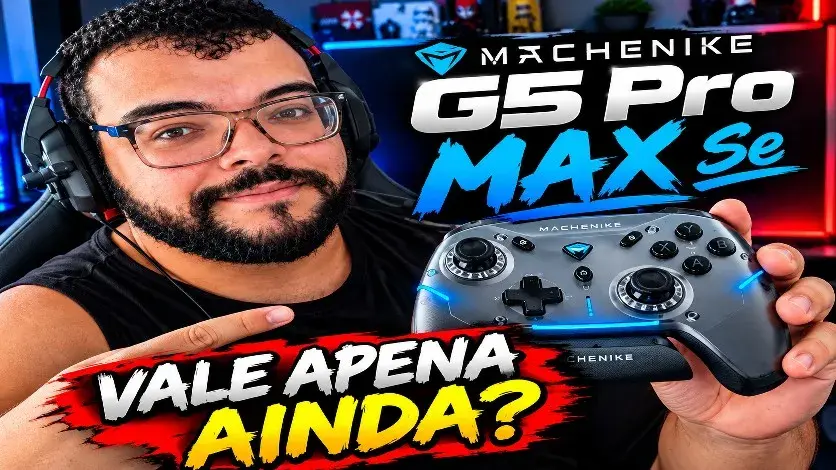
Very good controller, great value for money, fast delivery for the price, highly recommended, top-notch 😀 it arrived perfectly packaged and on time.
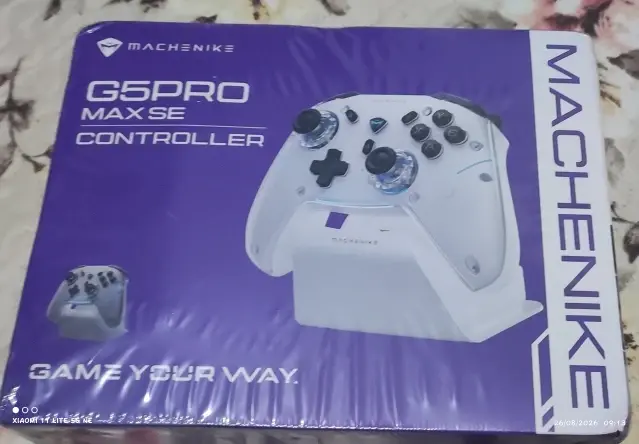
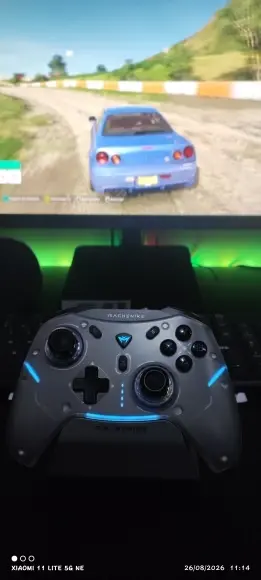
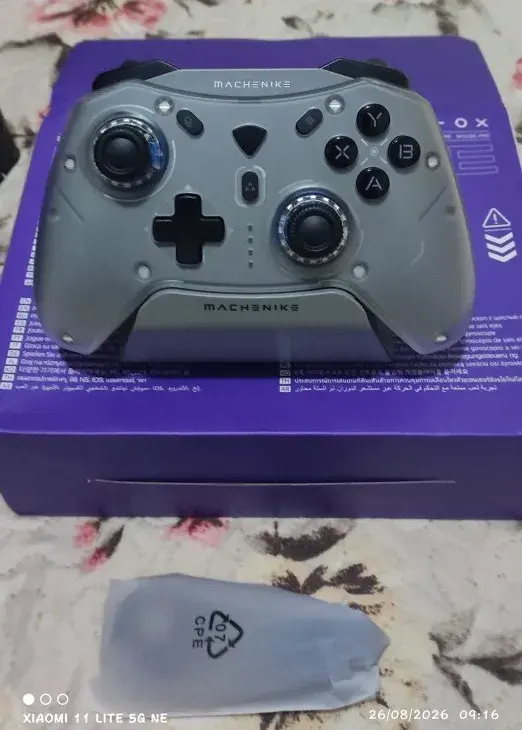
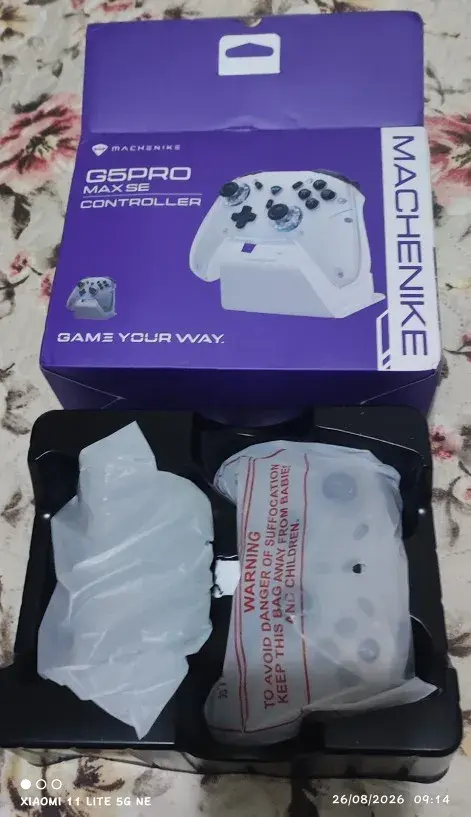
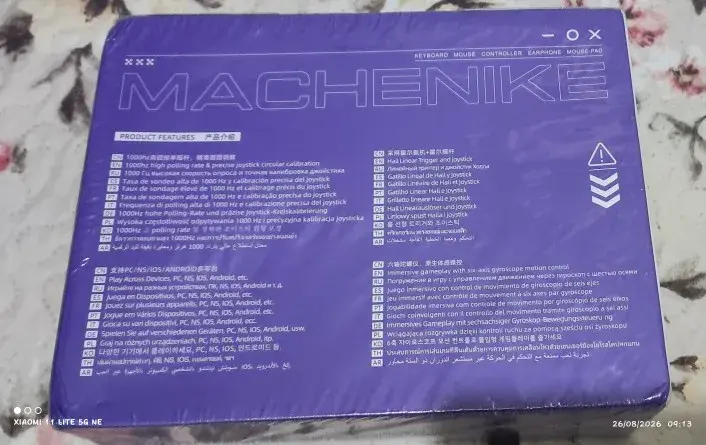
Good control, solid construction, quite strong vibration, and the only strange thing is that the XYBA buttons are not mechanical switches, but that's okay. The box came a bit dented, but the product inside was intact.
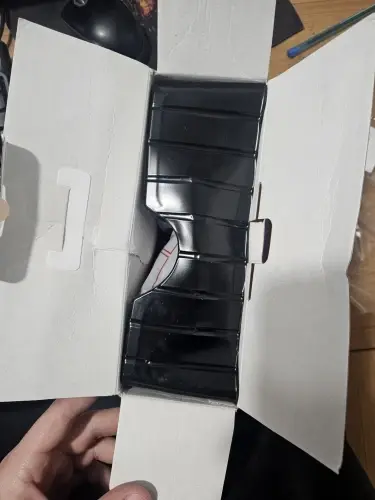
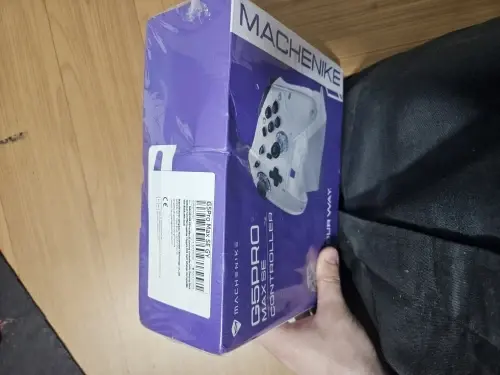
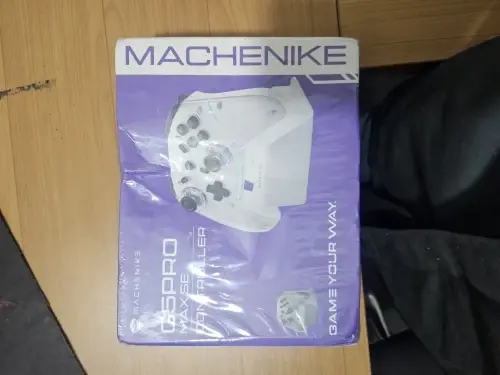
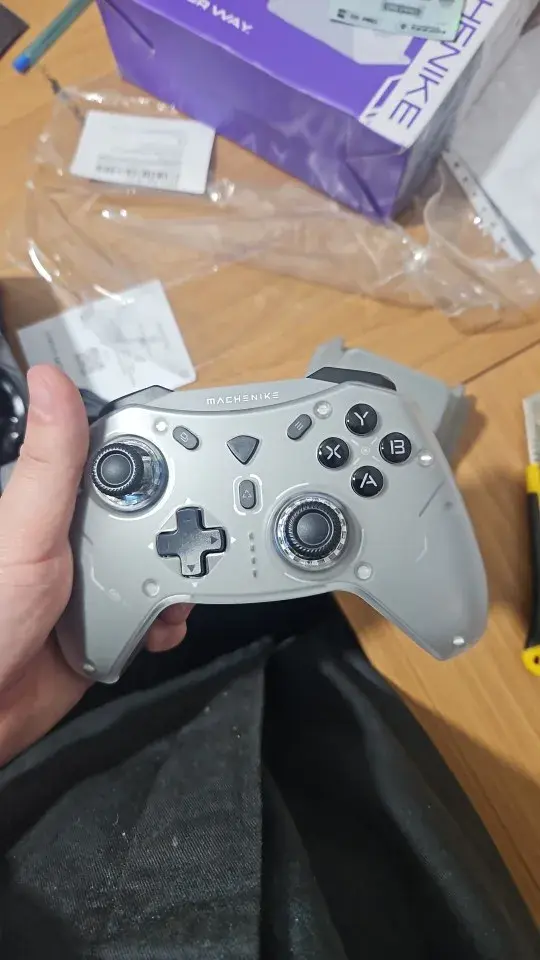
Everything perfect. I recommend it and will definitely repeat when I want a new one.
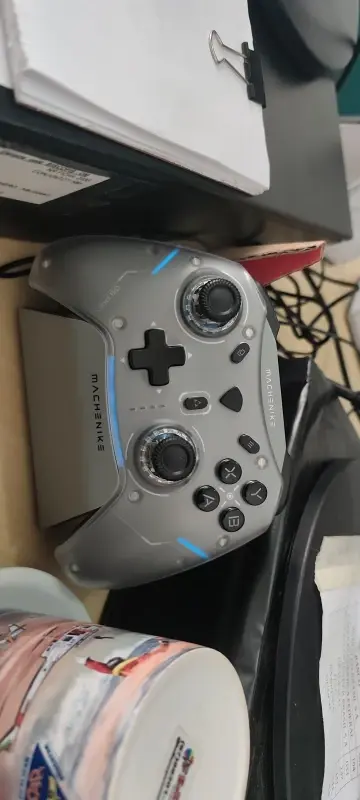
The quality is surprisingly good, both for competitive gaming and simulators, very versatile and fast.
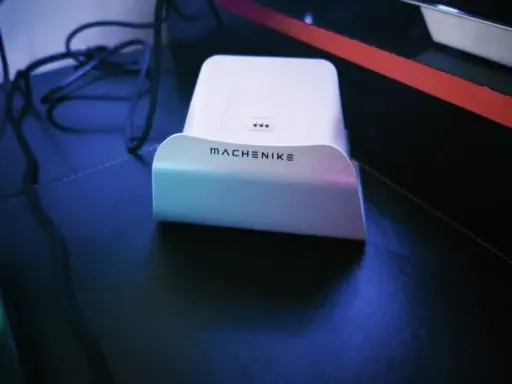
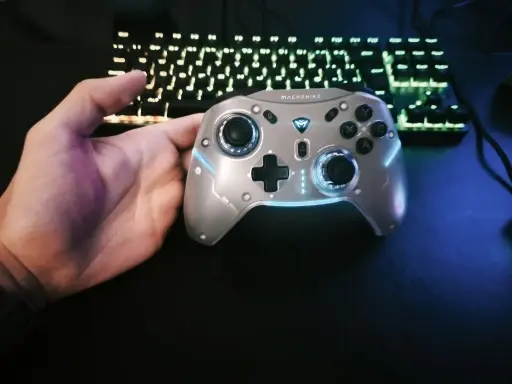
Buttons with a smooth click feel, comfortable grip for hours of gaming.
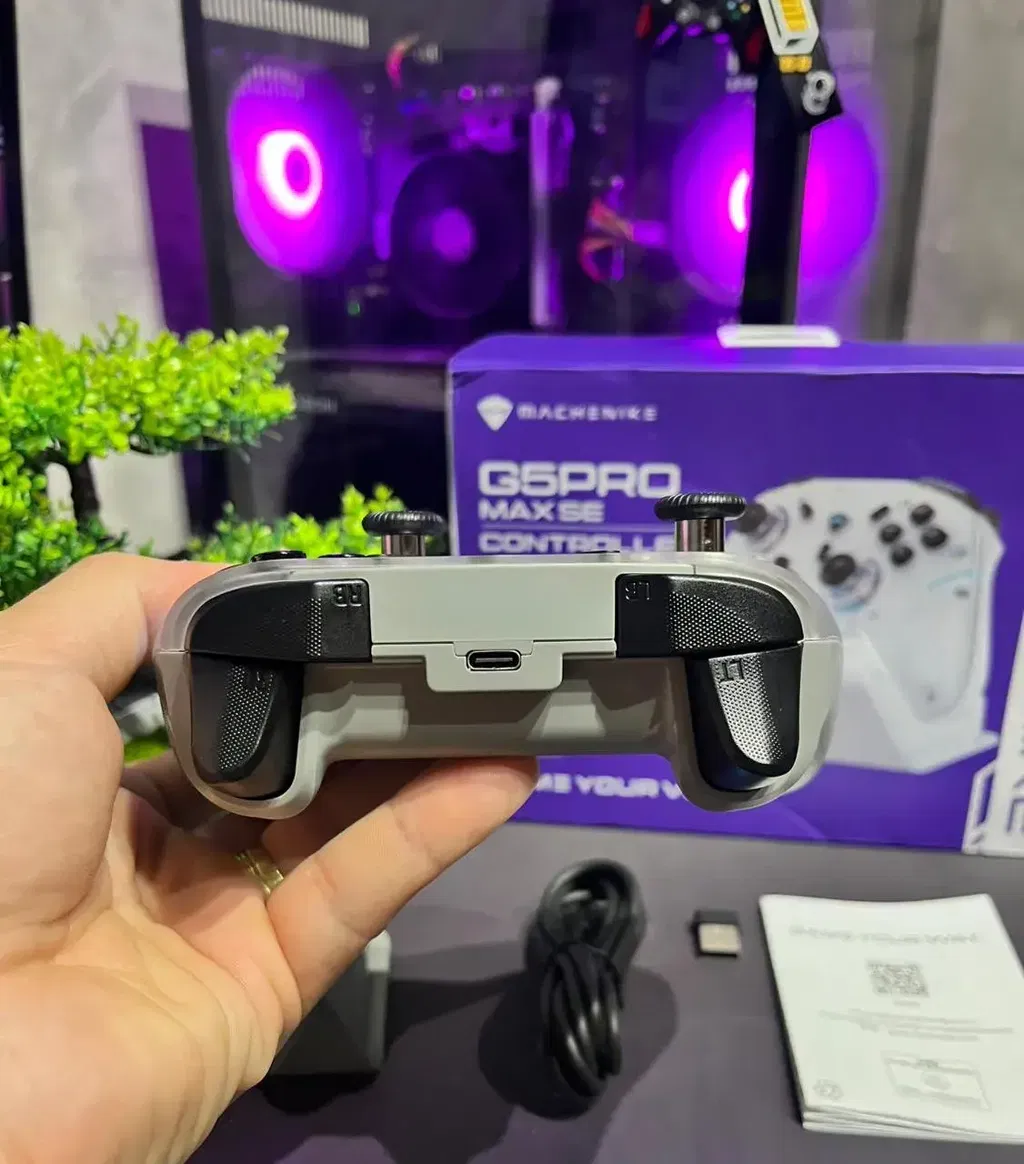
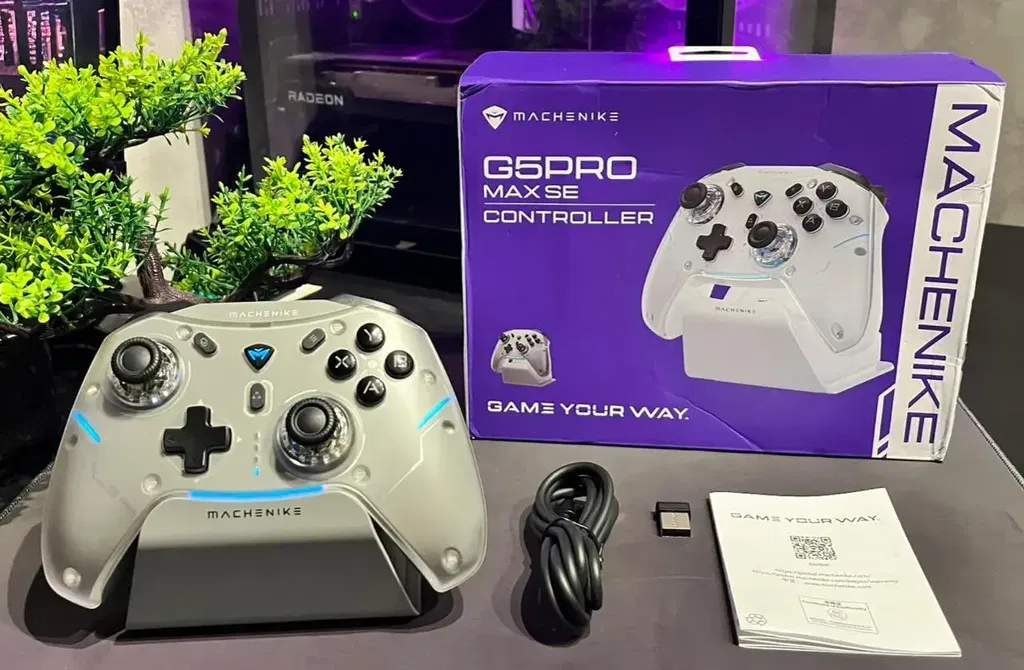
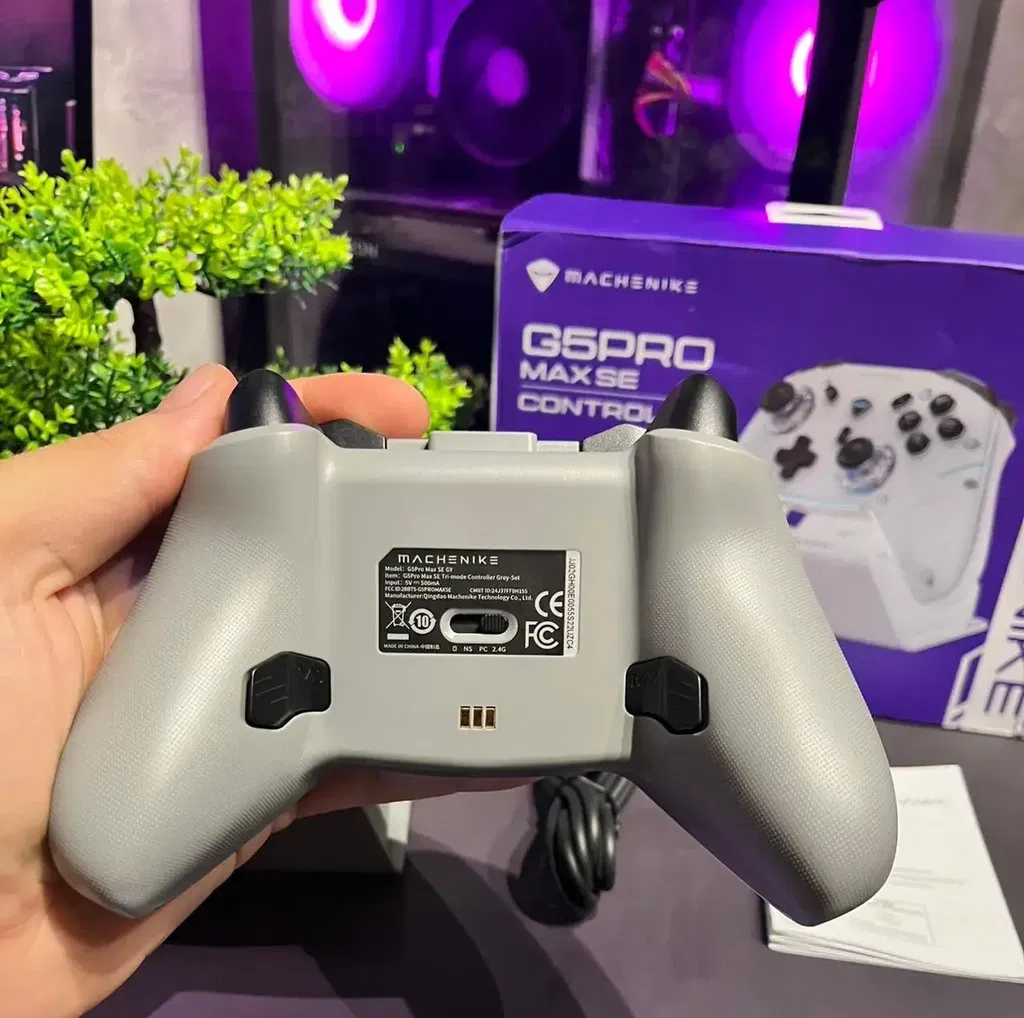
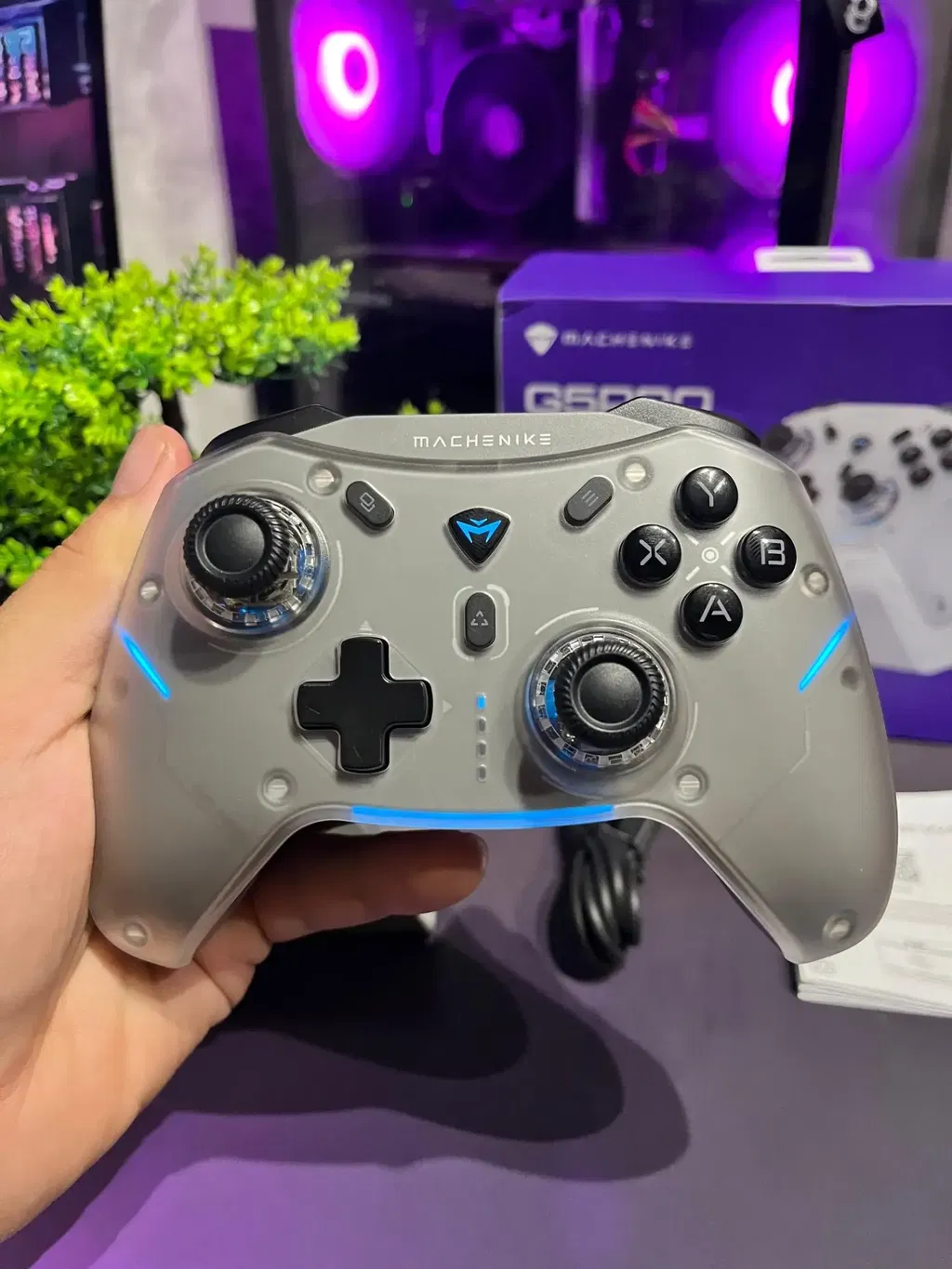
The controller works perfectly, but remember that it only supports 500Hz in wireless mode. To get the best performance, you need to use the wired mode, which allows it to run at 1000Hz without delay. This gamepad doesn't have a driver for PC, but you can configure it via the CLL app. The base it comes with charges the G5 Pro V2, and I admit I only bought it because the base is compatible with the V2.
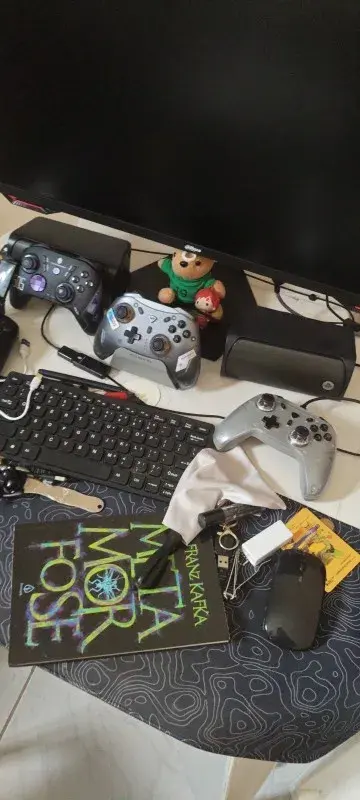
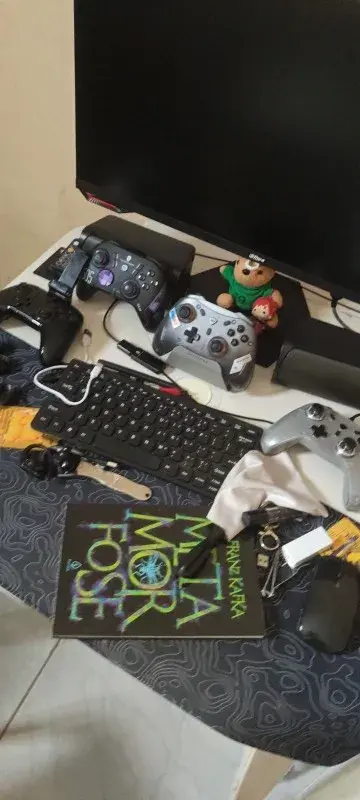
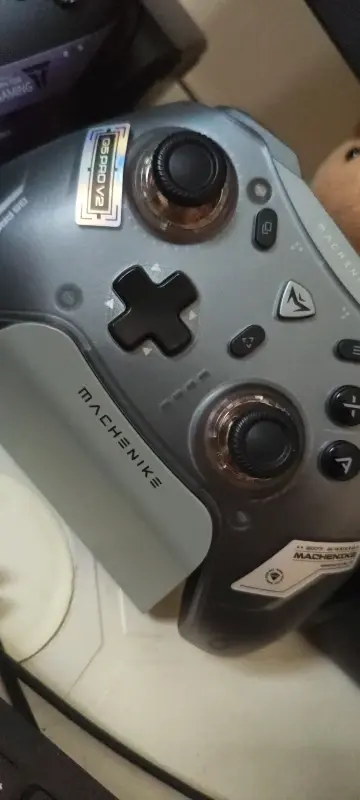
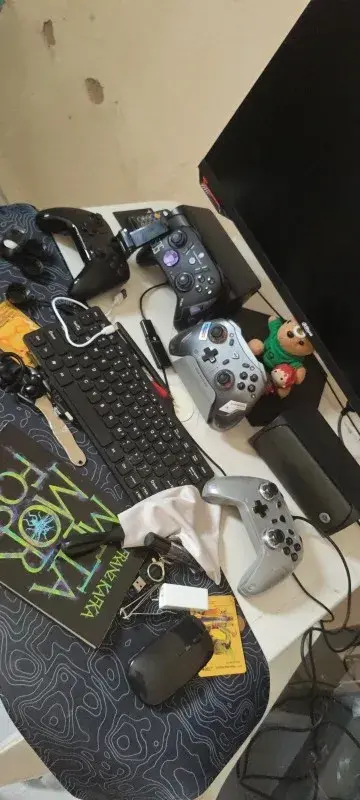
Good control, buttons that seem durable, very nice with the charging base, easy to set up.
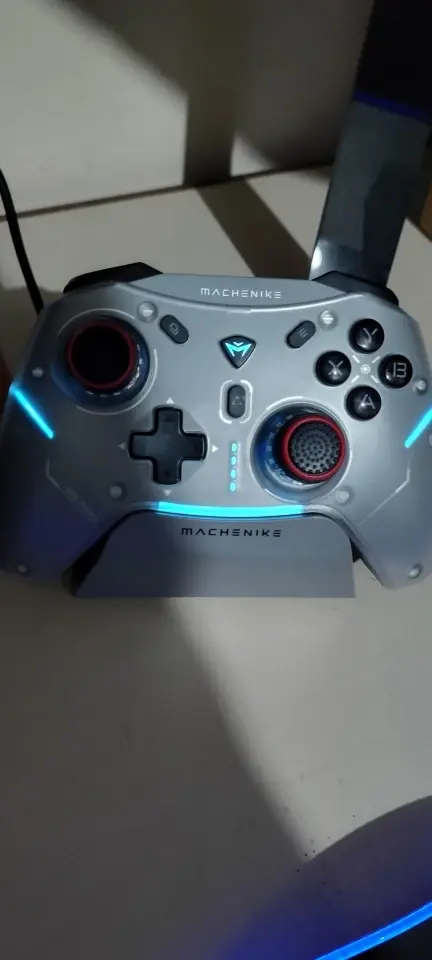
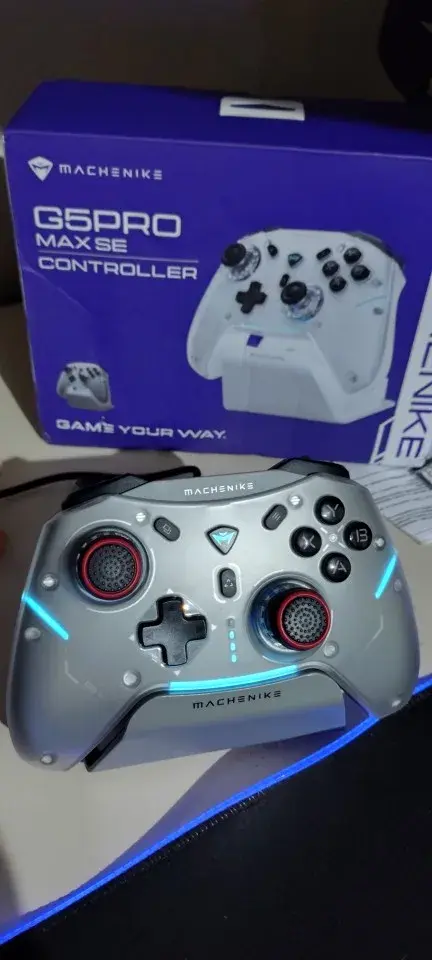
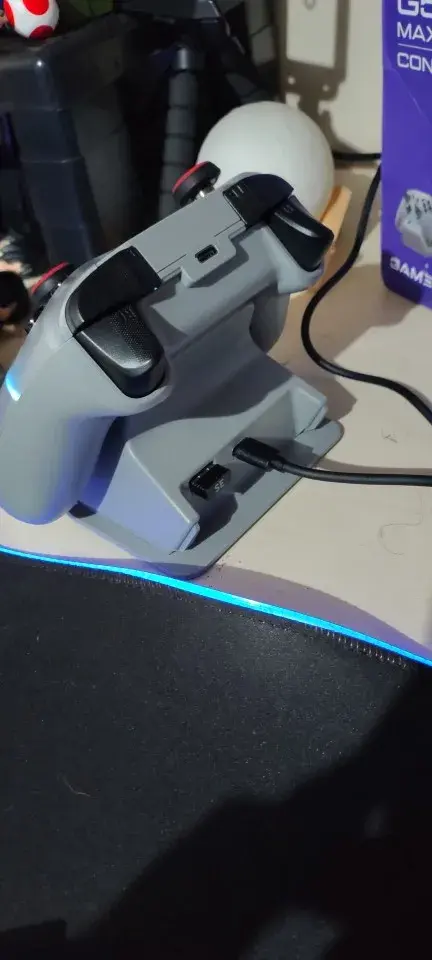
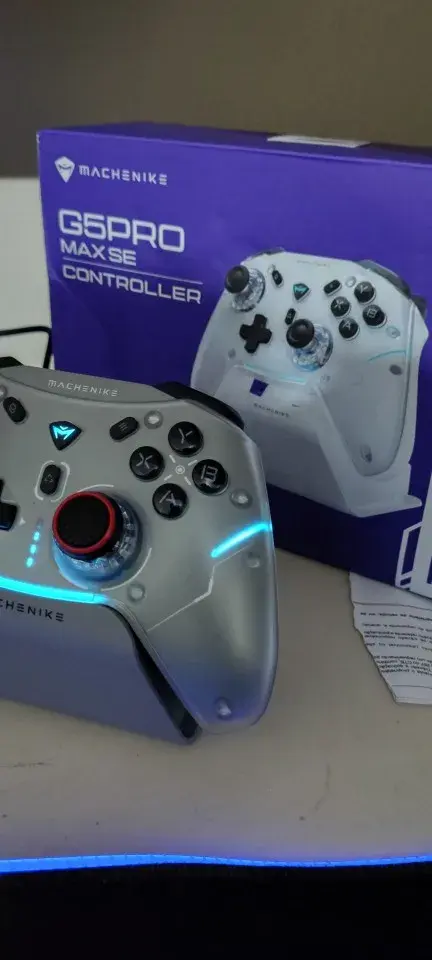
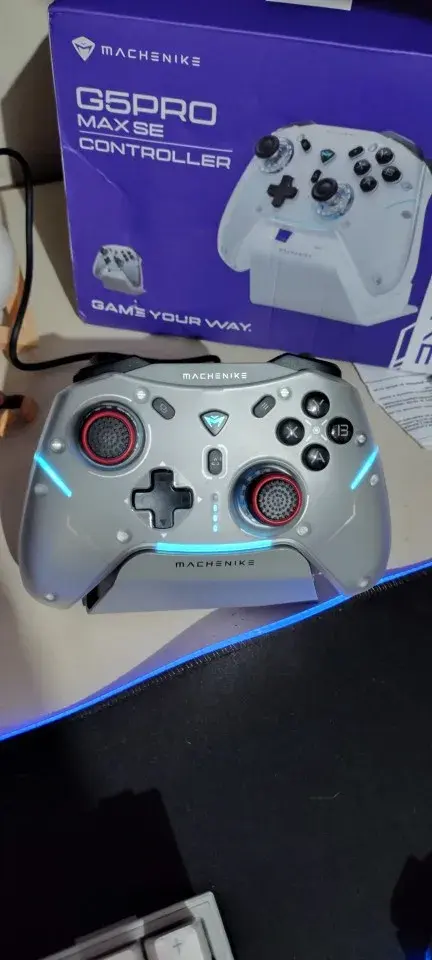
Simply better cost-performance ratio in my opinion, besides being beautiful and having an okay dock, its grip and buttons are quite good for gaming.
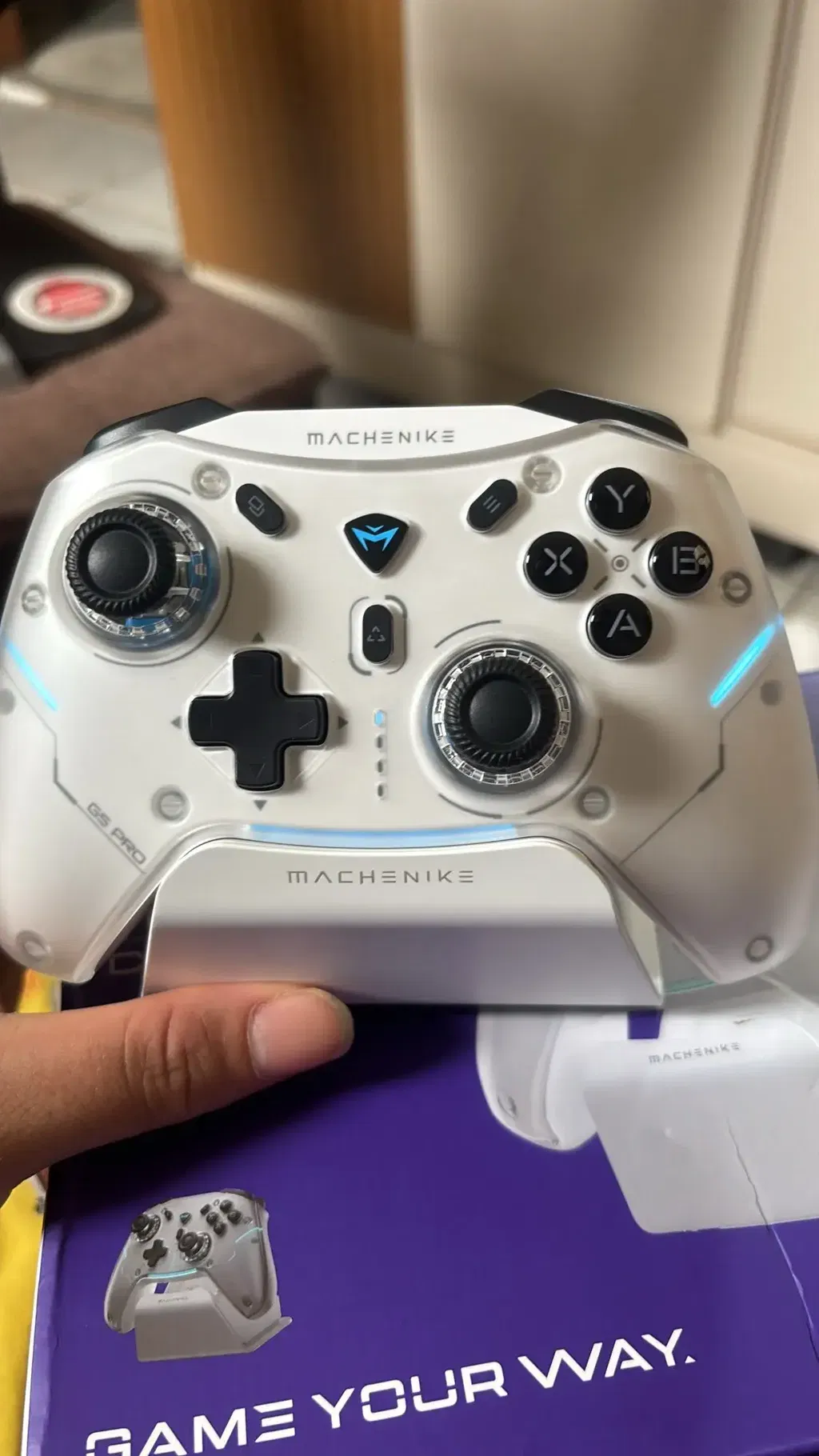
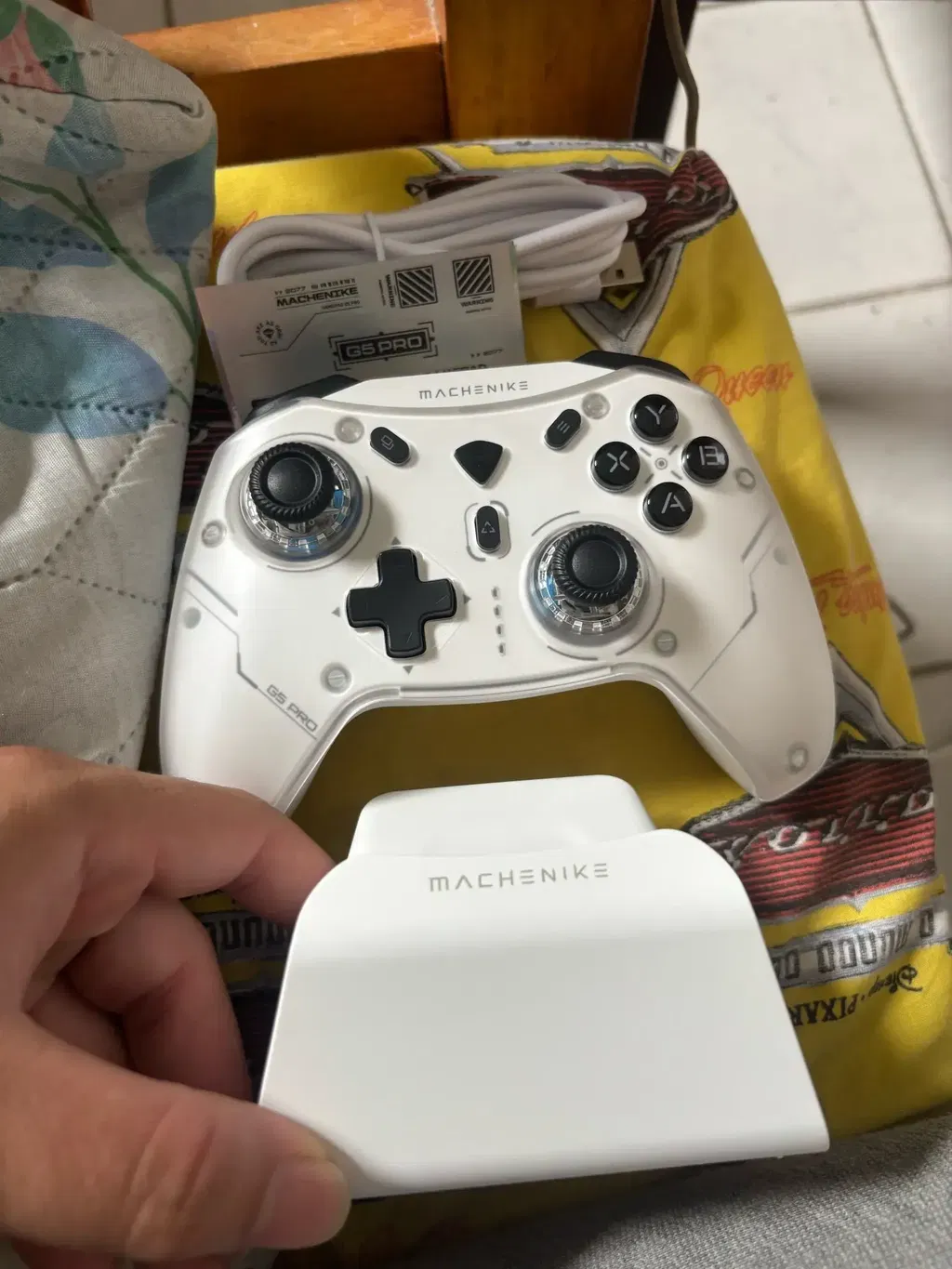
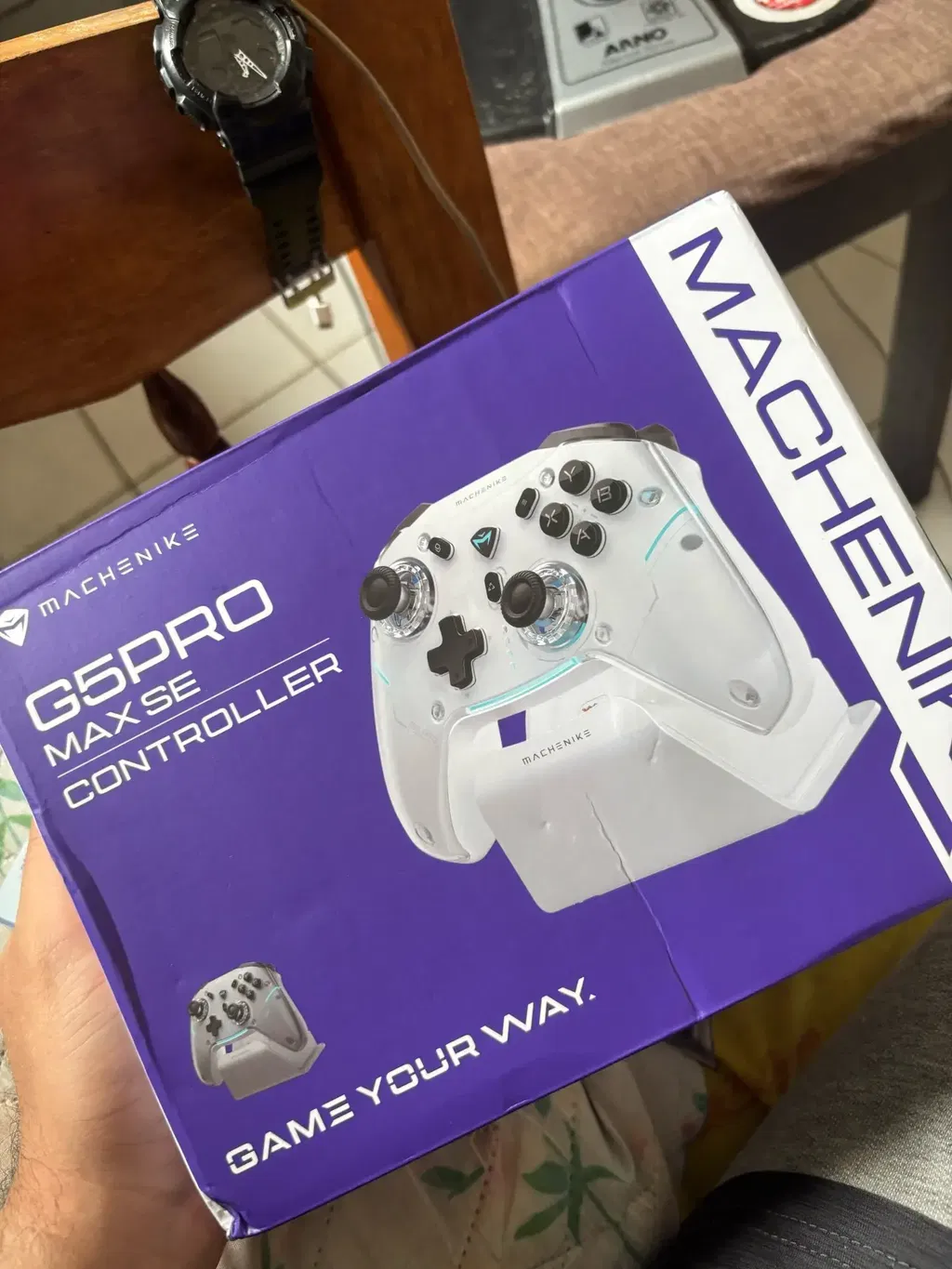
Excellent, although it's not RGB, it's worth the price.
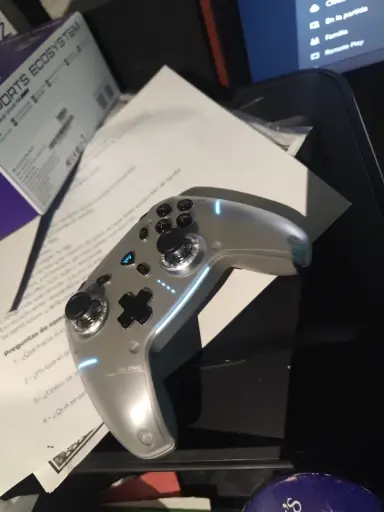
Excellent build quality, perfect finish and very beautiful design. Precise tactile feel, long-lasting battery life, and easy connection to PC. Without a doubt, a great value for money. Fast delivery.
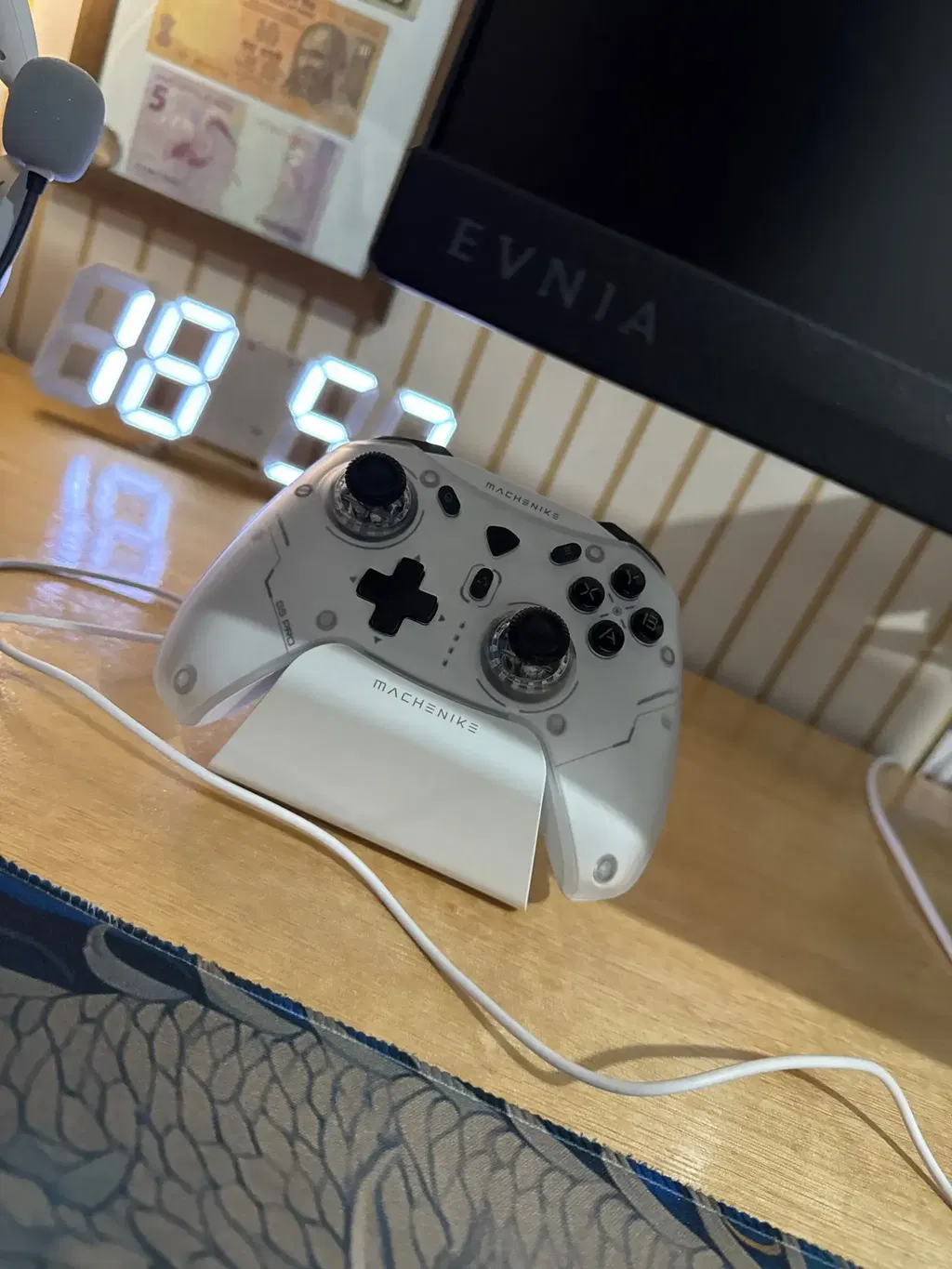
very good and comfortable
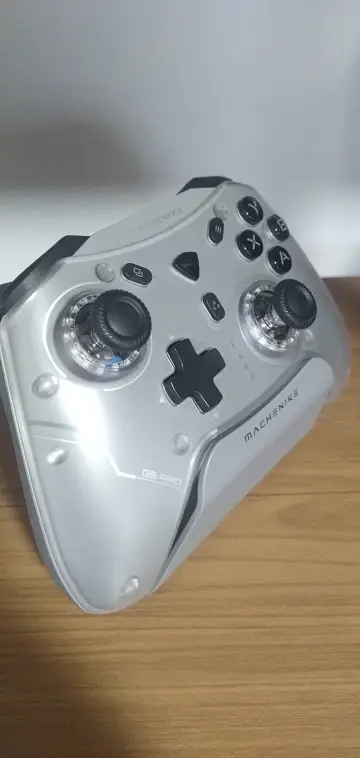
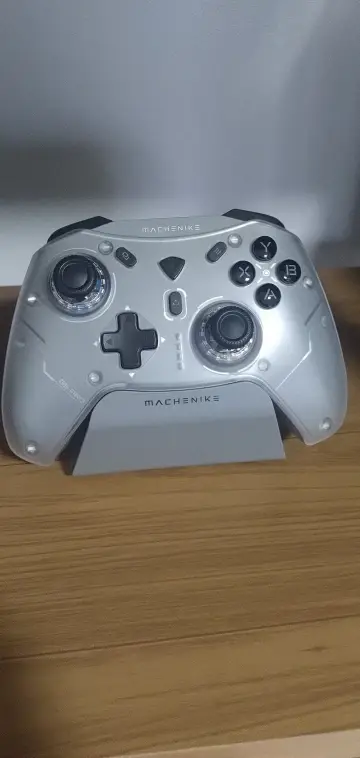
Excellent and good quality. I recommend it; the lighting is beautiful, but I couldn't find a program to control the RGB and customize the buttons. For you, it's very good; price versus performance is excellent 👌👌
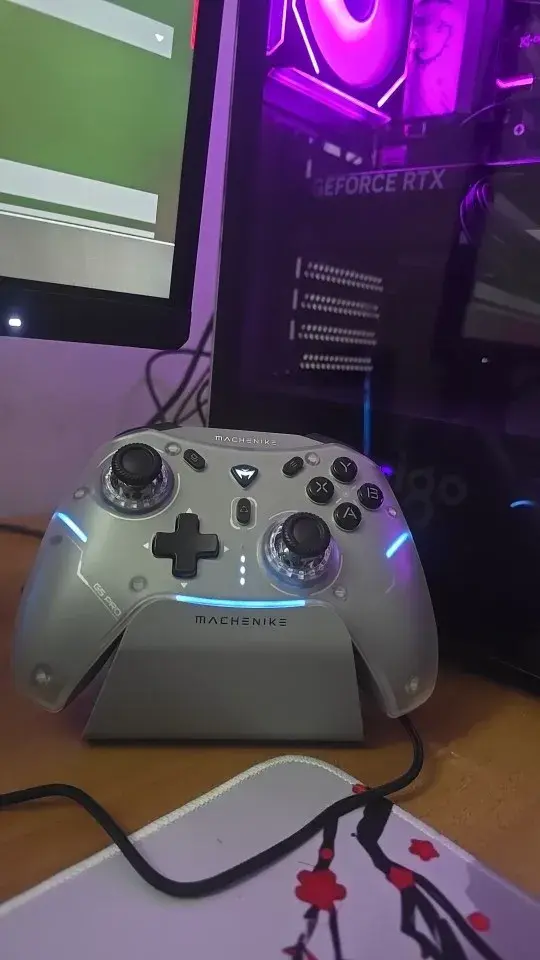
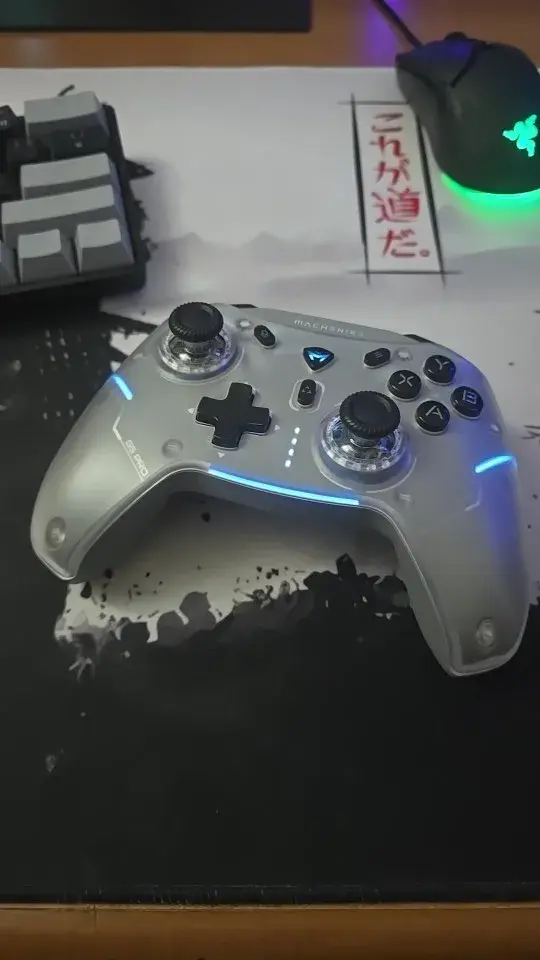
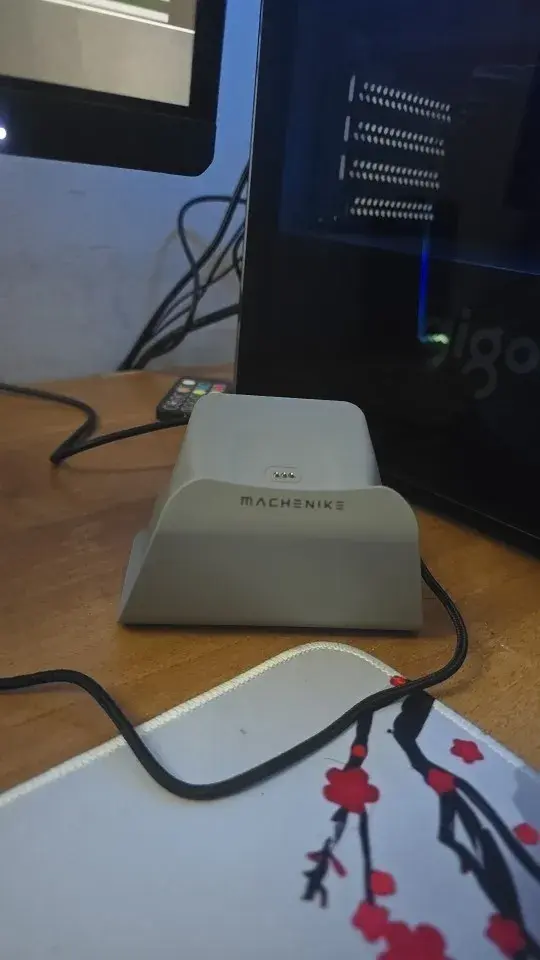
Received it, haven't unpacked yet, but it's already noticeable that this is not just a cheap gamepad. 🎮
It looks neat, modern and has interesting features.
✔️ Three connection modes – USB-C, Bluetooth and 2.4 GHz – convenient for PC, Switch or phone;
✔️ 6-axis tilt gyro is cool if the game supports motion control;
✔️ Hall-effect joysticks and triggers — promise precise control without drift;
✔️ There is RGB backlighting, a docking station, and a stylish design.
Packed well, the box arrived intact, without damage.
Bought based on reviews and characteristics, looks like a quality product.
After use, I will update the review. 👍
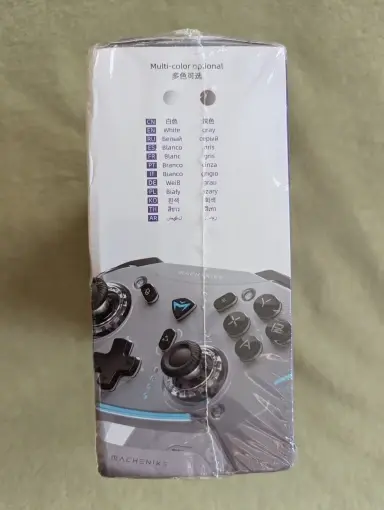
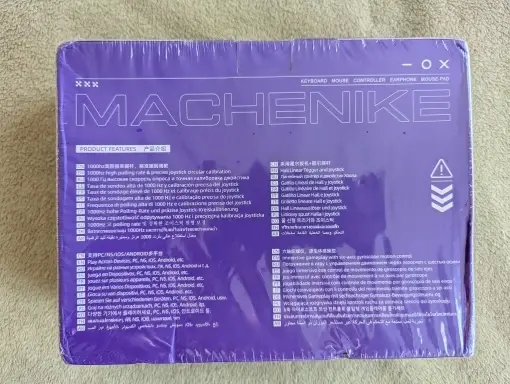
It arrived 3 days before the deadline, well packaged, and everything was in perfect order. I got it on sale for less than 170 already with taxes. Thanks a lot, triggers are great, 3 buttons are pleasant to touch. I will still test the battery to see if it lasts a long time playing.
I strongly recommend this control.
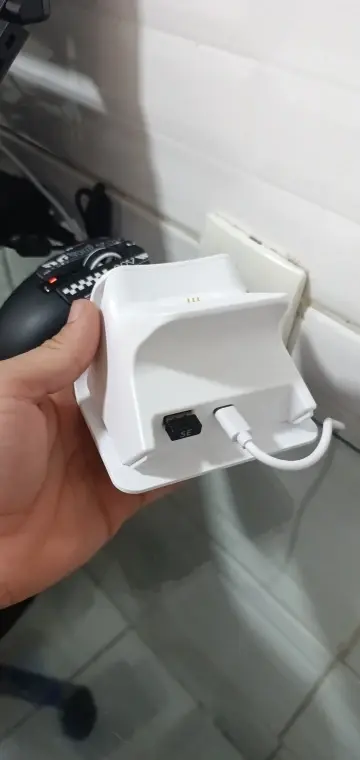
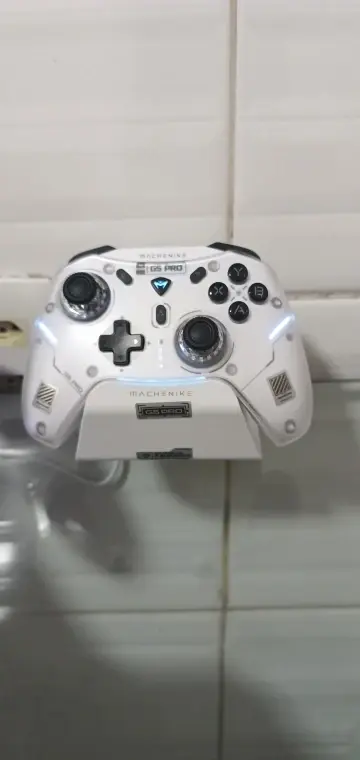
Product details & specifications
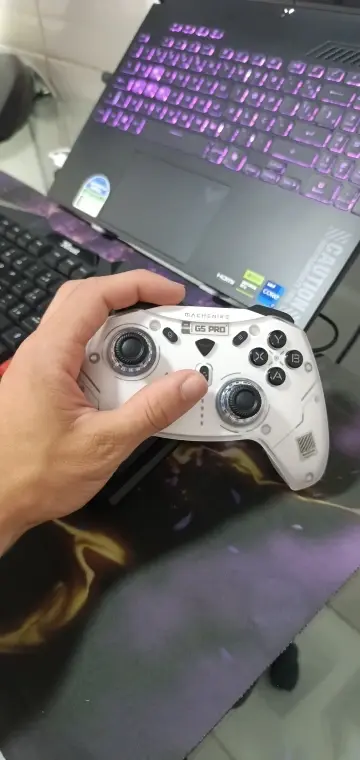
Machenike G5 Pro Max SE is a Hall-effect controller for Windows PC, Nintendo Switch and compatible iOS/Android games. Choose your color and whether you want the matching charging dock.
- Hall-effect joysticks and linear Hall-effect triggers.
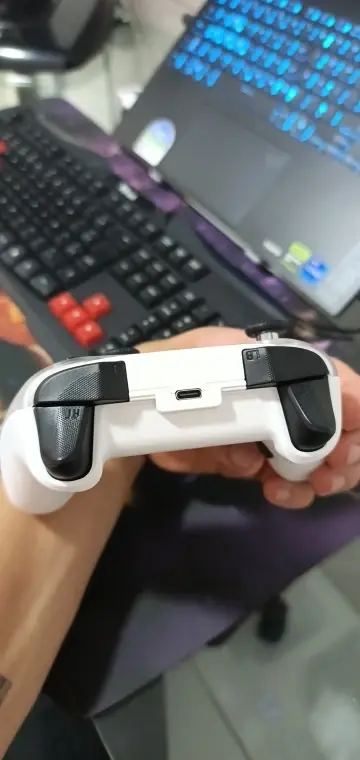
- USB-C wired, 2.4GHz wireless and Bluetooth, with platform-specific modes.
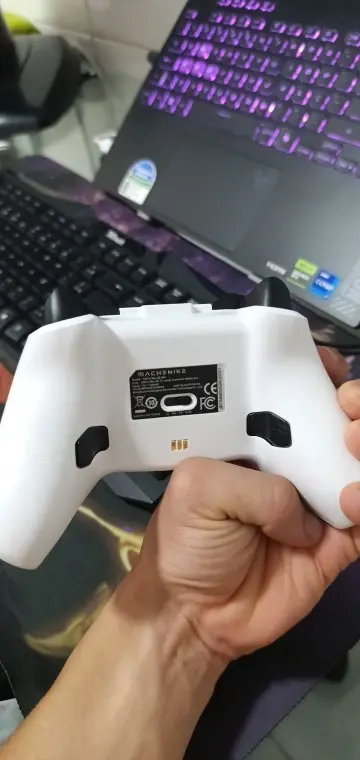
- ABXY membrane buttons, two mappable rear buttons and a magnetic removable faceplate.
- Built-in 600mAh battery, RGB lighting and Keylinker app settings.
- Charging dock included with the With Dock packages only.
Choose your package
Choose your G5 Pro Max SE in black or white, with a charging dock option.
- Black - No Dock / White - No Dock: controller in the selected color, 2.4GHz receiver and USB data cable.
- Black - With Dock / White - With Dock: the same controller, receiver and data cable, plus a matching charging dock.
Place the controller on the matching dock to recharge between games. Connect the receiver to your host device for 2.4GHz play.
Connections and compatibility
- Windows PC: USB-C wired, the 2.4GHz receiver, or Bluetooth in PC mode.
- Nintendo Switch: Bluetooth in NS mode. For a docked Switch, USB or 2.4GHz requires Pro Controller Wired Communication to be enabled in the console settings.
- Switch OLED / Switch Lite: use the Switch Bluetooth connection.
- iOS / Android: Bluetooth in Phone mode, with games that support a controller.
Motion controls: use NS mode and enable motion controls in compatible games.
Controls and settings
- Face buttons: ABXY uses conductive-rubber membrane buttons.
- Joystick polling: 1000Hz wired and 200Hz over 2.4GHz.
- Keylinker: open Keylinker and select G5Pro Max SE to customize your controls.
Bluetooth pairing: in PC or Phone mode, select Xbox Wireless Controller in your device's Bluetooth menu.
Find the G5Pro Max SE manual in Machenike's support directory.
Product feature gallery


