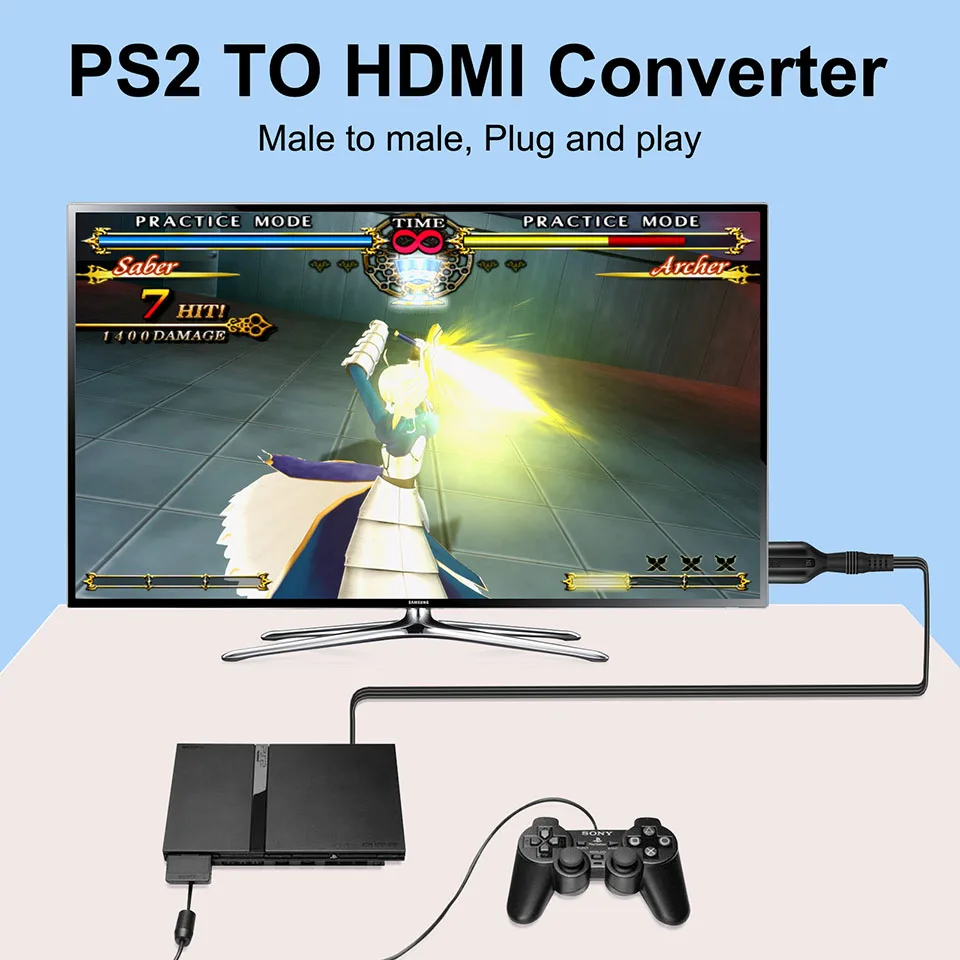
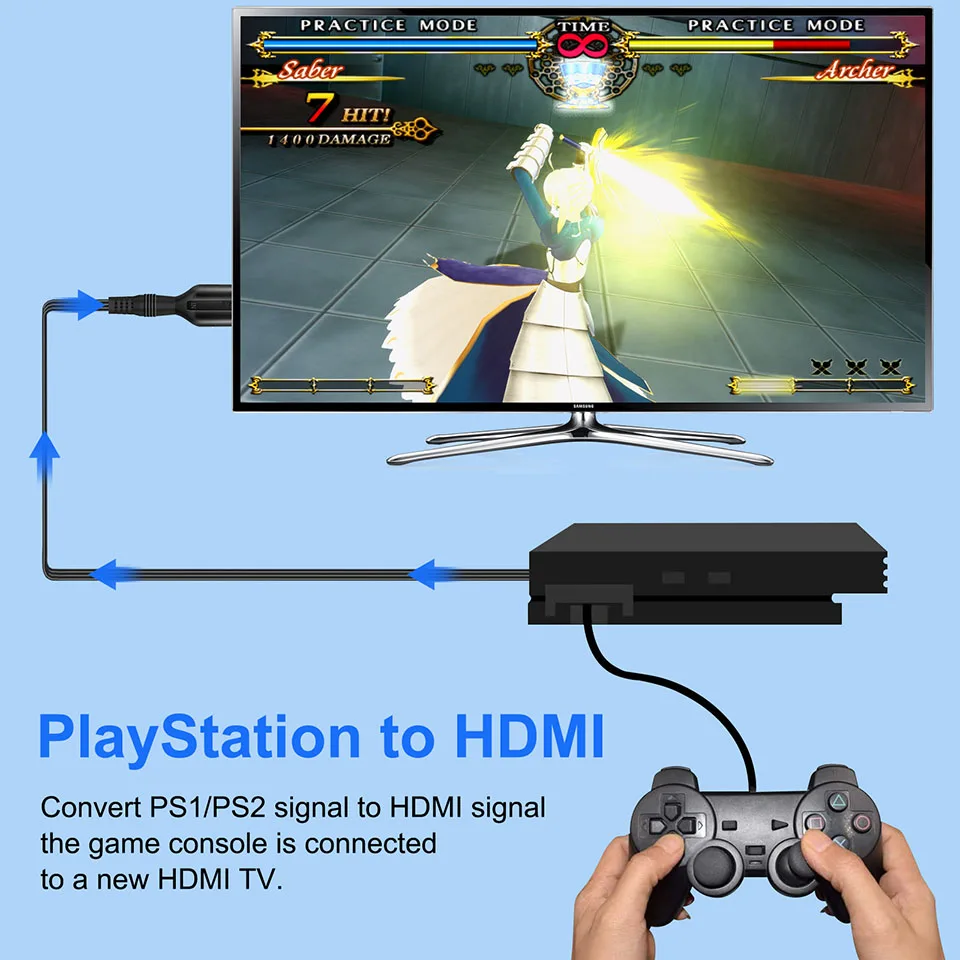
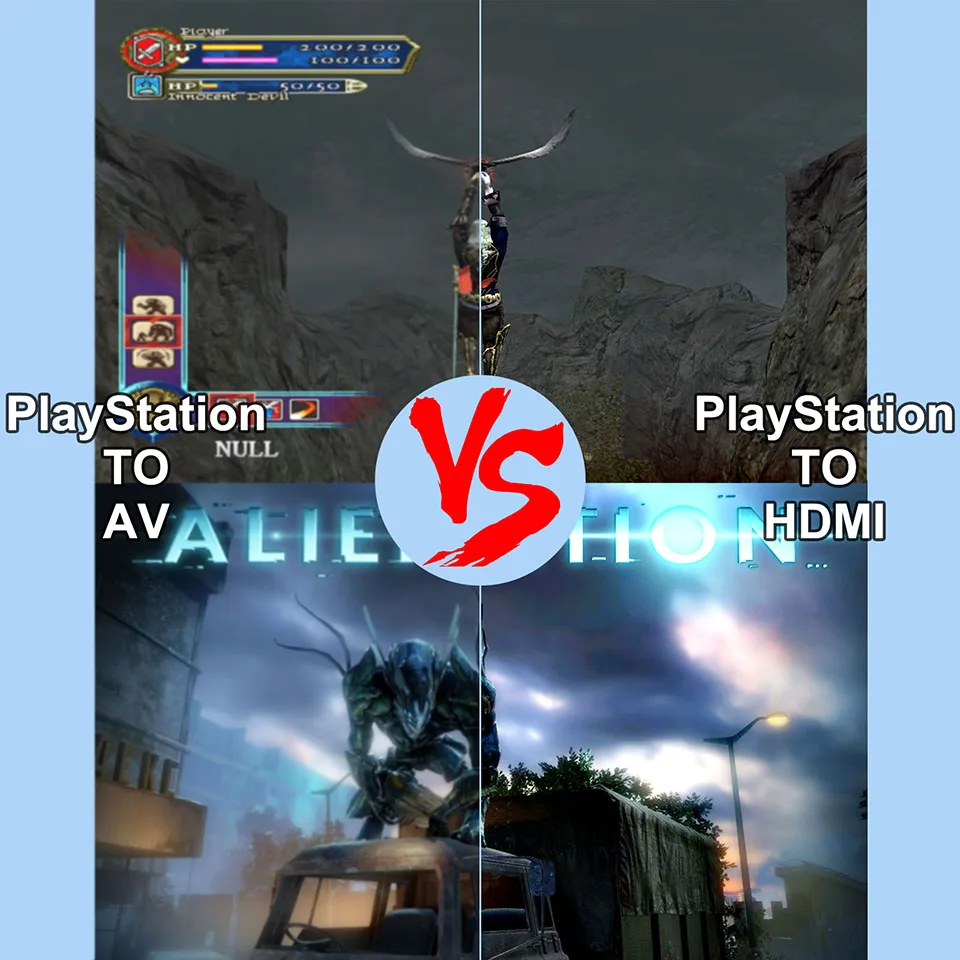
PS2 to HDMI Audio Video Converter Adapter 480i/480p/576i for PS1 PS2 to HDMI 720p 1080p Output for All PS2 Display Modes


PS2 to HDMI Audio Video Converter Adapter 480i/480p/576i for PS1 PS2 to HDMI 720p 1080p Output for All PS2 Display Modes
- Free worldwide shipping
- Pre-ship QC
- Tracked delivery
- Arrives Nov 4 – Nov 13
- Import duties included
Defective, damaged or wrong item? Free replacement or refund — just send us a short video. Details
Product details & specifications
SPECIFICATIONS
Brand Name: wiistar
Cable length: 1m
Certification: CE,NONE
Choice: yes
Compatible Brand/Model: Sony
Compatible Sony Model: playstation2,playstation
High-concerned chemical: none
IN: PS2
Model Number: DH_PS2
OUT: HDMI
Origin: Mainland China
semi_Choice: yes
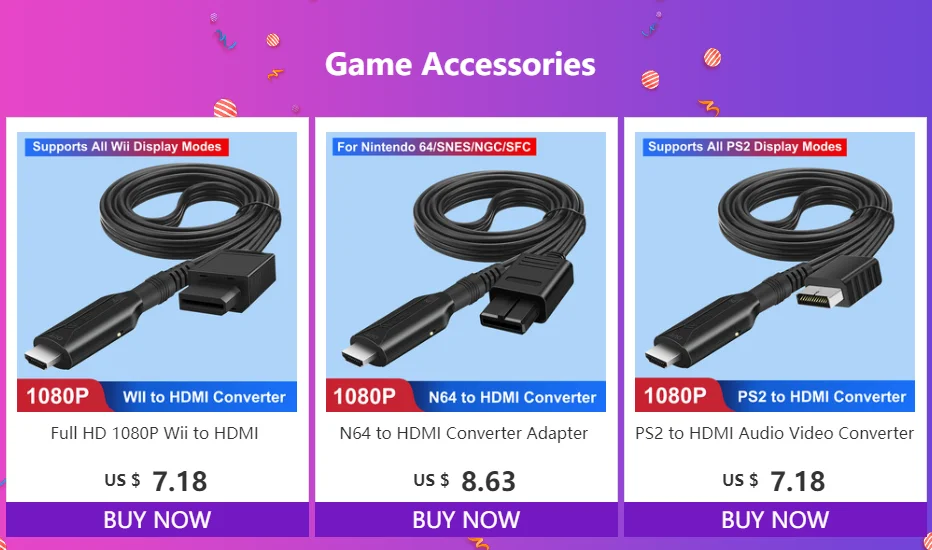

PS2 to HDMI Audio Video Converter Adapter 480i/480p/576i for PS1 PS2 to HDMI 720p 1080p Output for All PS2 Display Modes
Features:
Video and audio in full digital HDMI format, no transmission loss.
Works with HDTV or HDMI monitor.
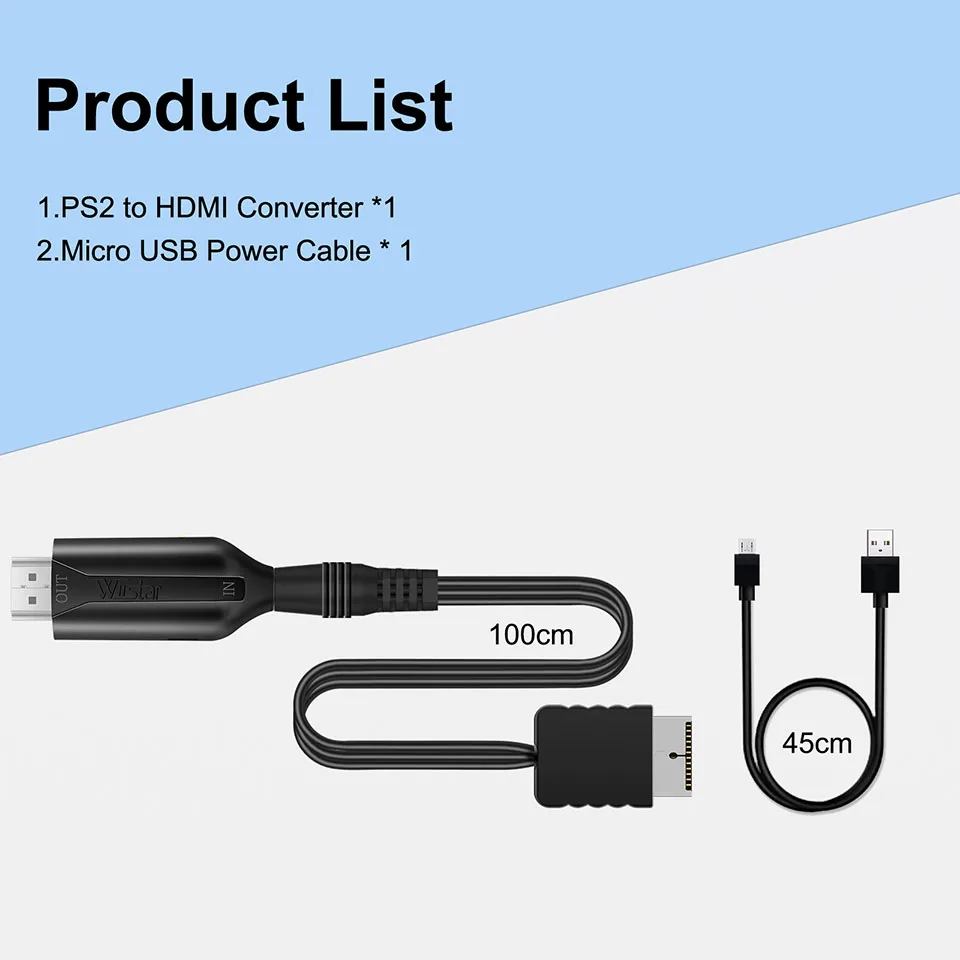
PS2 to HDMI converter adapter cable length 1m
Hassle Free! Plug and play
Supports all PS2 display modes.
USB cable powered, no external power adapter needed
Power Consumption: below 1W
Supported Video input Mode: 480i, 480p, 576i
Supported HDMI output Mode: pure digital HDMI video/audio signals
Input Connector: PS2 AV Multi x 1
Output Connector: HDMI x 1
Packing including:
1xPS2 to HDMI Adapter cable 1m
1x USB Power Cable
Q&A:
Q1: The screen only displays a blue screen
A: 1: Re-plug the PS2 plug.
2: Rotate the HDMI body and cable connections a bit and re-plug them in
3: Set the output resolution of the PS2 source device to 480/576/720/1080.
Q2: The screen has pictures but no sound or the sound is noisy.
A: 1: Re-plug the PS2 plug.
2: Rotate the HDMI body and cable connection and re-plug it in.
Q3:No picture and sound on screen
A: 1:Re-plug the PS2 plug.
2:Rotate the HDMI body and cable connection.
3: You can toggle the 720P/1080P switch on the product and set it to 720P output mode to improve the compatibility of the product.