500G Batocera 40 HDD for Windows PC, 13000+ Games, PS2/PS3 Emulators


500G Batocera 40 HDD for Windows PC, 13000+ Games, PS2/PS3 Emulators
- Free worldwide shipping
- Pre-ship QC
- Tracked delivery
- Arrives Nov 4 – Nov 13
- Import duties included
Defective, damaged or wrong item? Free replacement or refund — just send us a short video. Details
Product details & specifications
500G Batocera 40 Linux game hard drive with 13000+ retro games.
- Batocera operating system, plug and play
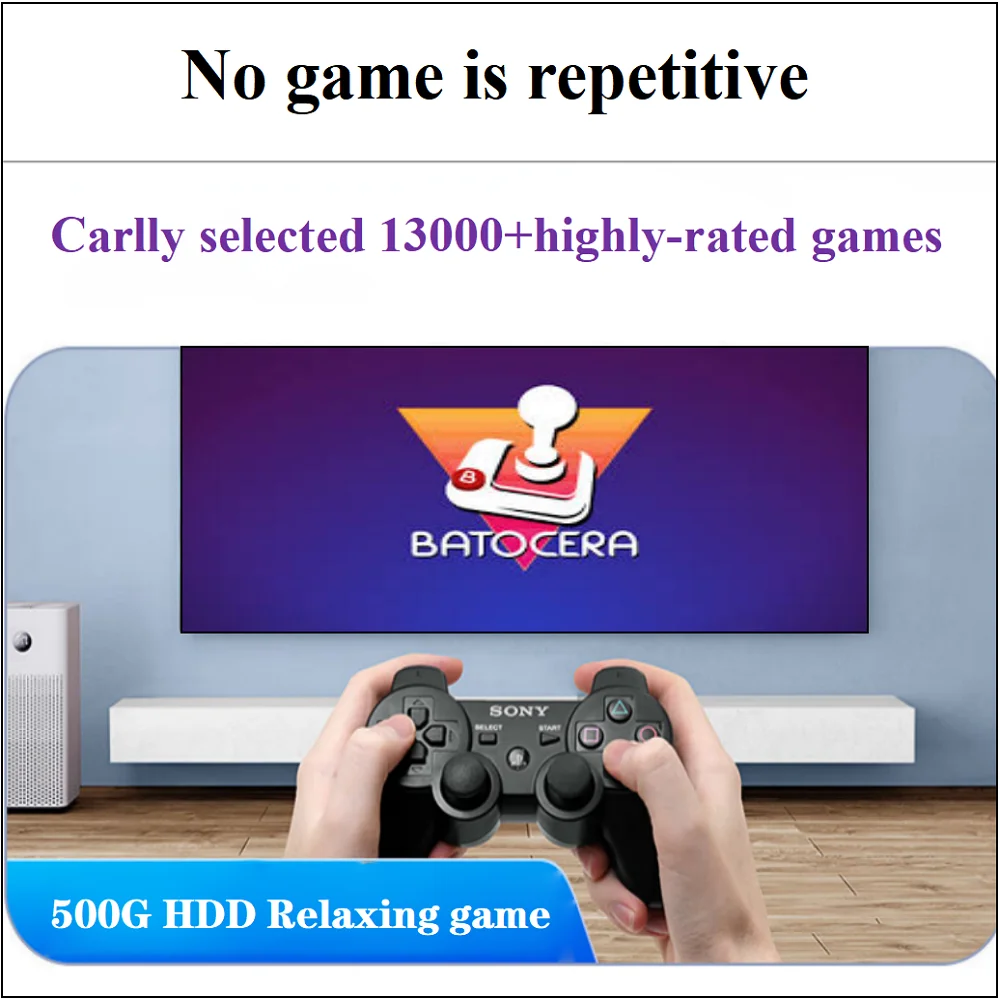
- 13000+ games for PS3, PS2, PS1, Wii, Wii U, DC and N64
- Supports MAME, arcade, TeknoParrot and PS Vita
- Use on a PC, laptop or Mac with a USB 3.0 port
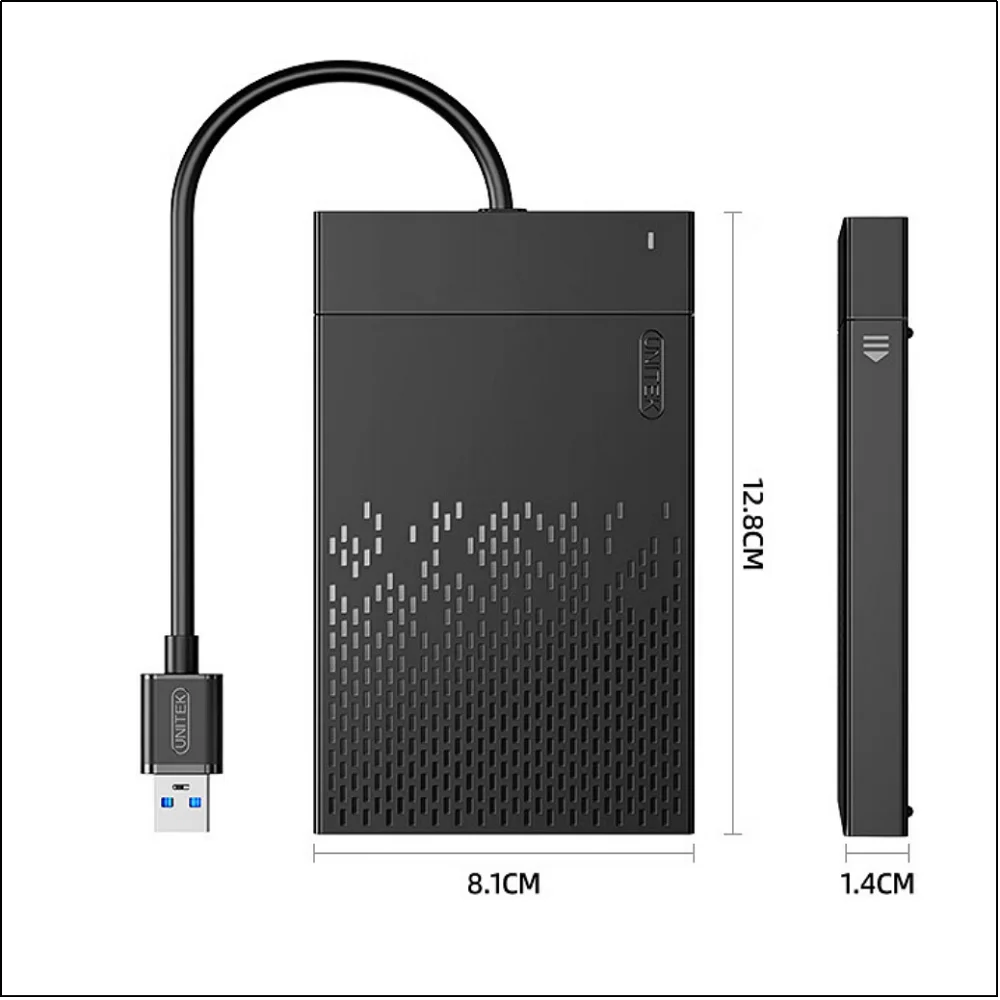
- Compact, about 0.17kg
SPECIFICATIONS
Battery Included: No
Bluetooth-compatible: No
Brand Name: ZieBuddy
Category: Video Game Console
Feature 1: Plug and play
Feature 2: gaming hdd
Feature 3: for PS4/PS3/PS2/PSP/Mame/Arcade/WIIU/DC/SWITCH
Feature 4: For PC/Laptop
Feature 5: support for TeknoParrot/PSVita/wiiu/ Xbox 360 games
Games included: 13000+
High-concerned chemical: None
Operating System: Batocera
Origin: Mainland China
Package: Yes
Removable/Replaceable Battery: No
Size: 17 8.6 1.6
Supporting Language: Ukrainian,Japanese,French,German,Italian,Spanish,Portuguese,Russian,English,Swedish,Polish,Greek,Turkish,Korean,Dutch,Latin American Spanish,Brazilian Portuguese,Simplified Chinese,Traditional Chinese Style
Type of devices: Other
Video Game Controller included: No
WIFI: No
Weight: 0.17kg
1、How to use?
1、Connect the portable hard drive to the USB port on your PC or Mac when it’s off, a USB 3.0 port is recommended.
2、 Press the power button to turn on your computer while simultaneously holding down the ESC or Delete key on your keyboard (Note: Only wired or 2.4G wireless keyboards are supported; Bluetooth keyboards will not work). Enter the BIOS. For Mac users, hold down the Option key while booting and then select the external hard drive to boot from.
3、 Once in the relevant settings, select the external hard drive in the boot override options. The computer will boot into Batocera first and then automatically return to the original operating system after restarting. To set Batocera as the default boot option, enter the startup page and set the external hard drive to "Boot Option 1."
4、Save your settings and restart your computer to complete the operation.
5 、Common Problems and Solutions
Hard disk cannot be recognized:
Make sure the portable hard drive is plugged into the USB port that comes with the computer motherboard (preferably a blue USB 3.0 port), and avoid using docking stations or front interfaces.
Windows computer startup failed:
Disable Secure Boot: If the system prevents boot, you need to enter the BIOS/UEFI Settings (press Del or F2 at startup), find the "Secure Boot" option and set it to Disabled.
Enable traditional Support: For older computers, please enable the "Legacy Support" or "CSM" option in the BIOS.
2、Why chooseZieBuddy500GB gaming hard drive
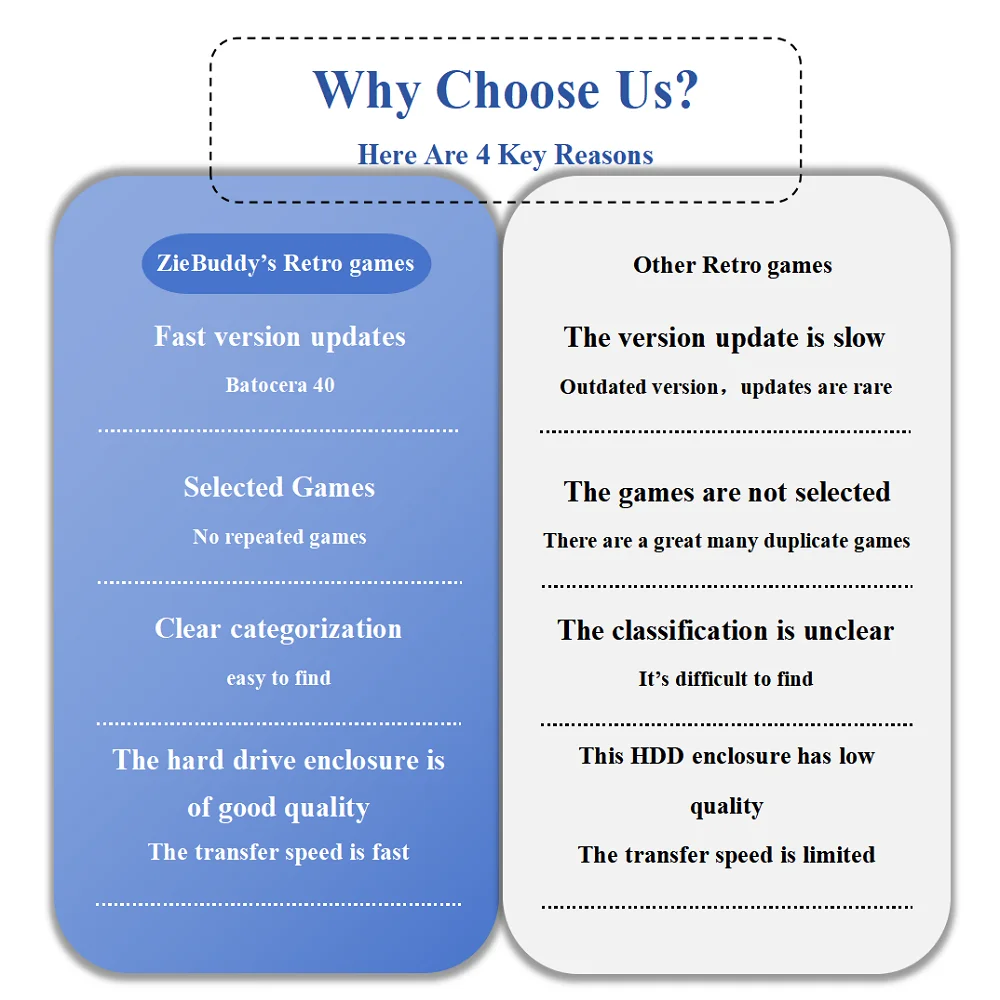
1、Carefully selected 13000+ retro games with the highest ratings,there is no repetition.
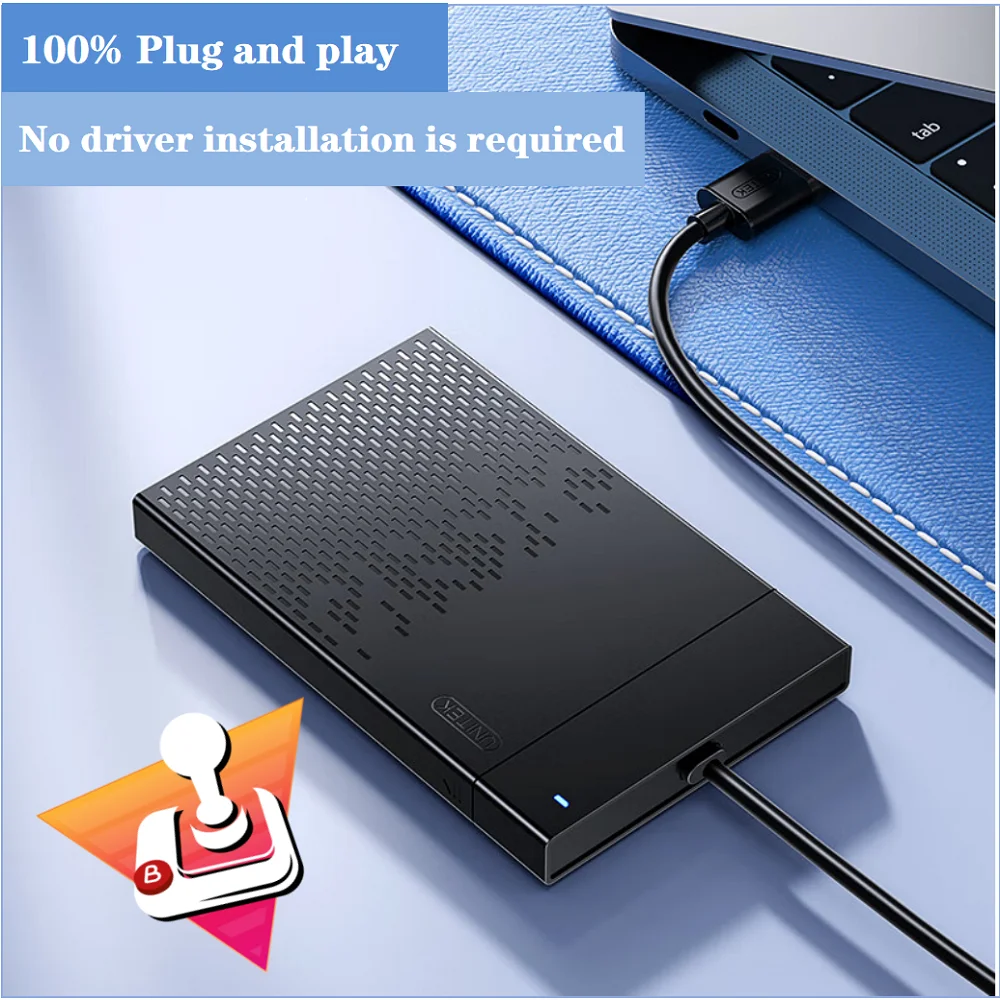
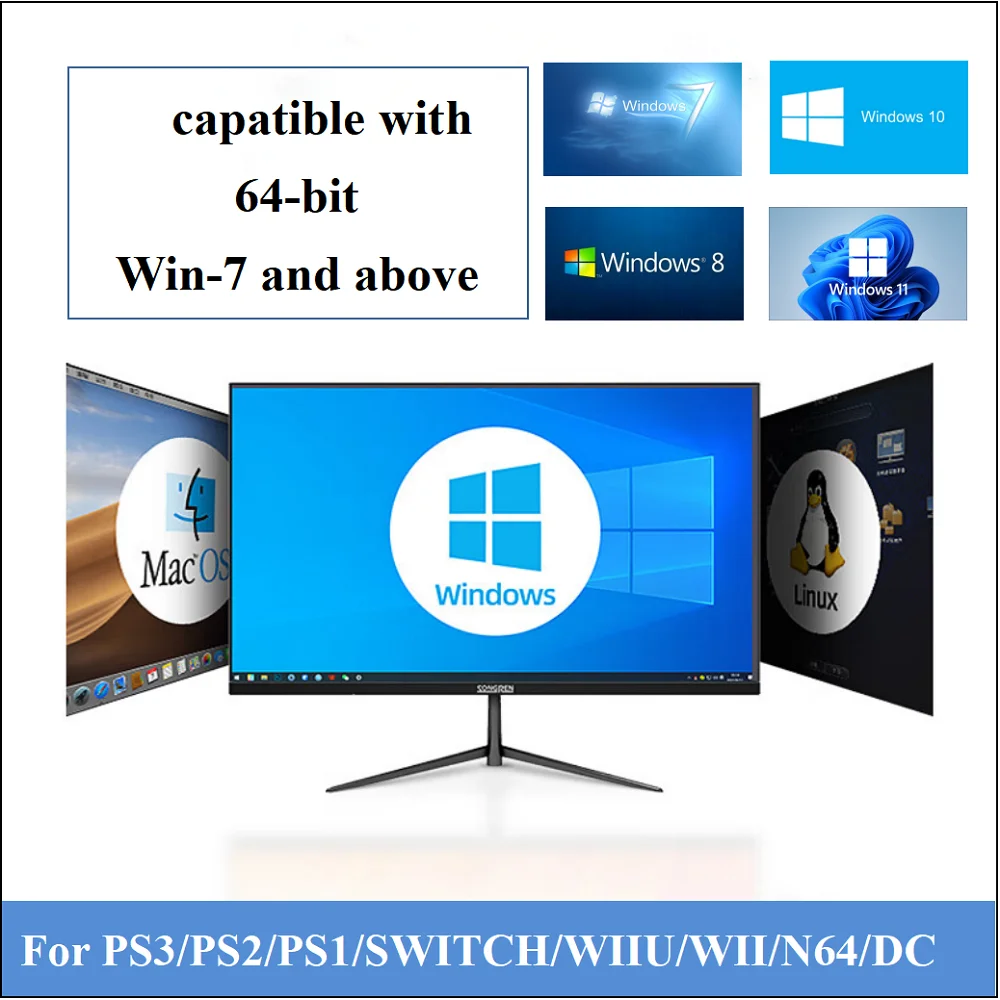
2、100% plug and play,no need to download additional, Compatible with 64-bit Windows 7/8.1/10/11, adapting to most computer environments.
3Compact Size: Measuring only 128mm x 81mm x 14mm, it's portable and easy to store.
4、The latest Bartosera 40 version offers enhanced compatibility, supporting a wide range of controllers on the market. Users can easily configure it through the operating interface.
5、Rich in functions, supports custom themes, easy to add and delete games.
6、2.5-inch SATA 500GBCapacity Hard Drive Disk.Support save and load game progress.Support language switching.
3、Important Note
1、This drive only works with X86 hardware (32-bit or 64-bit), any ARM-based device (Windows Surface family, Mac with Power pc CPU or M1 CPU) will not work. Since the manufacturer may adopt a unique BIOS or UEFI system, the BIOS interface and options of your device may be different.
2、With over 14,000 games and 30+ emulators, we offer a wealth of content and excellent value!
3、Reminder: The smoothness of 3D games on Switch, PS3, and other consoles depends on your computer's performance; the higher the performance, the better.
4、Highly customizable, extremely easy to use
This 500GB retro gaming hard drive system is easy to use. Its simple and intuitive user interface lets you see all the features at a glance. When it comes to launching games, it performs well as the best launcher for retro.
5、Packing List
500GB HDD*1
Packaging box*1