

RetroScaler CUBEODE V1.2 SD2SP2 Disc Drive Emulator for GameCube


RetroScaler CUBEODE V1.2 SD2SP2 Disc Drive Emulator for GameCube
- Free worldwide shipping
- Pre-ship QC
- Tracked delivery
- Arrives Nov 4 – Nov 13
- Import duties included
Defective, damaged or wrong item? Free replacement or refund — just send us a short video. Details
Product details & specifications
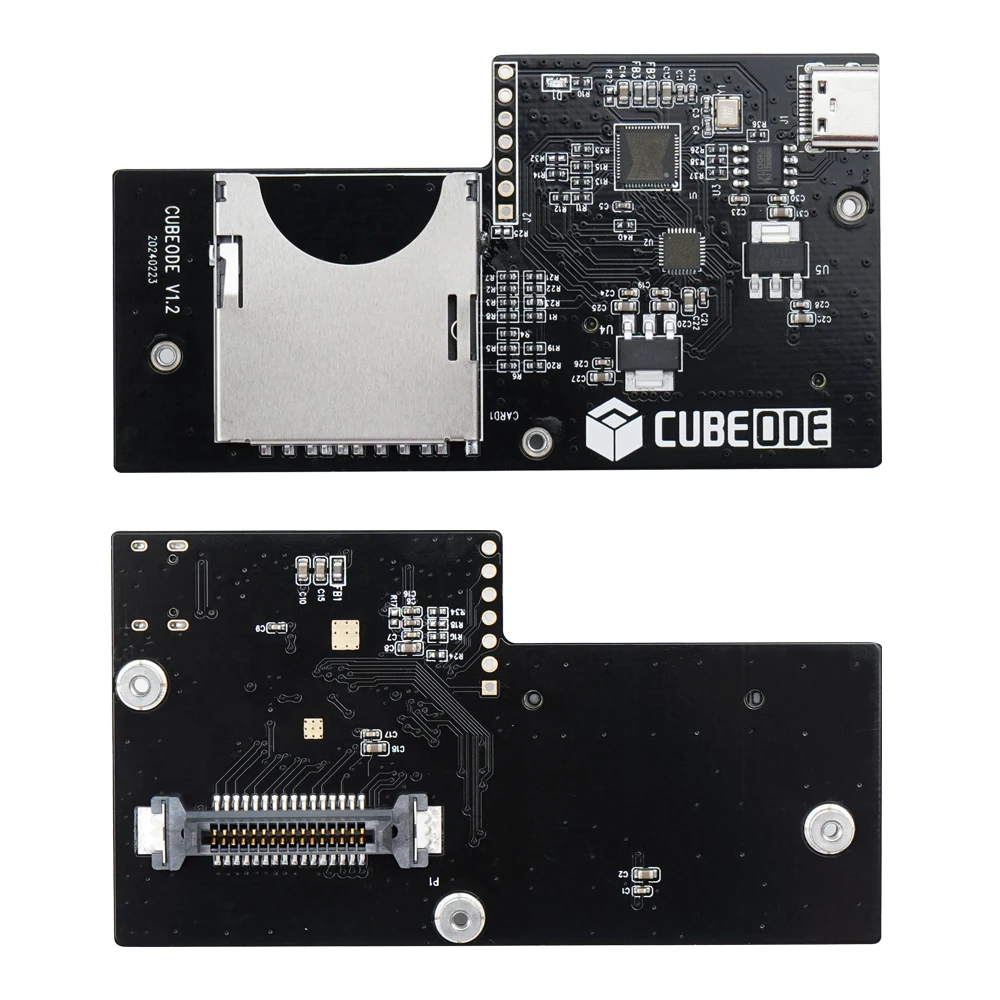
The RetroScaler CUBEODE V1.2 replaces a broken GameCube disc reader with an SD card based drive emulator.
- Plug and play replacement for the GameCube disc drive, no region restrictions
- Compatible with GC Loader, SD2SP2 and SDGecko setups
- Use an SDHC/SDXC standard TF or SD card larger than 4GB (card not included)
- USB port for firmware updates
SPECIFICATIONS
Accessories Type: Motherboard
Be used to: replace broken disc reader of NGC
Bluetooth range: NO
Brand Name: RetroScaler
Cable features: Without cable
Choice: yes
Color: Black
Compatible: GC Loader / SD2SP2 / SDGecko
Compatible Brand/Model: Nintendo
Compatible Nintendo Model: Nintendo GameCube
Control Method: Push button
Controls Type: Push button
Electric: No
Enclosure material: Others
Fastening type: Others
For: GameCube Console (No region restrictions)
Harness Feature: Others
High-concerned chemical: none
Item: CUBEODE V1.2
Model Number: XLL-CUBEODE
Occasion: Others
Origin: Mainland China
Platform: Other
Portable: Yes
Prodcut: Optical Drive Emulator
Reusability: Reusable
Sensor Technology: Others
USB port: for updating firmware
With USB: yes
semi_Choice: yes
CUBEODE V1.2 Optical Drive Emulator for GC Loder Swiss SD2SP2 Replace Plug and Play for All Version NGC GameCube Game Console
Note:
1. If you need game installation guide for cubeode, please visit the link below:
https://www.youtube.com/playlist?list=PLQ6X-Dl0NtDkO78gnRJtRfE__3NfXHTHn
2. Please use an SDHC/SDXC standard TF or SD memory card with a capacity greater than 4GB.
3. This product does not include an SD card Print Mounting Kit. If required, please visit our store to purchase it separately. Thanks.
SD Extender printed mount kit:
Introduction:
CUBEODE can replace the GameCube DVD drive. With it, you can load games and homebrew from a memory card. There is a significant improvement in game loading times, and there is no region restriction, allowing you to play games from all regions on a single memory card. You do not have to worry about issues caused by a faulty drive.
It is plug-and-play without requiring any soldering skills. Simply disassemble your GameCube and replace the original DVD drive with CUBEODE.
Visit < www.cubeode.com >to know more details for CUBEODE.
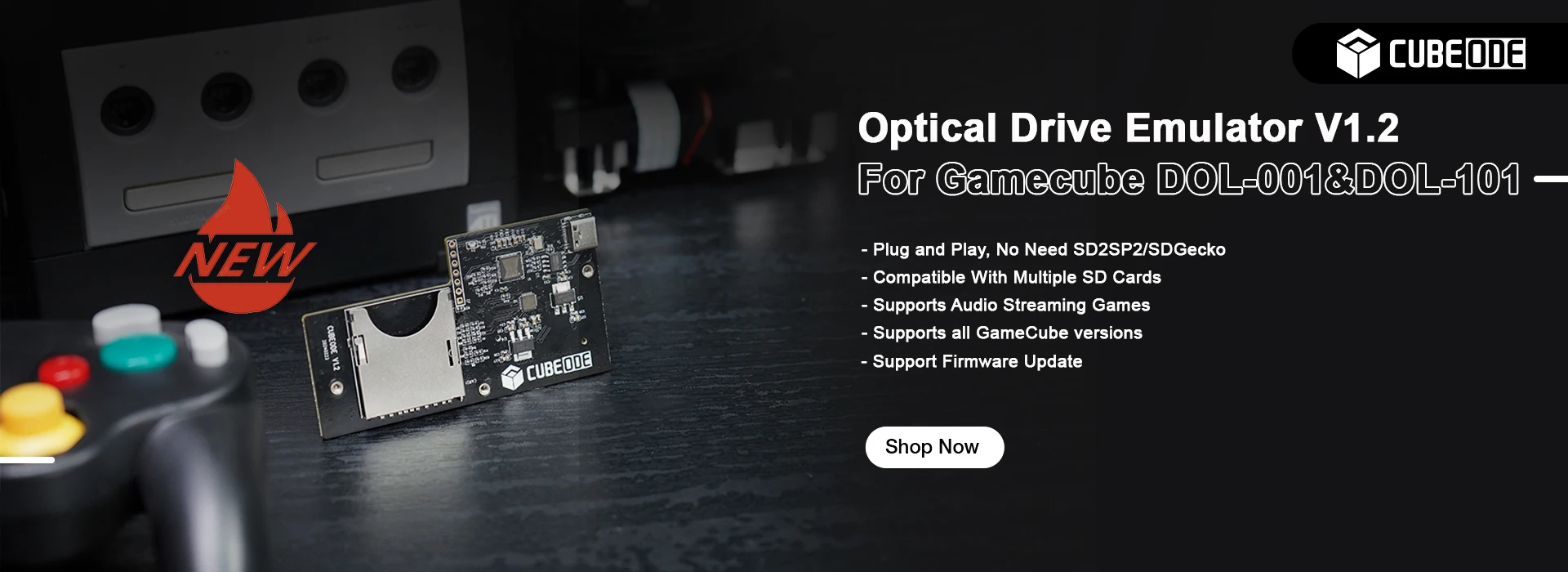
Features:
- Plug and Play,no soldering, o Need SD2SP2 / SDGecko.
- FAT32 and exFAT support for SD Card (Supports up to 1TB card ).
(Please use an SDHC/SDXC standard TF or SD memory card with a capacity greater than 4GB.)
- Supports ISO, GCM, and DOL files.
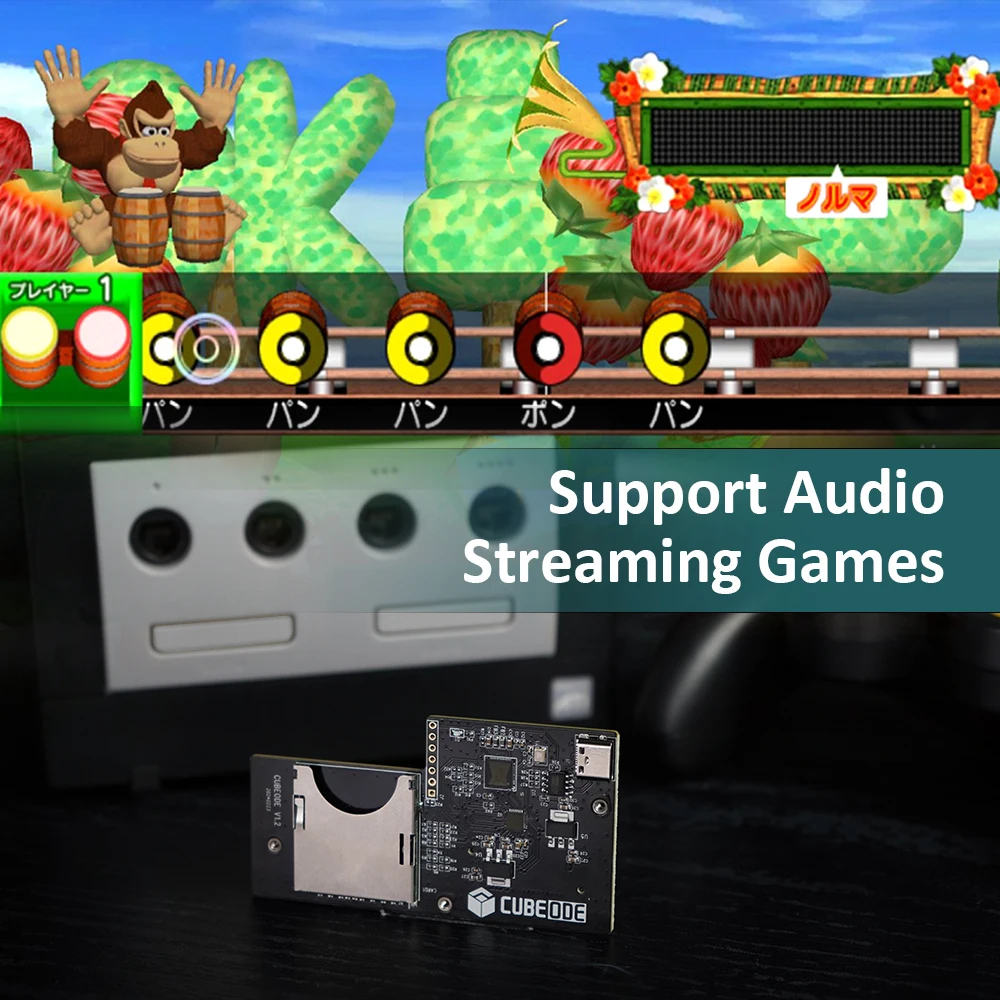
- Supports Audio Streaming Games.
- Supports firmware updated by USB port.
- Run games and homebrew using the swiss menu. (https://github.com/emukidid/swiss-gc/releases)
- Compatible NGC DOL-001&DOL-101,No regional restrictions.



Printed Mount Kit for NGC:
How to use?
(SD Card Guide)
You can visit < https://www.cubeode.com/cubeodeusermanual/>
1.Format your sd card to fat32 or exFAT format.
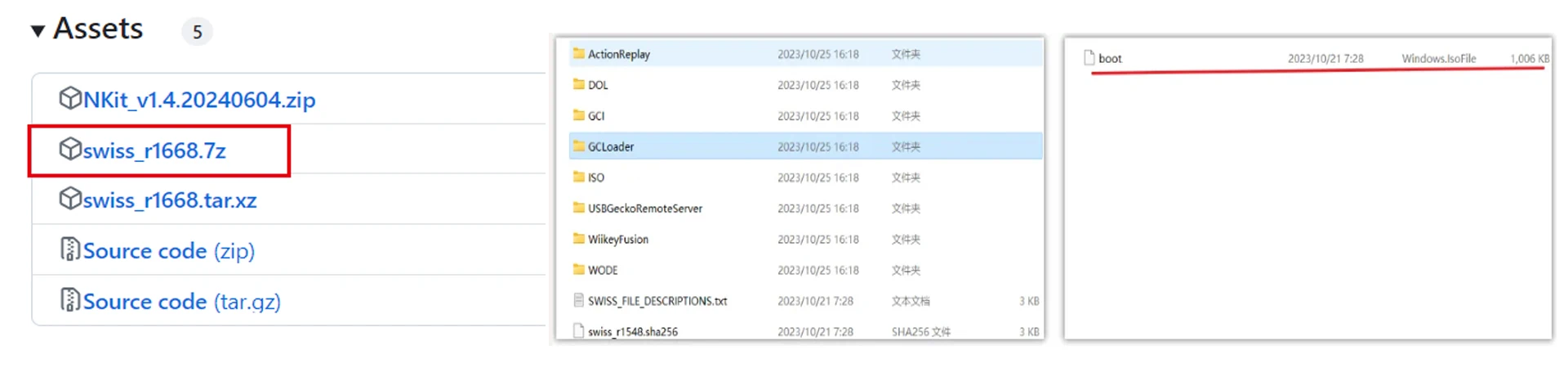
2.Go to swiss github (https://github.com/emukidid/swiss-gc/releases)
and download the latest version of the software, unzip it and copy the boot file from the gcloder folder to the root directory of the
sd card.
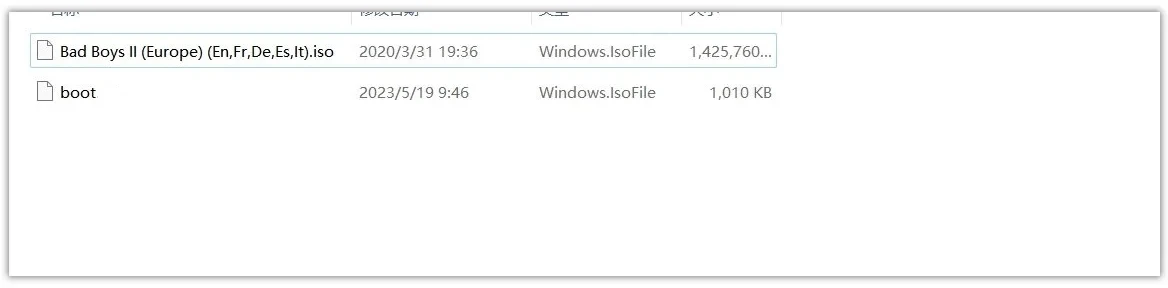
3.Put your favourite game files into the root directory of your SD card.
FAQ
Q1: Will It work for no mods original NGC?
A1: Yes, It will work.
Q2: What versions of the console are supported?
A2: Support NTSC/PAL nintendo gamecube dol-001 and dol-101 consoles.
Q3: Do you need sd2sp2/sdgecko/gctosd to use it?
A3: No, the console can be started directly from cubeode.
Q4: How cubecode works?
A4: The product uses swiss as the boot menu, just copy swiss gcloder boot.iso directly to the memory card.
Q5: What file systems are supported by SD cards?
A5: exfat/fat32
Q6: What formats of games can be run?
A6: dol /iso/gcm
Q7: Can it run "NGC Service Disc v1.0/03" in cold boot??
A7: Yes, It can.
Q8: Can I save the progress on the SD inside the CUBEODE?
A8:Yes, you can. But you need to make a setting by swiss.
Q9: what is the usb-c port on the CUBEODE for?
A9: It is for updating the fimware.
Q10: Will CUBEODE support external disk drivers?
A10: No , It won't.
Q11: Does Cubeode work when using the digital video port, will the Game boy player also work using this port?
A11: Yes, cubeode can work.