

Mini Hitbox V3 Fightstick for PC, PS3, PS4 and Switch


Mini Hitbox V3 Fightstick for PC, PS3, PS4 and Switch
- Free worldwide shipping
- Pre-ship QC
- Tracked delivery
- Arrives Nov 9 – Nov 18
- Import duties included
Defective, damaged or wrong item? Free replacement or refund — just send us a short video. Details
Product details & specifications
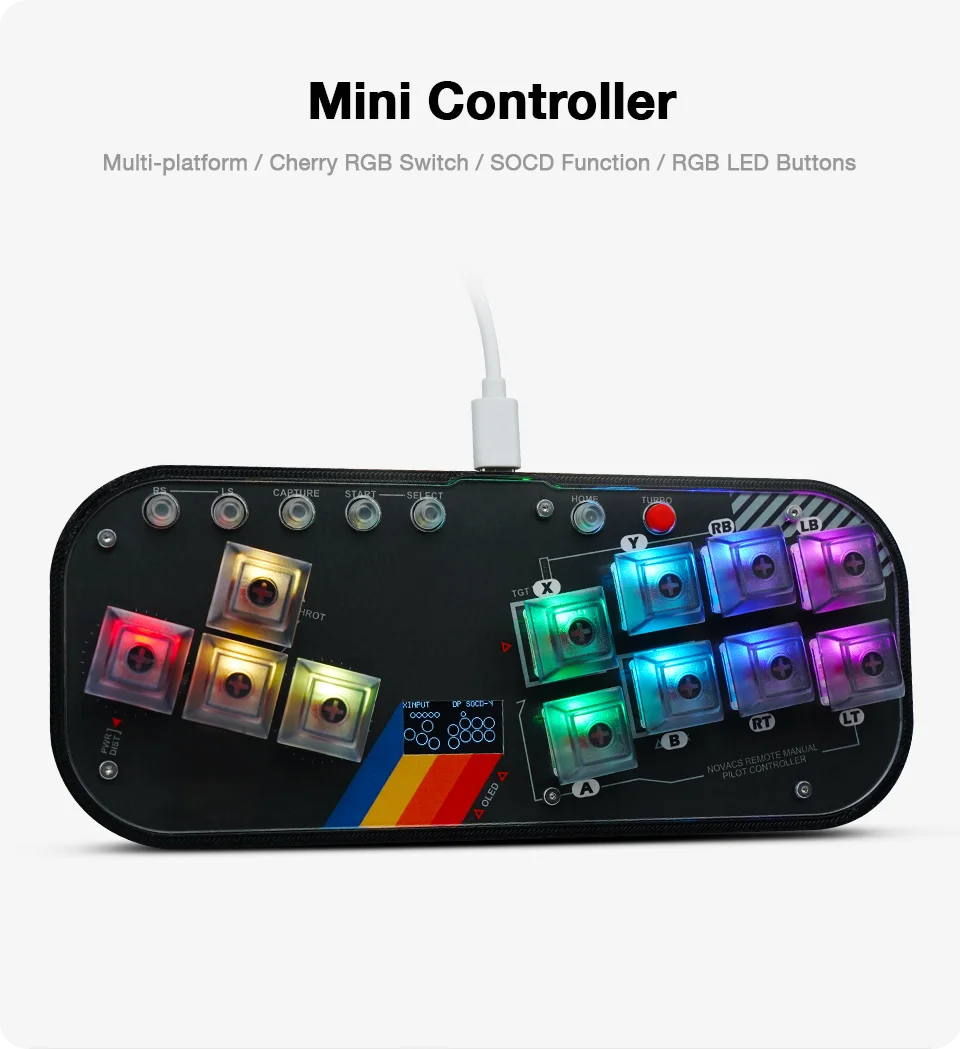
Bring a compact all-button fightstick setup to supported platforms.
- Compatible with PC, PS3, PS4, Nintendo Switch, Steam Deck, MiSTer, and Android
- RP2040 control chip with measured latency under 1ms
- RGB LED animations with adjustable brightness and parameters
- Cherry RGB switches with DSA low-profile keycaps
- Includes a 2m Type-C cable and keycap puller
SPECIFICATIONS
Accessories Type: Gaming Keyboards
Bluetooth range: no
Brand Name: flatbox
Cable features: Without cable
Compatible Brand/Model: None
Control Method: Push button
Controls Type: Others
Electric: No
Electronic: no
Enclosure material: Others
Fastening type: Others
Feature 1: Arcade Fight Stick For PC
Feature 2: Hitbox Fightstick For PS4/PS3
Feature 3: Arcade Stick For Nintendo Switch/Mister
Feature 4: Arcade Game Stick Joystick Controller For Mobile Phone
Feature 5: Hitbox Controller Joystick
Feature 6: Support Fightboard V3 Firmware
Harness Feature: Others
High-concerned chemical: none
Item: MINI Hitbox
Model Number: mini hitbox
Occasion: Others
Origin: Mainland China
Platform: Other
Portable: Yes
Reusability: Reusable
Sensor Technology: Others
With USB: Yes
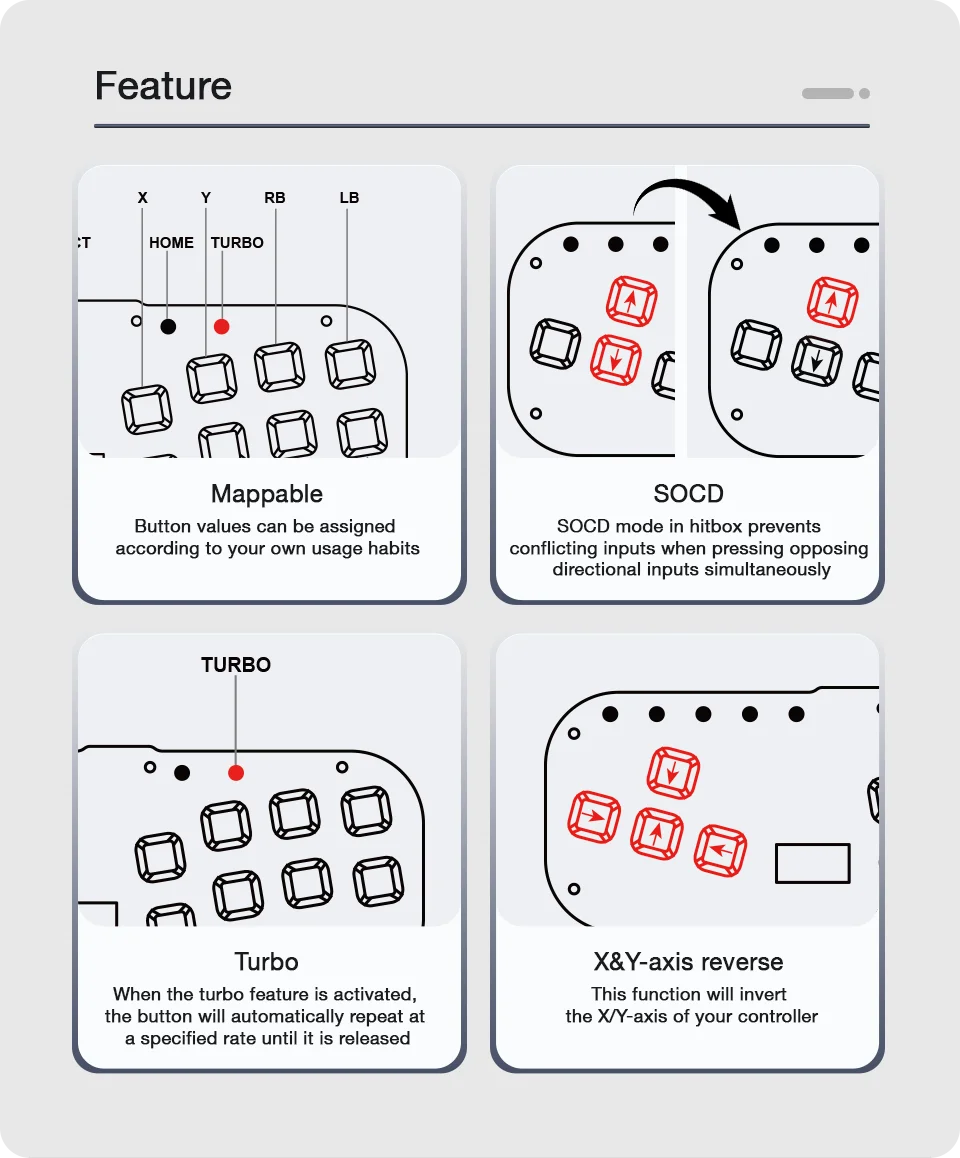
Multiple Useful Functions In One
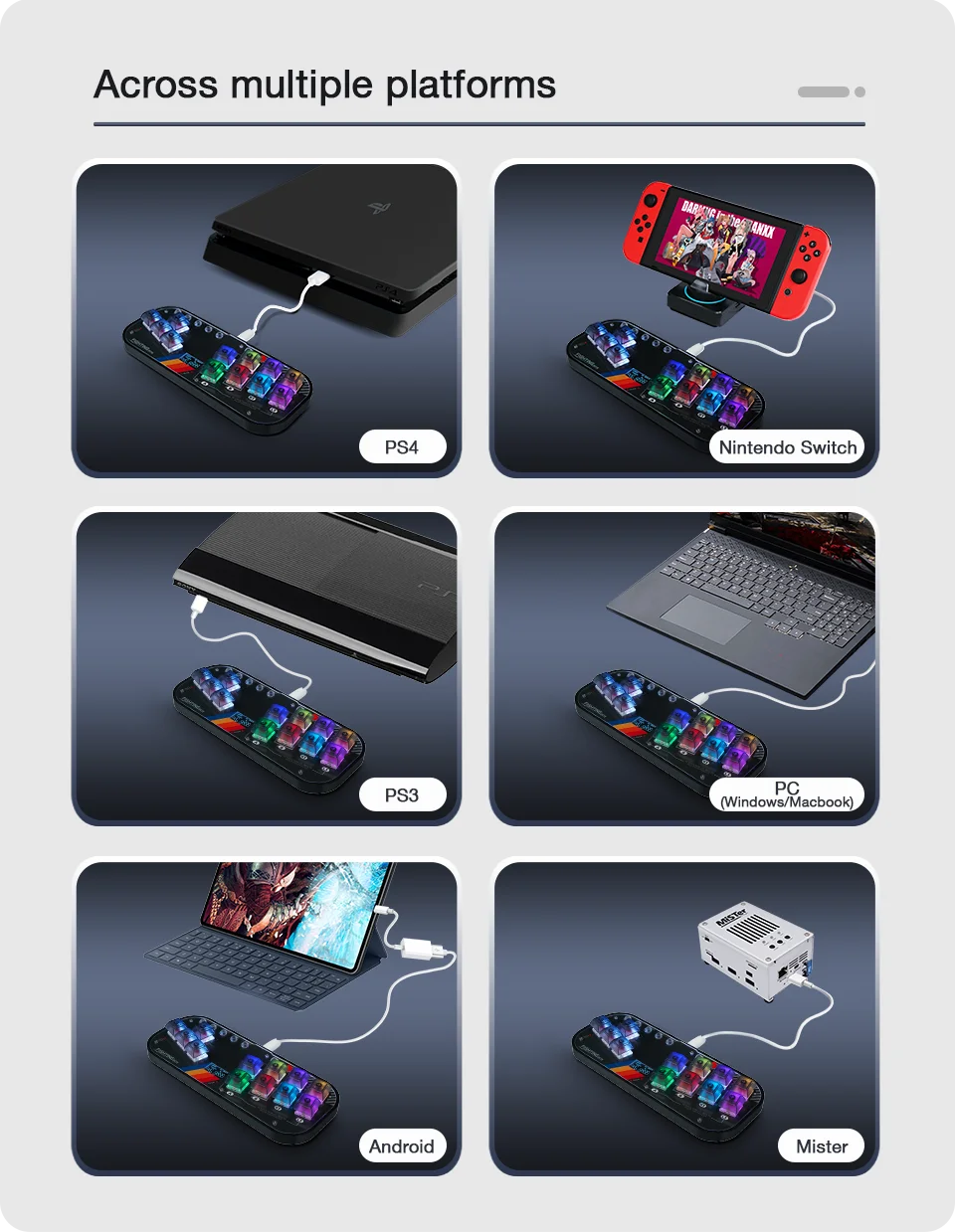
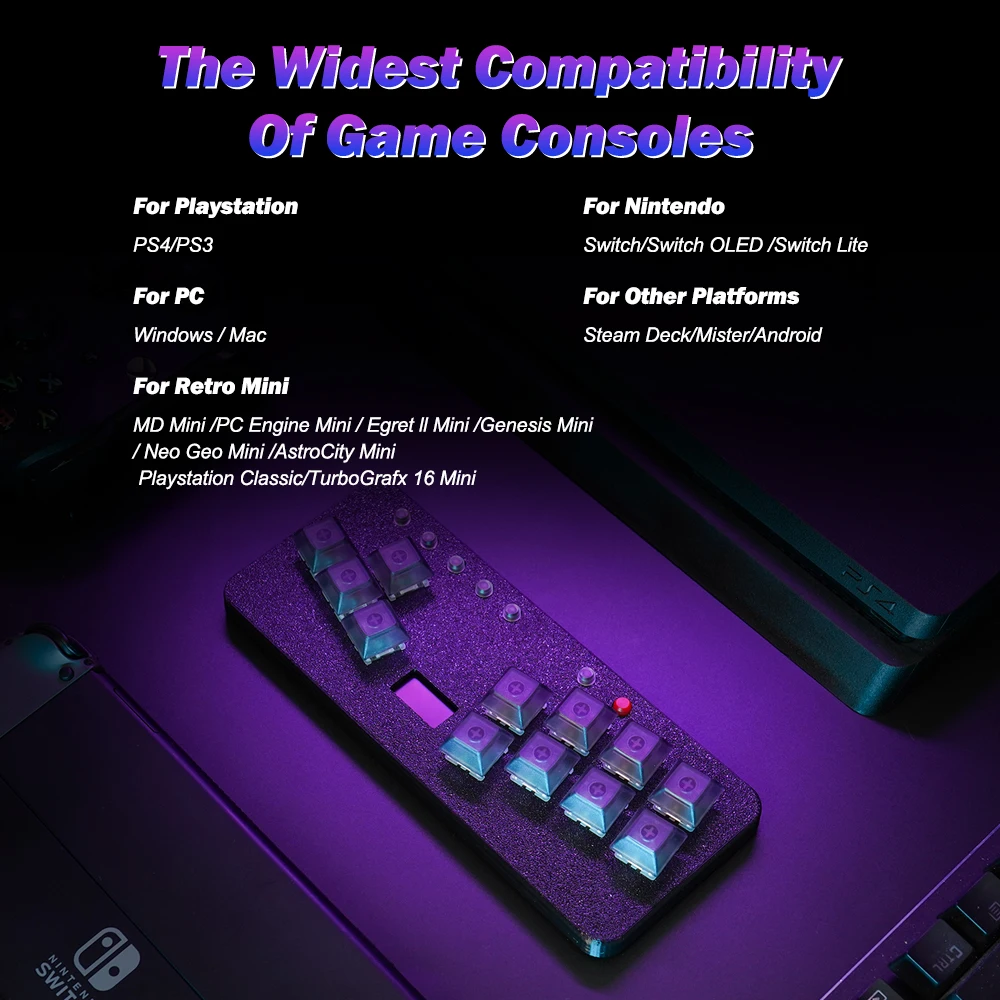
Multi-Platform Compatibility
For PC, PS3 and PS4, Nintendo Switch, Steam Deck, MiSTer and Android
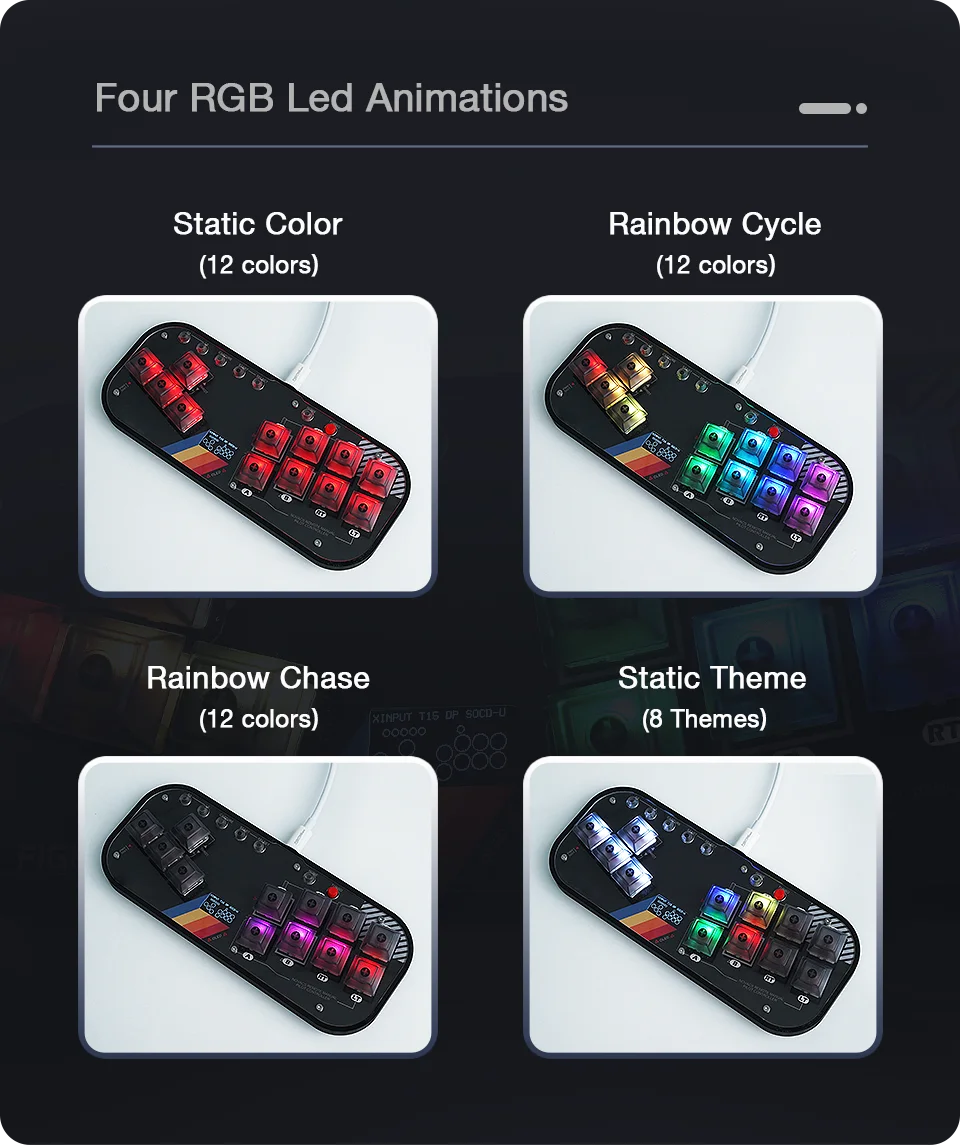
Adjustable RGB Led Animation
Include RGB LED Animations/Brightness/Parameters/On-Press led color
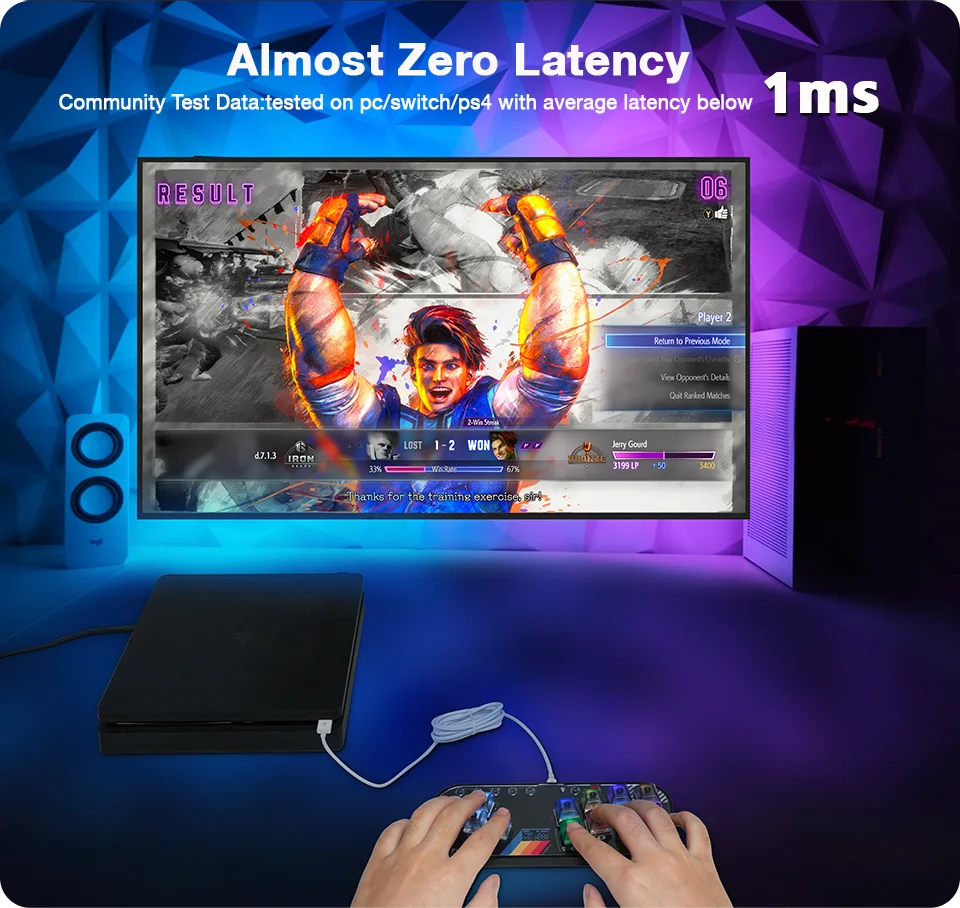
Ultra-low Latency
The main control chip adopts Raspberry Pi RP2040, the measured latency is less than 1 ms.
 Portable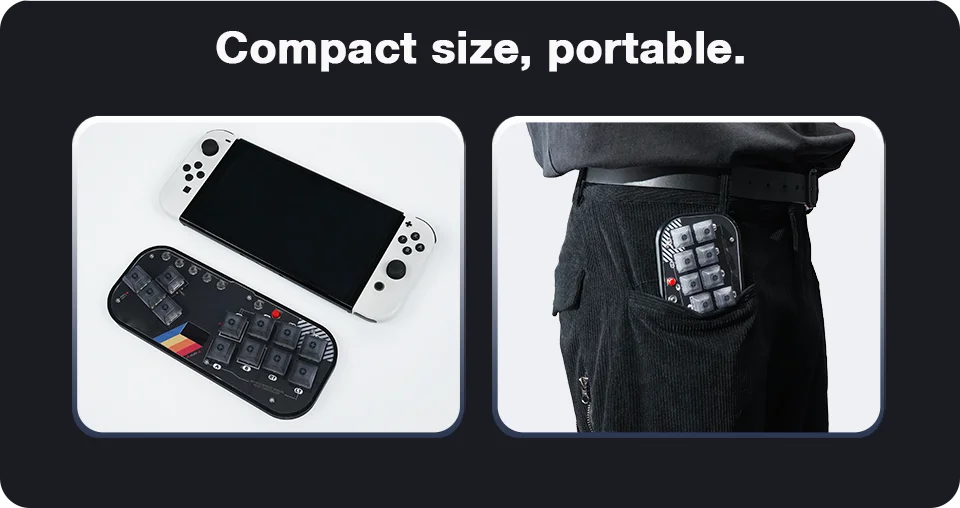
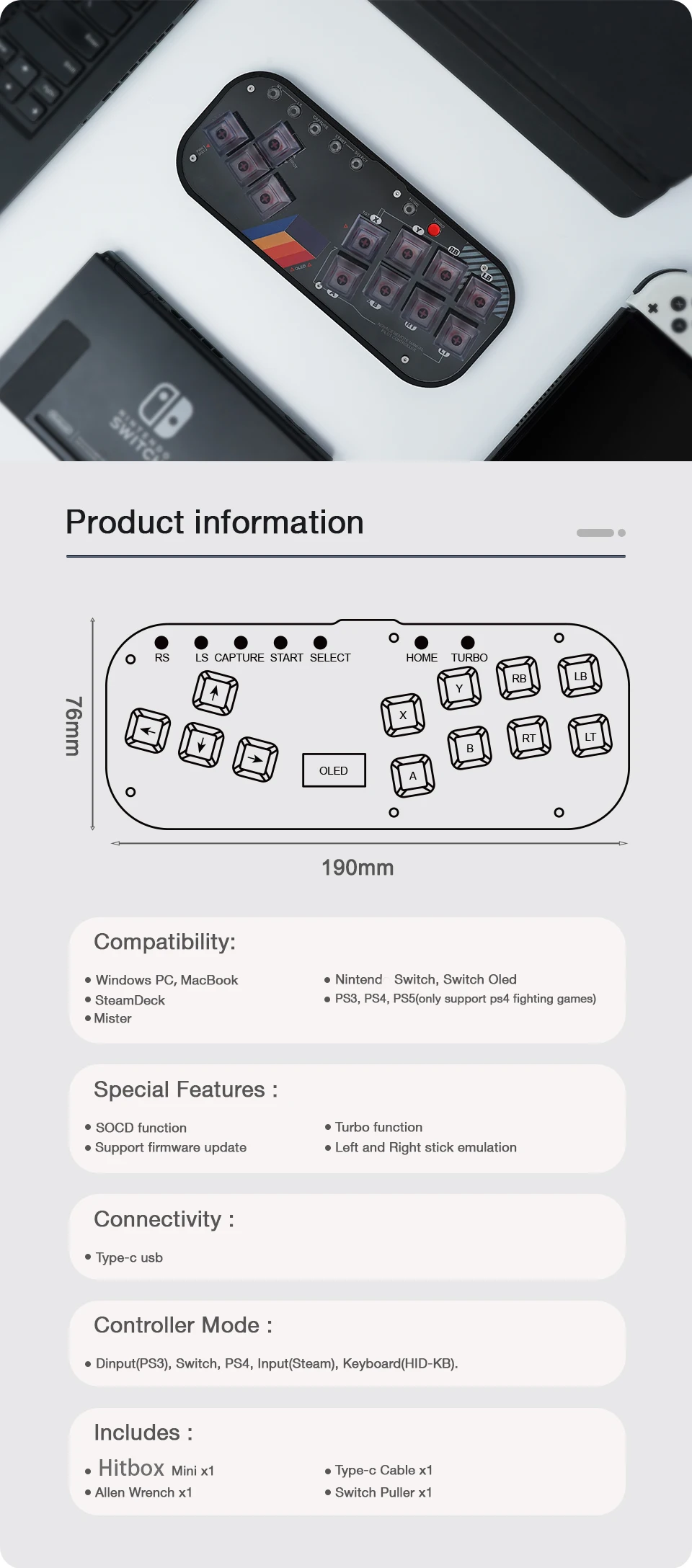
Product Details
Cherry RGB switches/DSA Low Cross Keycaps/3D printed bottom shell (upper shell (acrylic or 3D printed)
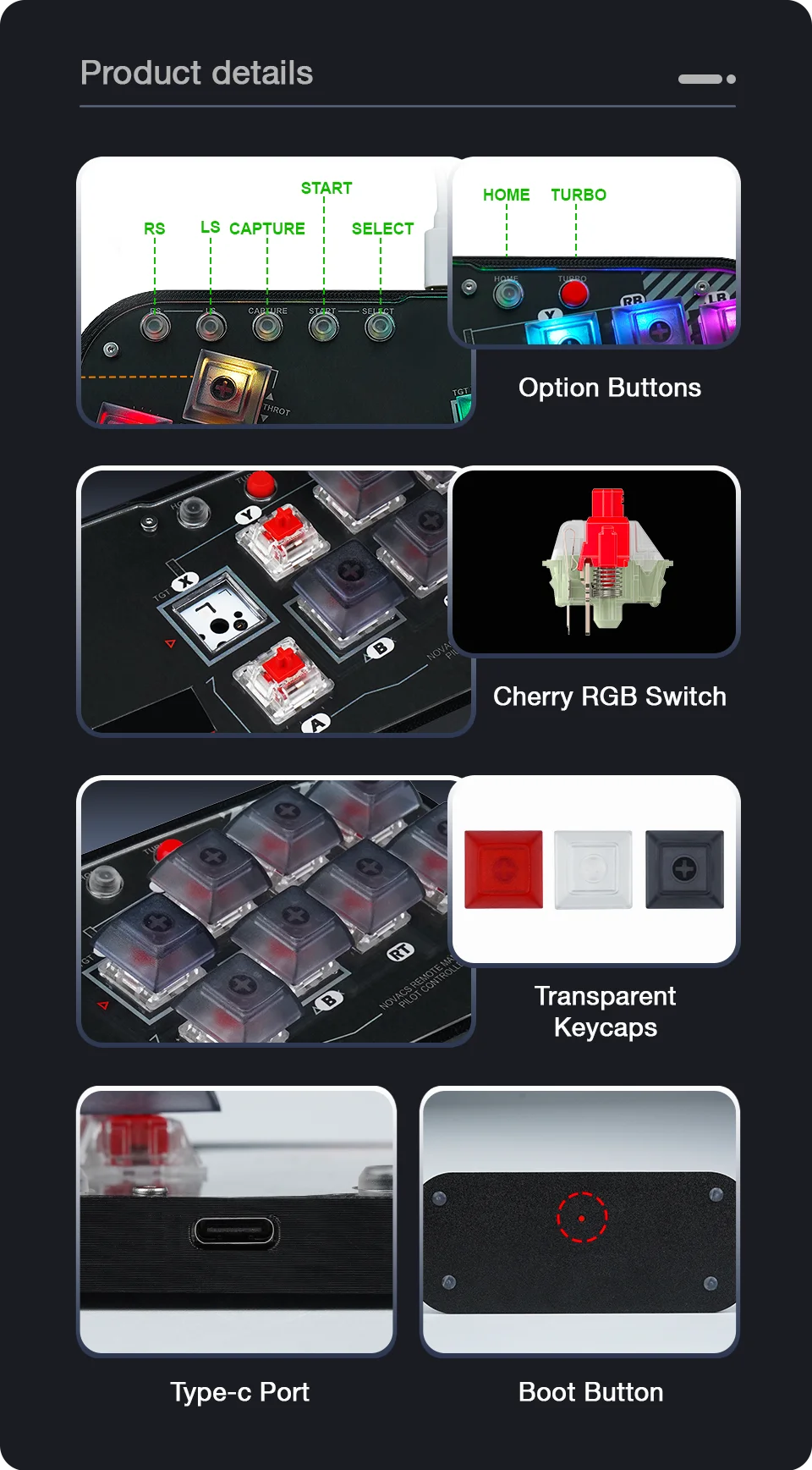

Packing List:
1*Mini Controller
1*2M Type-C Cable
1*Keycap Puller
1*Allen Wrench
1*FightingBox Mini User Manual

Full documentation :
https://gp2040-ce.info/#/usage
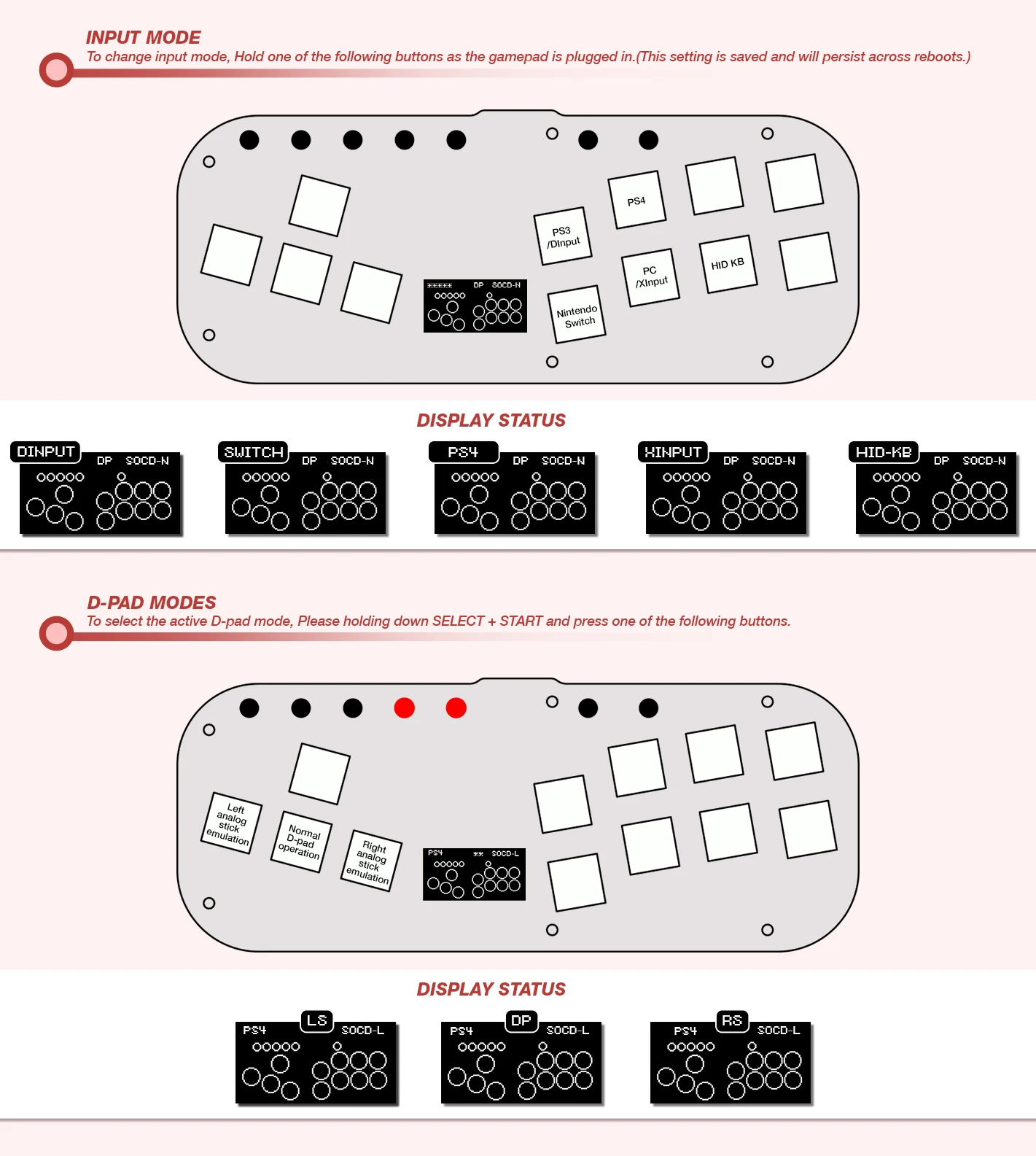
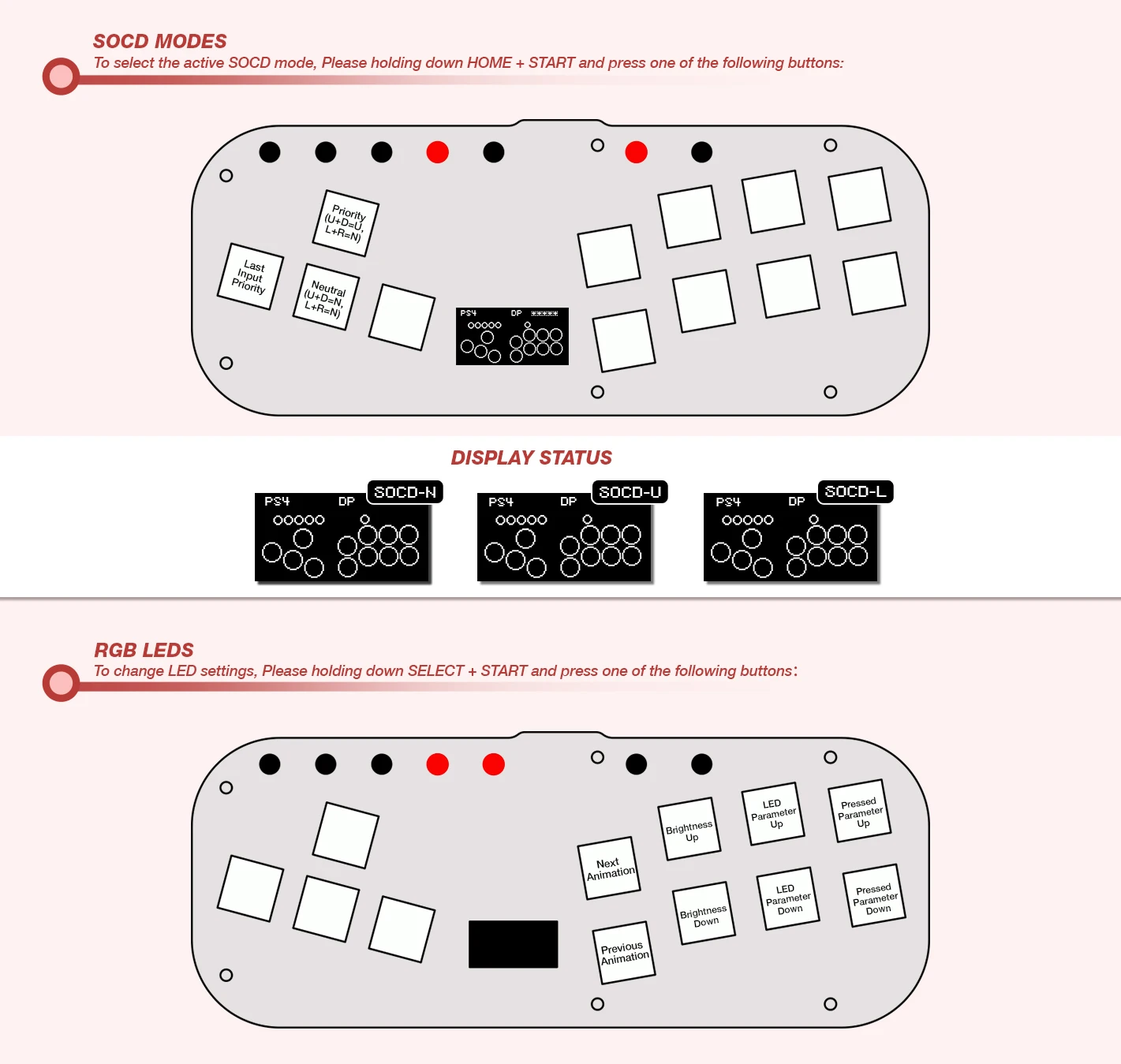
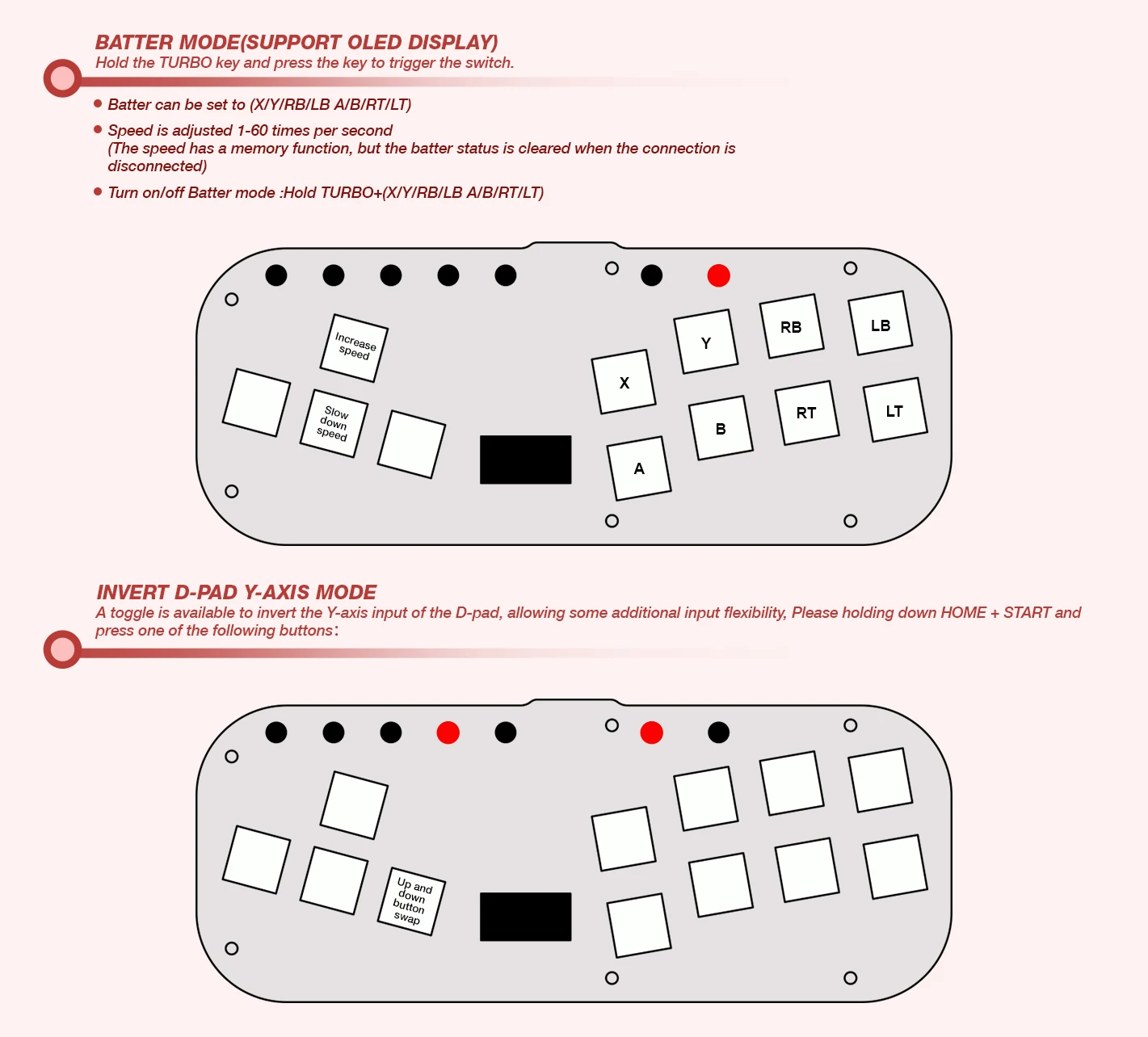
Firmware Updates
The hitbox keyboard comes preinstalled with the latest GP2040-CE firmware. lf you'd like to update to the latest firmware, perform the following steps:
1.Download the latest version of GP2040-CE for the Pico Fighting Board from
2.Unplug your hitbox from the computer.
3.Press and hold the white BOOT/Start+select+Right button on the Pico while plugging into the computer.
4.Copy the flash_nuke.uf2 file to the RPI-RP2 drive that appeared when connecting the Pc
5.Wait a few seconds, the drive will show up on your computer again, then copy the latest firmware to the drive to complete the update
6.Once the update is complete the hitbox will restart and again be detected as a controller.
Advanced Configuration
The GP2040 firmware has a built-in configuration app which runs from a local webserver on the Pico. To access the configuration app from a computer
1.Hold START while plugging the controller into a computer.
2.Open a browser and navigate to http://192.168.7.1
You now have access to adjust controller settings, configure RGB LEDs, reset settings, etc