

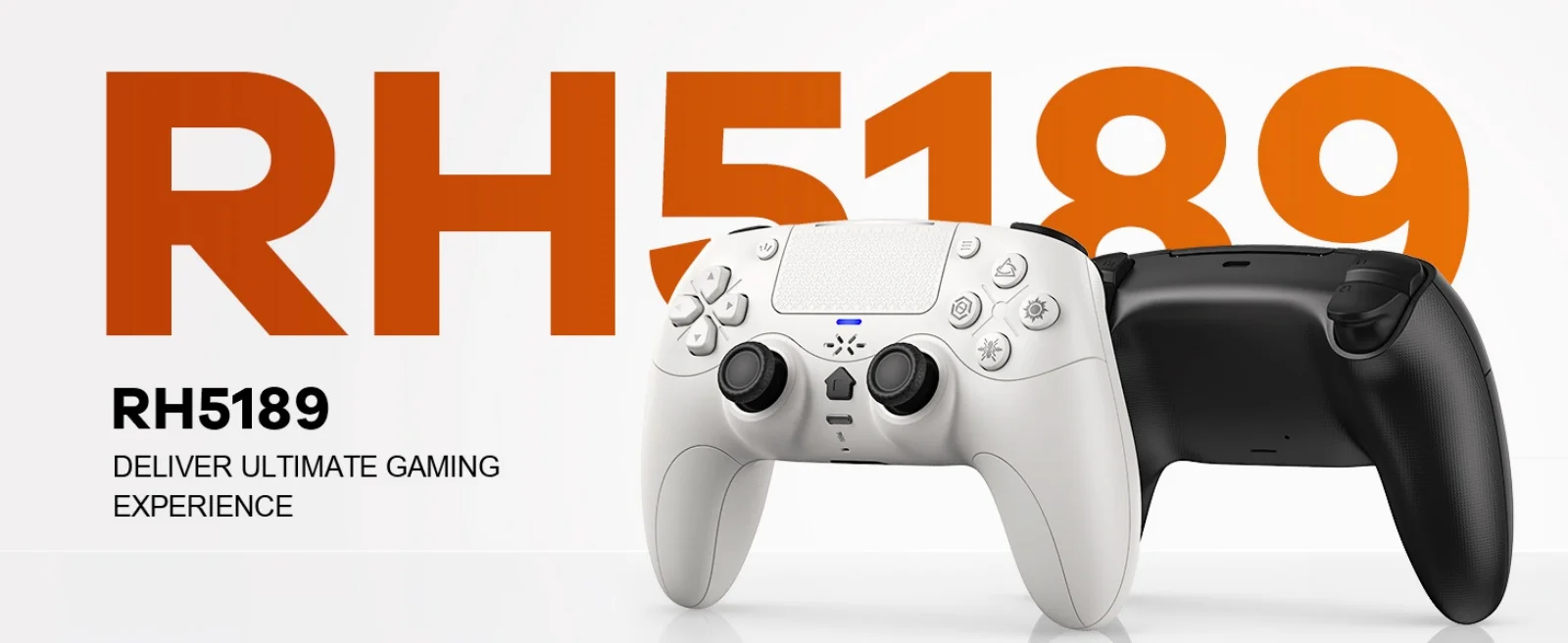
GAMROMBO RH-5189 Wireless Controller for PS5 and PC
White
$92.39
Skip to product information


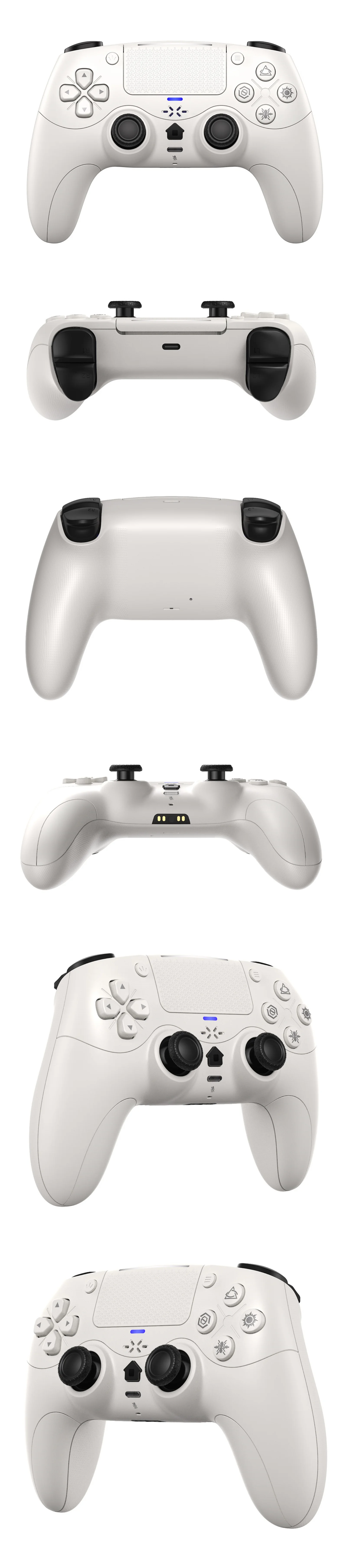
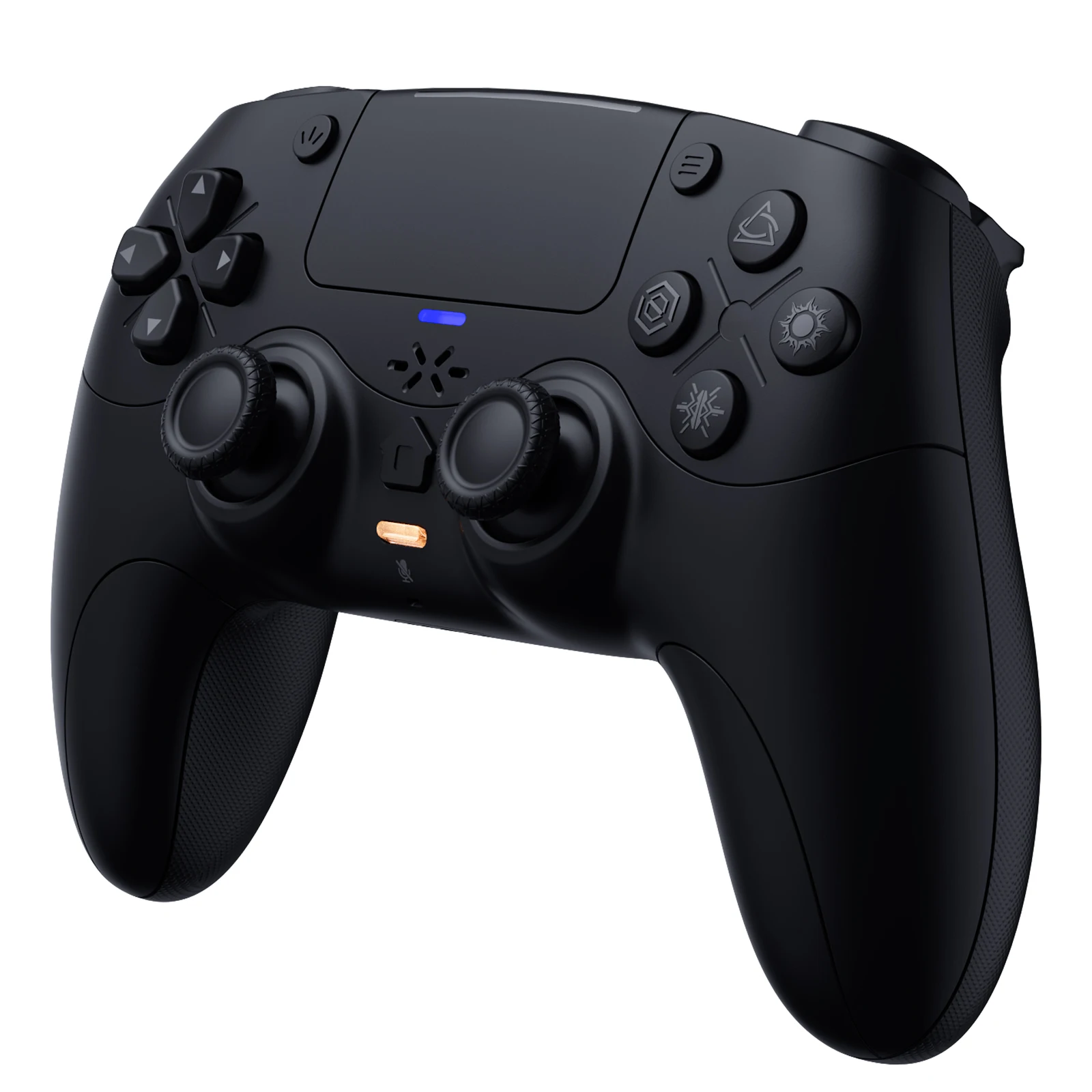
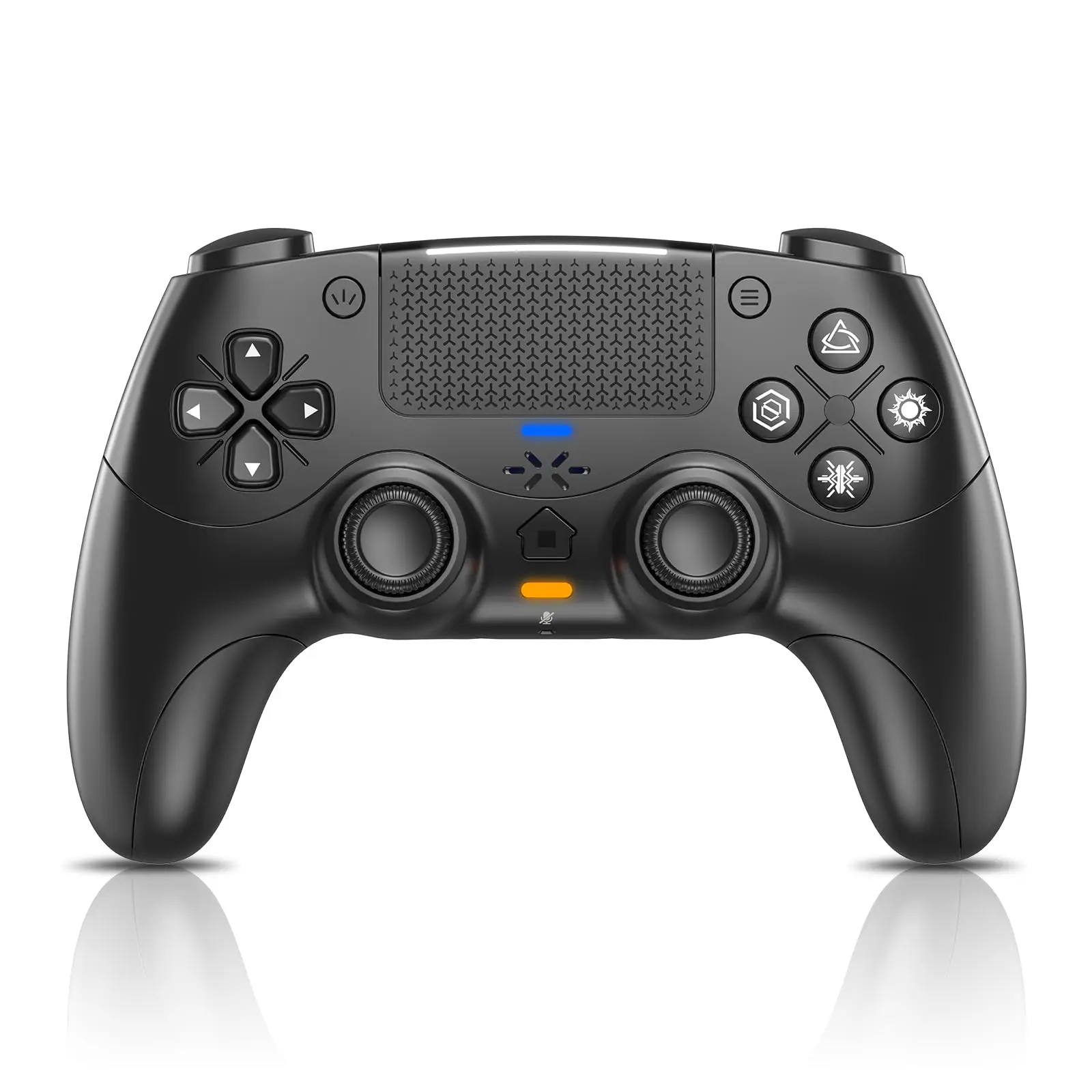


GAMROMBO RH-5189 Wireless Controller for PS5 and PC
$92.39
- Free worldwide shipping
- Pre-ship QC
- Tracked delivery
- Arrives Nov 10 – Nov 19
- Import duties included
Defective, damaged or wrong item? Free replacement or refund — just send us a short video. Details
Product details & specifications
Play across PS5 and PC with dynamic triggers, haptic feedback, and a built-in microphone.
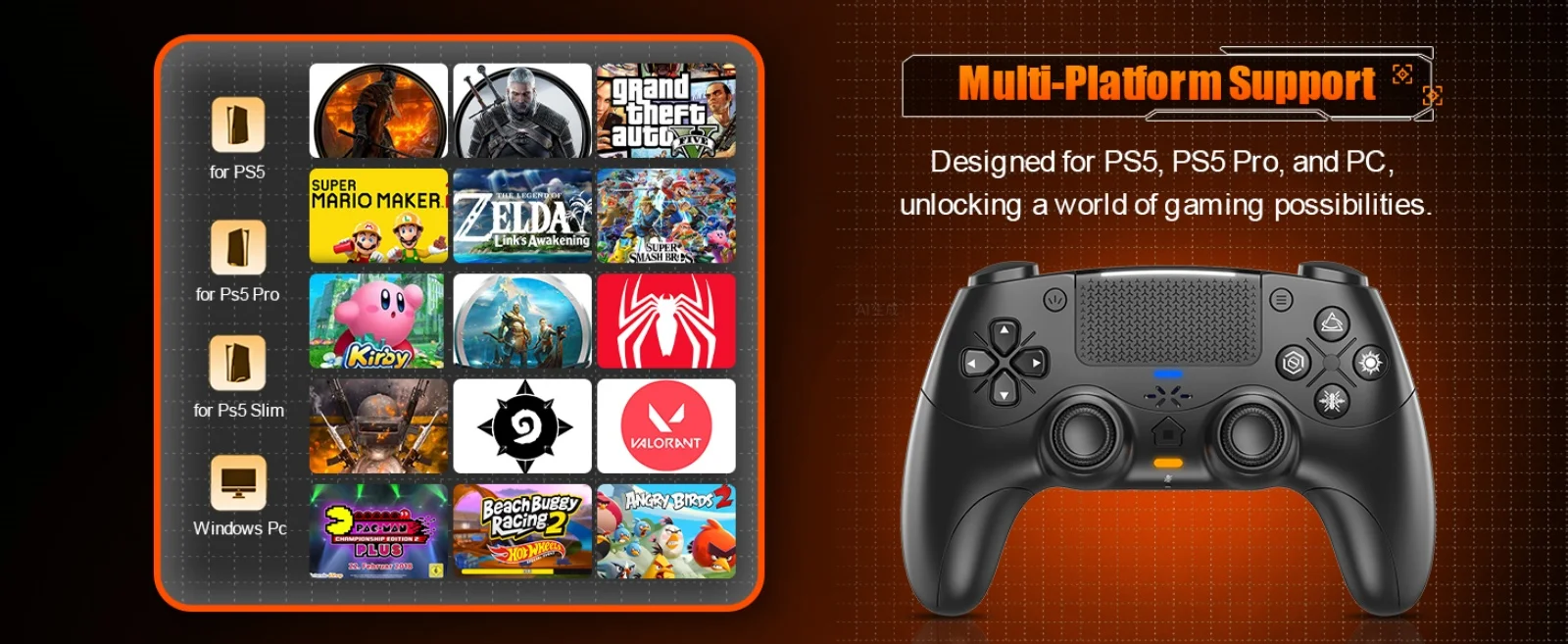
- Compatible with PS5, PS5 Pro, PS5 Slim, and PC
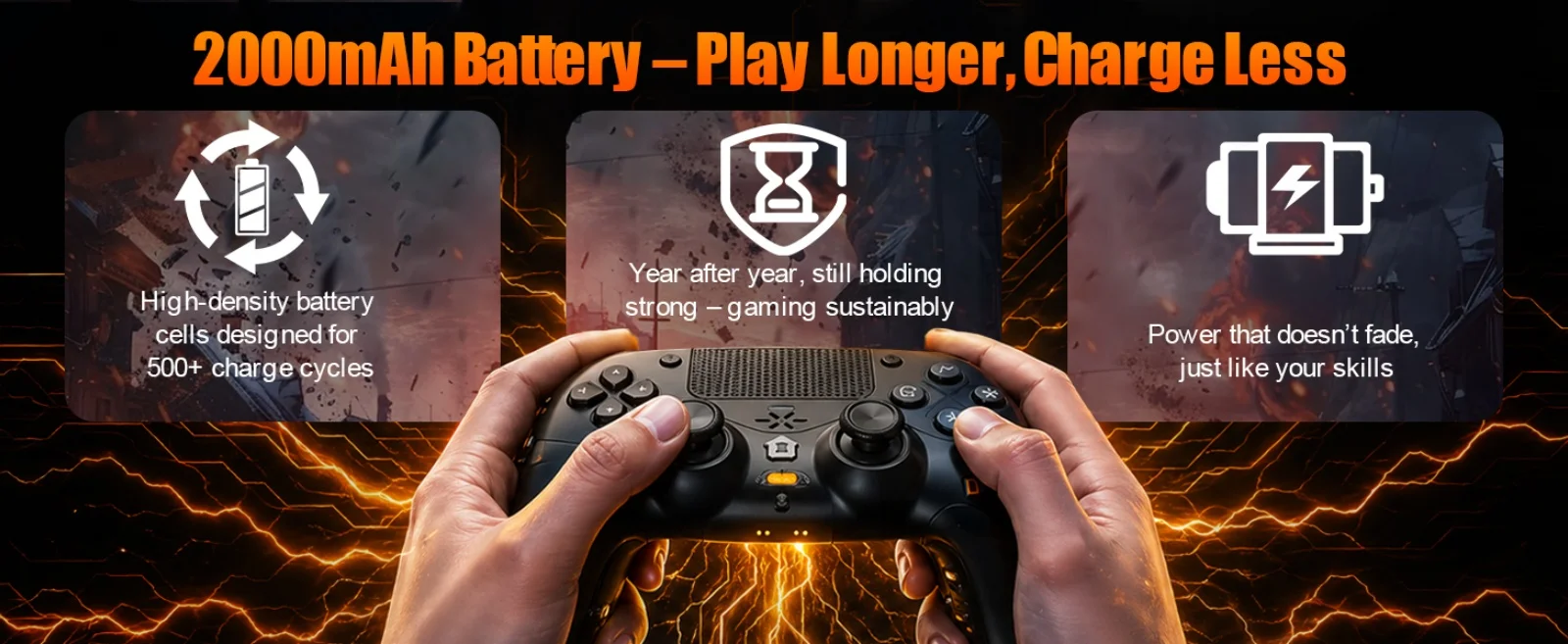
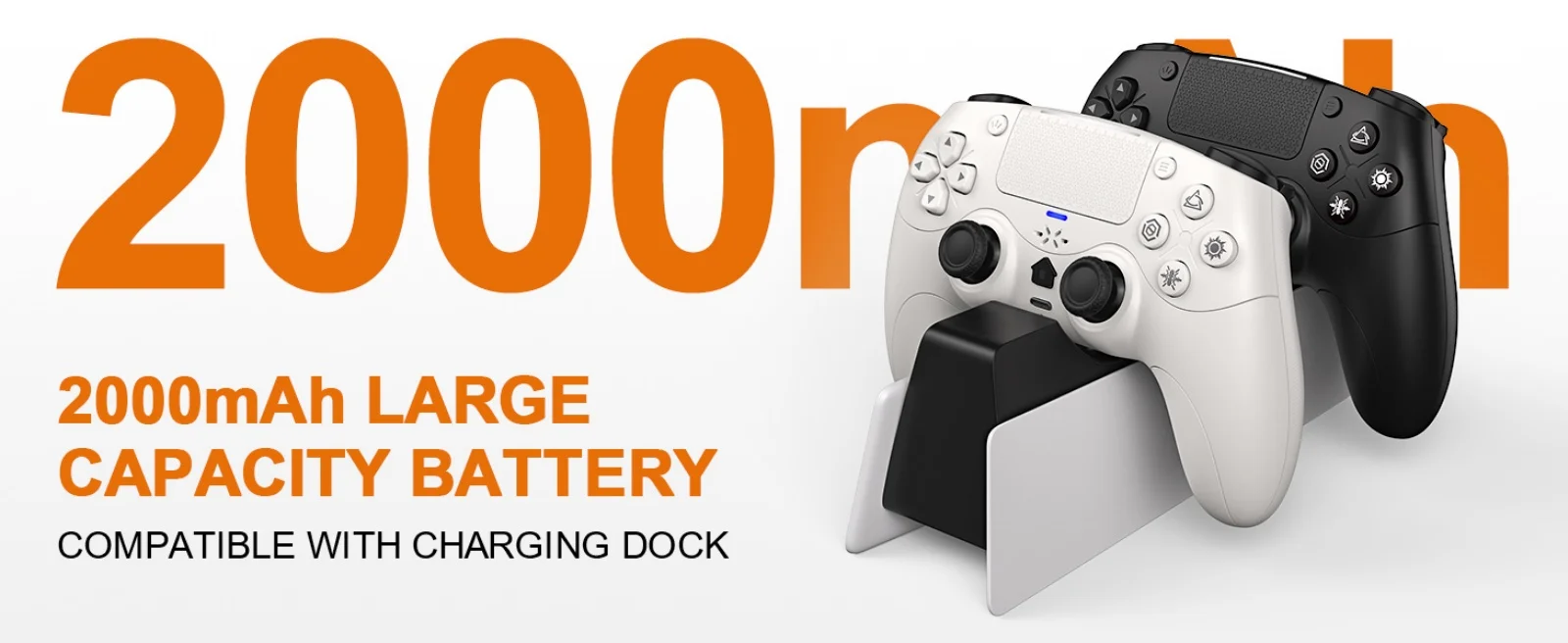
- 2000mAh battery
- Six-axis gyro sensor and haptic feedback
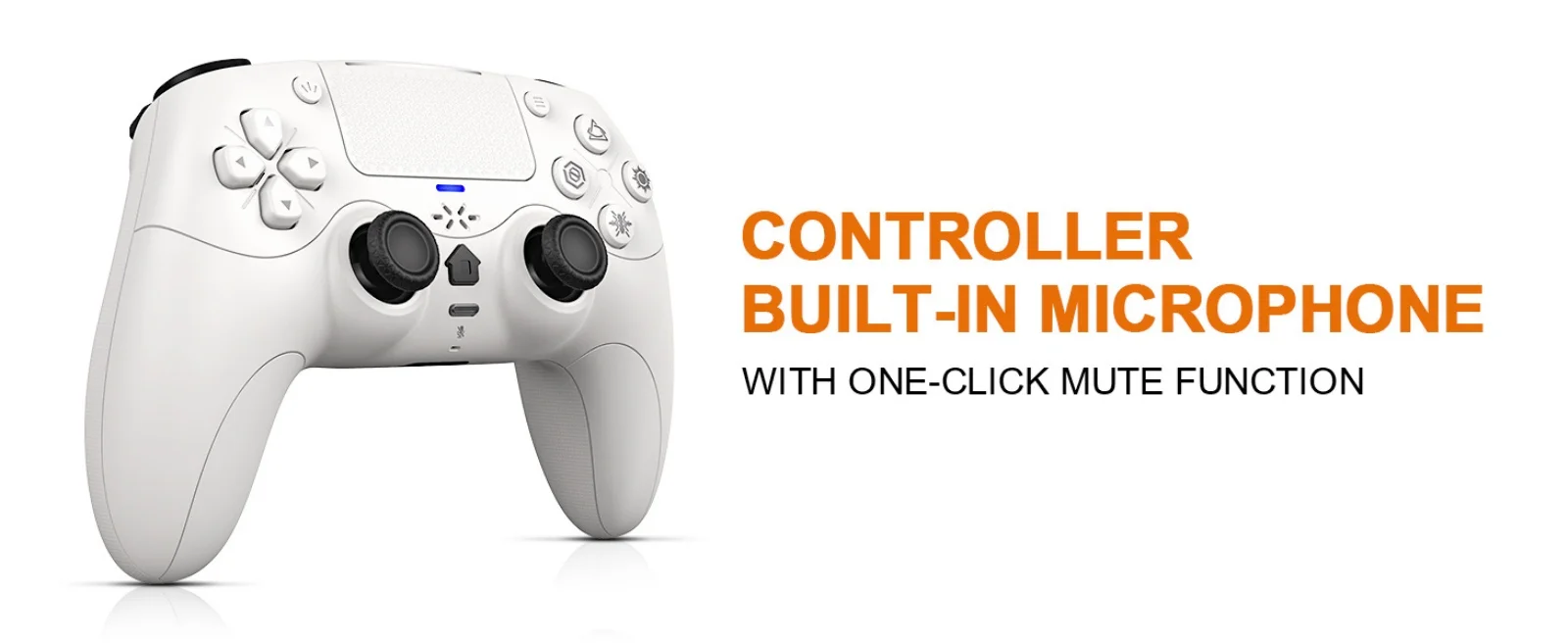
- Built-in microphone, mute button, and 3.5mm audio jack
- First connection to PS5 requires a wired connection
SPECIFICATIONS
Battery Included: Yes
Brand Name: GAMROMBO
Certification: CE
Compatible Brand/Model: Sony
Compatible Platform: PC,steam
Compatible Sony Model: PS5 Slim,PS5 Pro,ps5
Finish Type: Matte
High-concerned chemical: none
Model Number: RH-5189
Origin: Mainland China
Package: Yes
Pattern: Solid
Trigger Button Type: Linear
Type: Gamepads
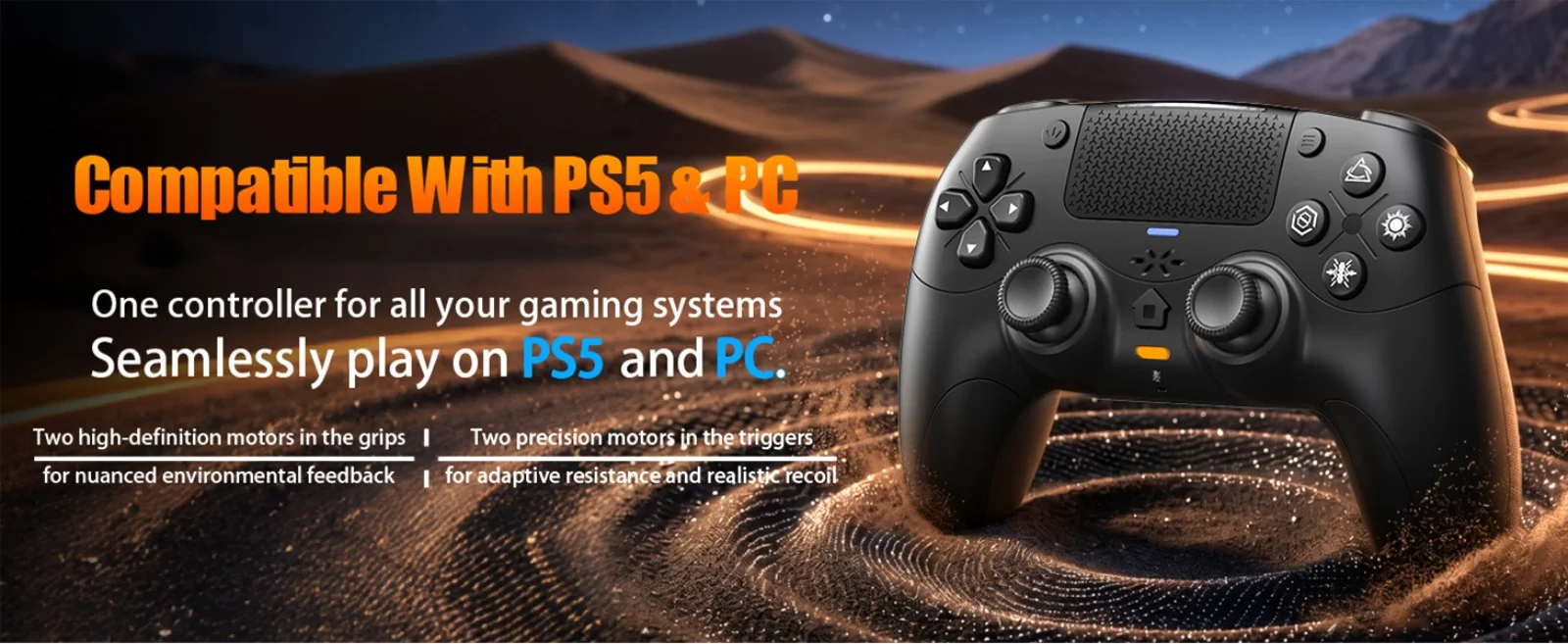
Compatible For PS5&PC
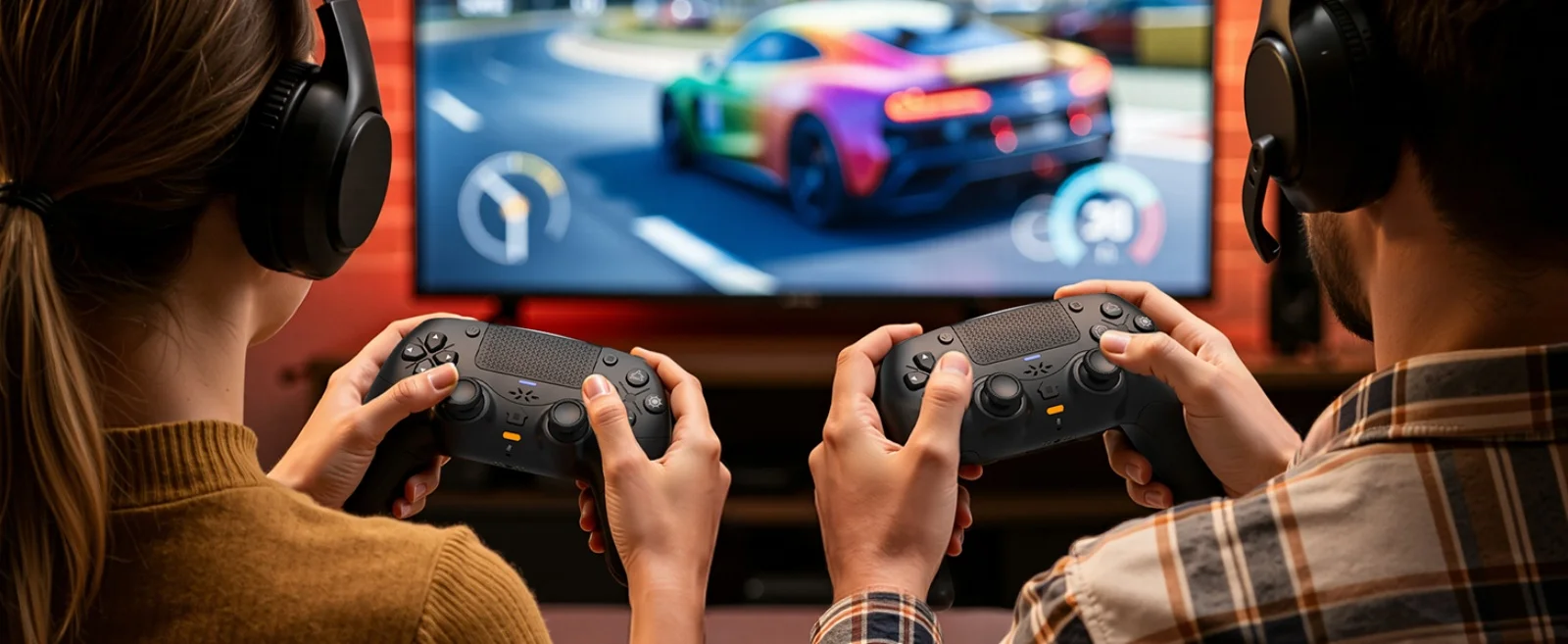
One controller for all your gaming systems,Seamlessly play on PS5 and PC.
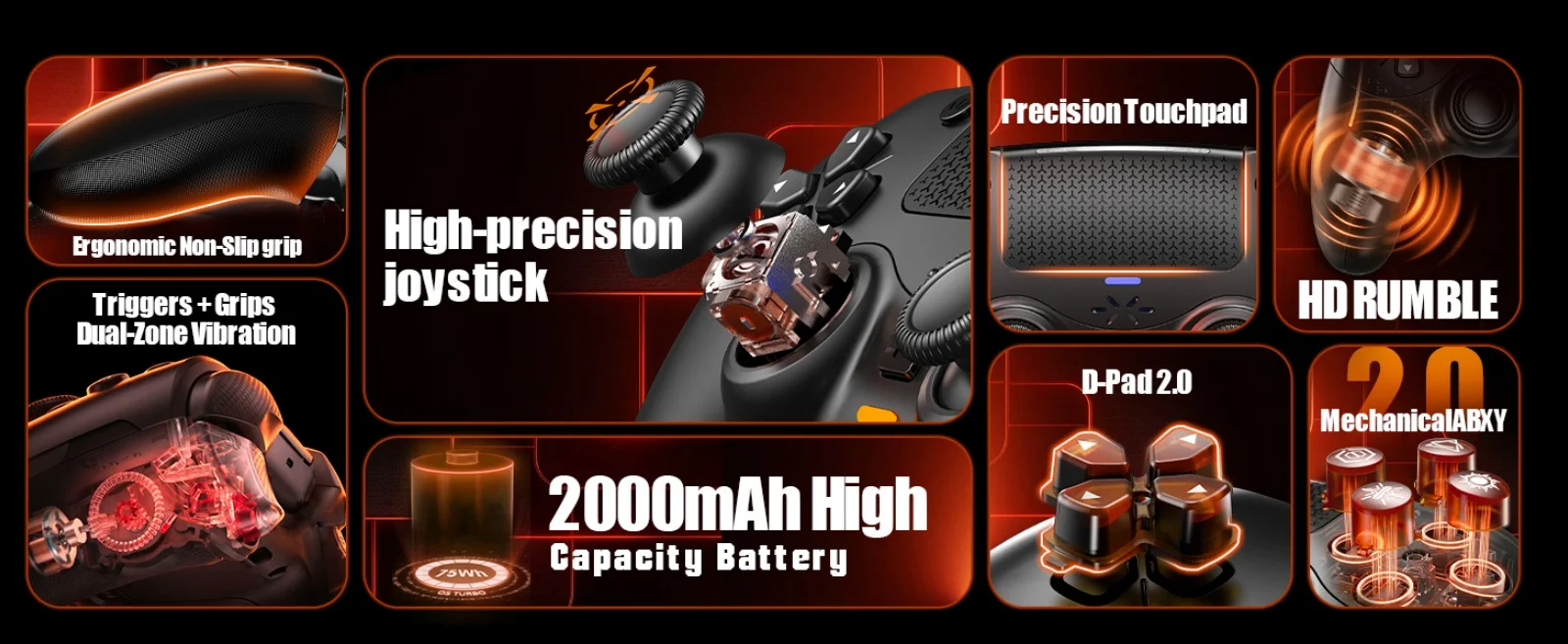
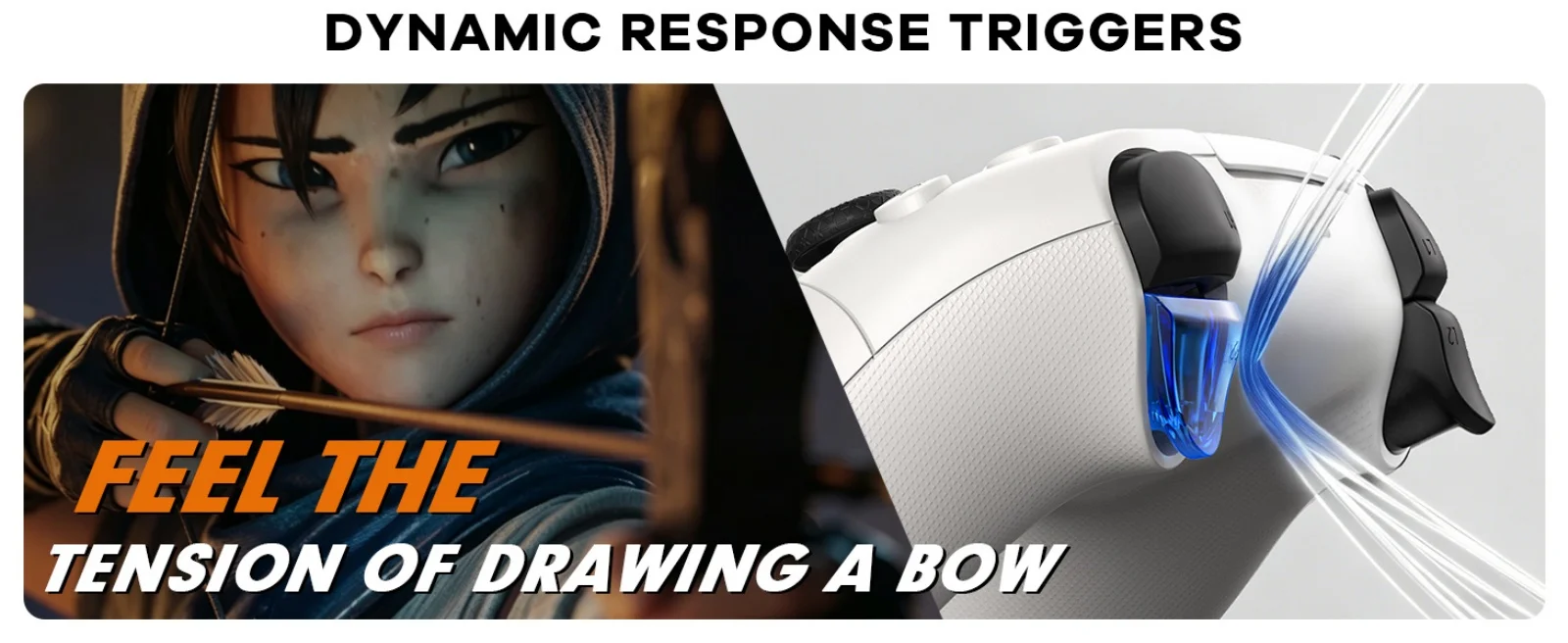
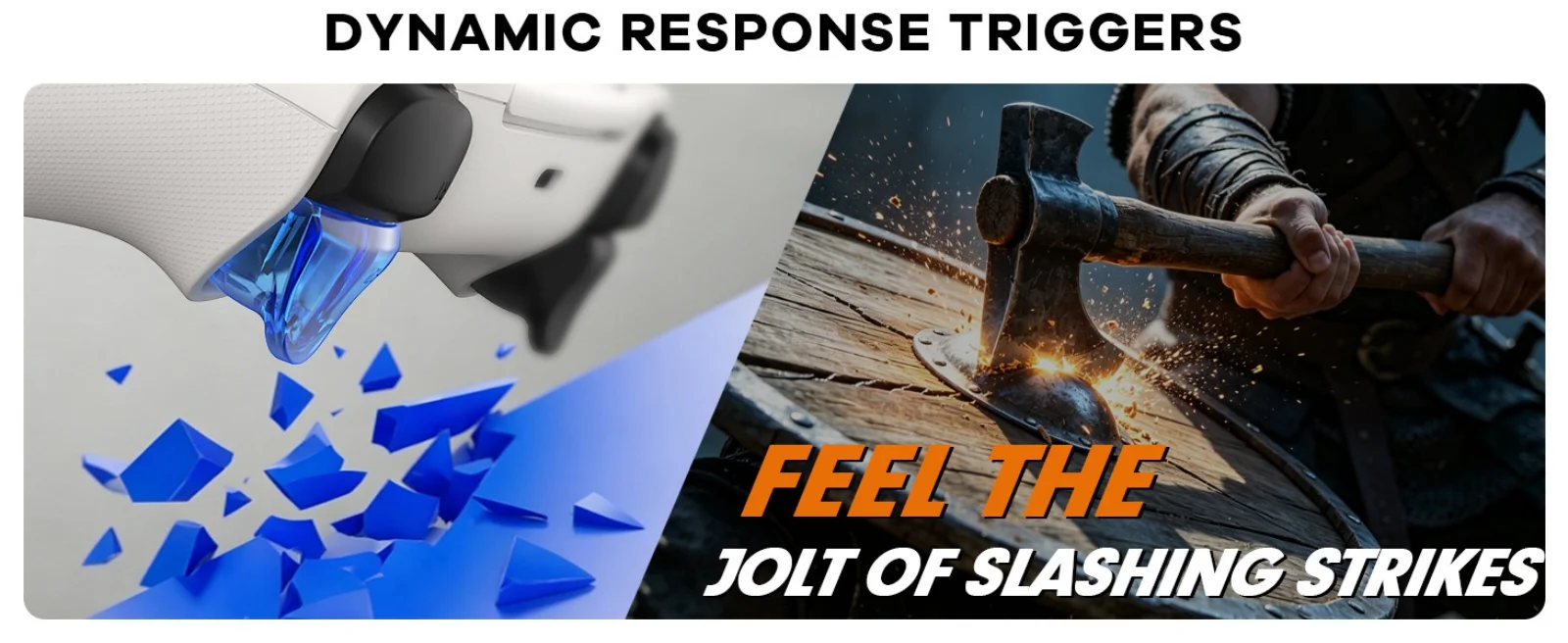
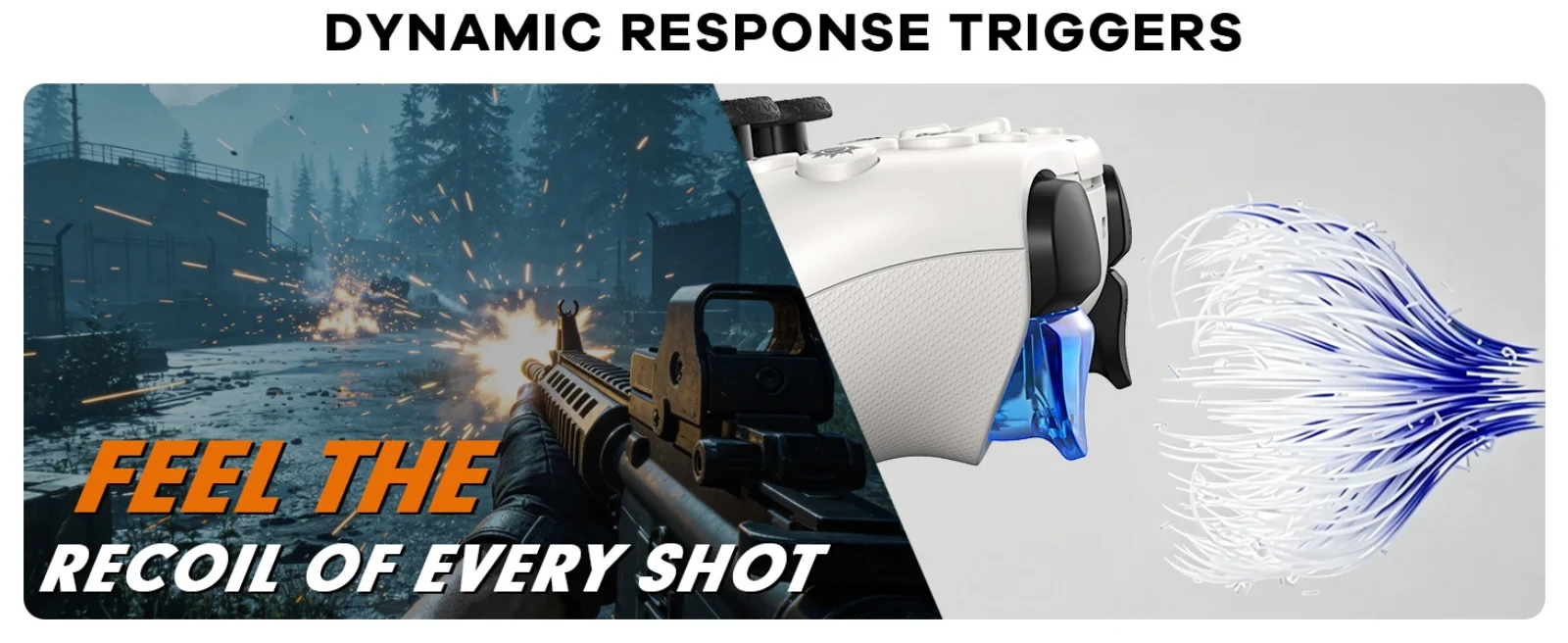
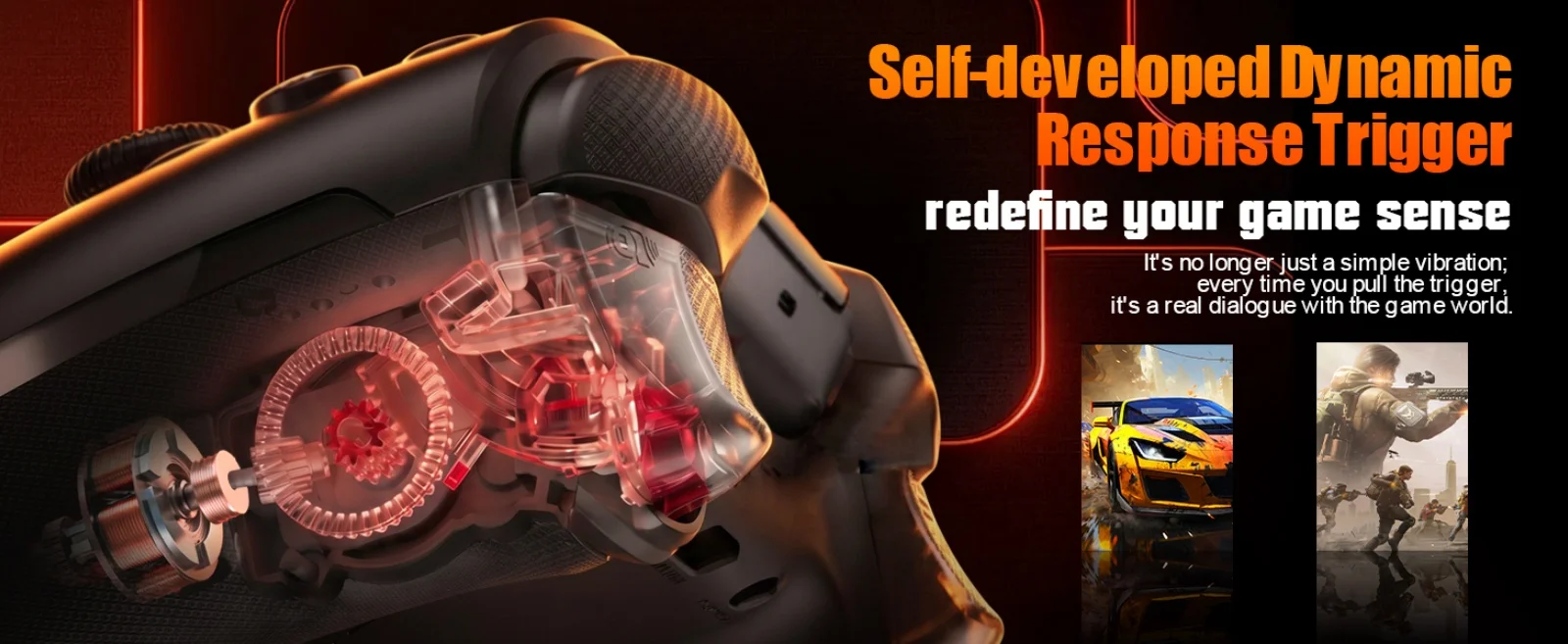
Self-eveloped Dynamic Response Trigger
redefine your game sense
2000mAh Battery-Play Longer,Charge Less
HD RUMBLE
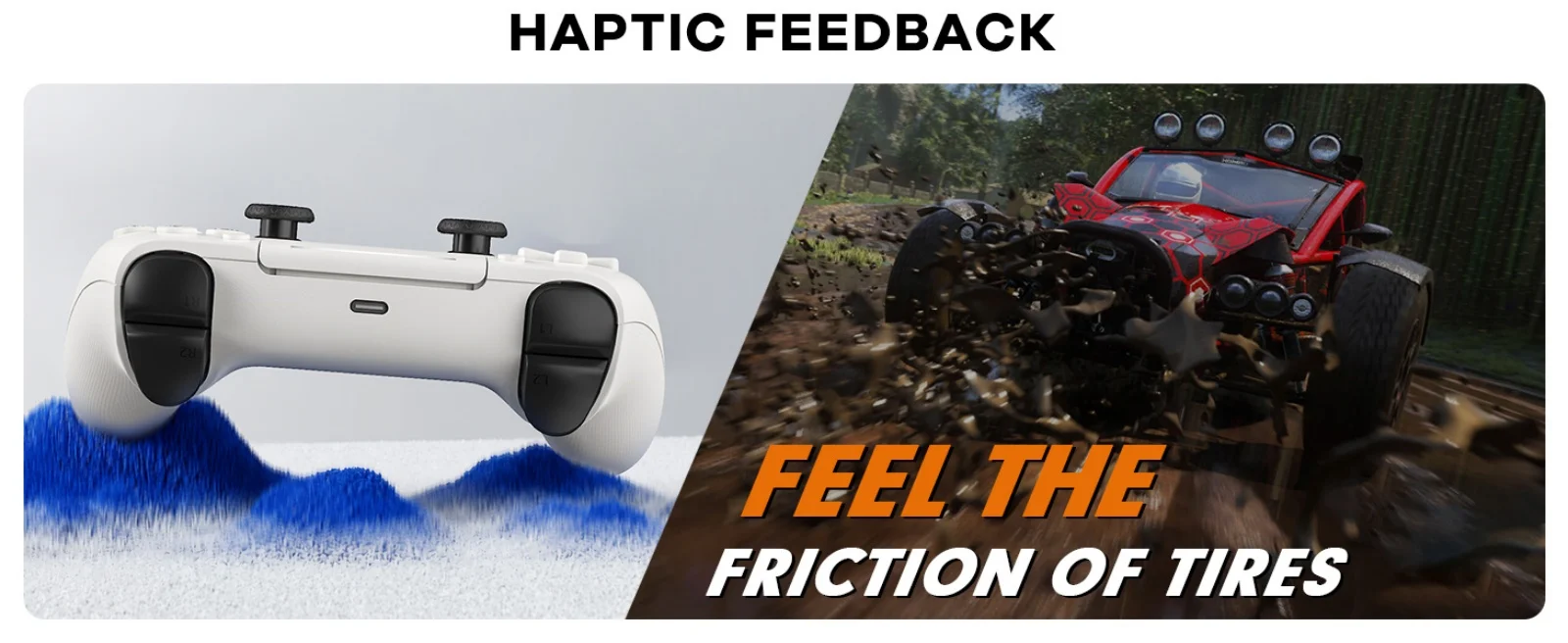
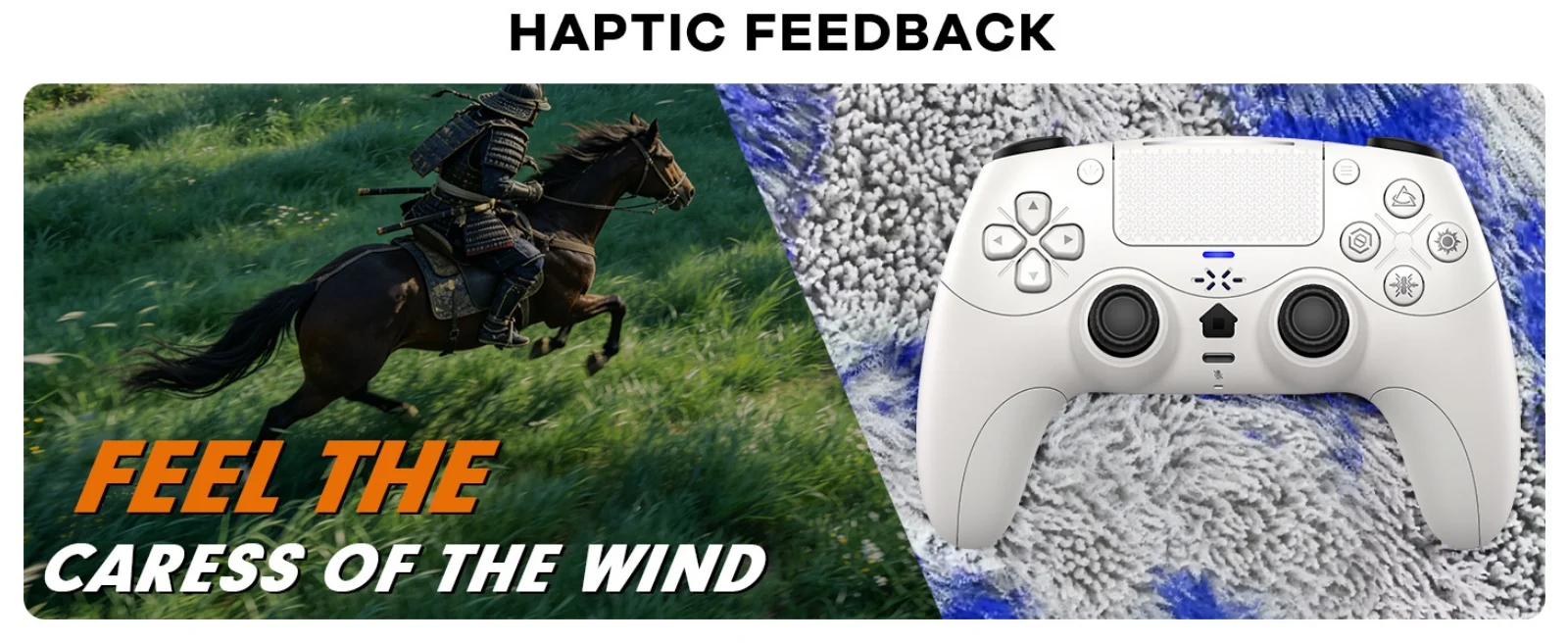
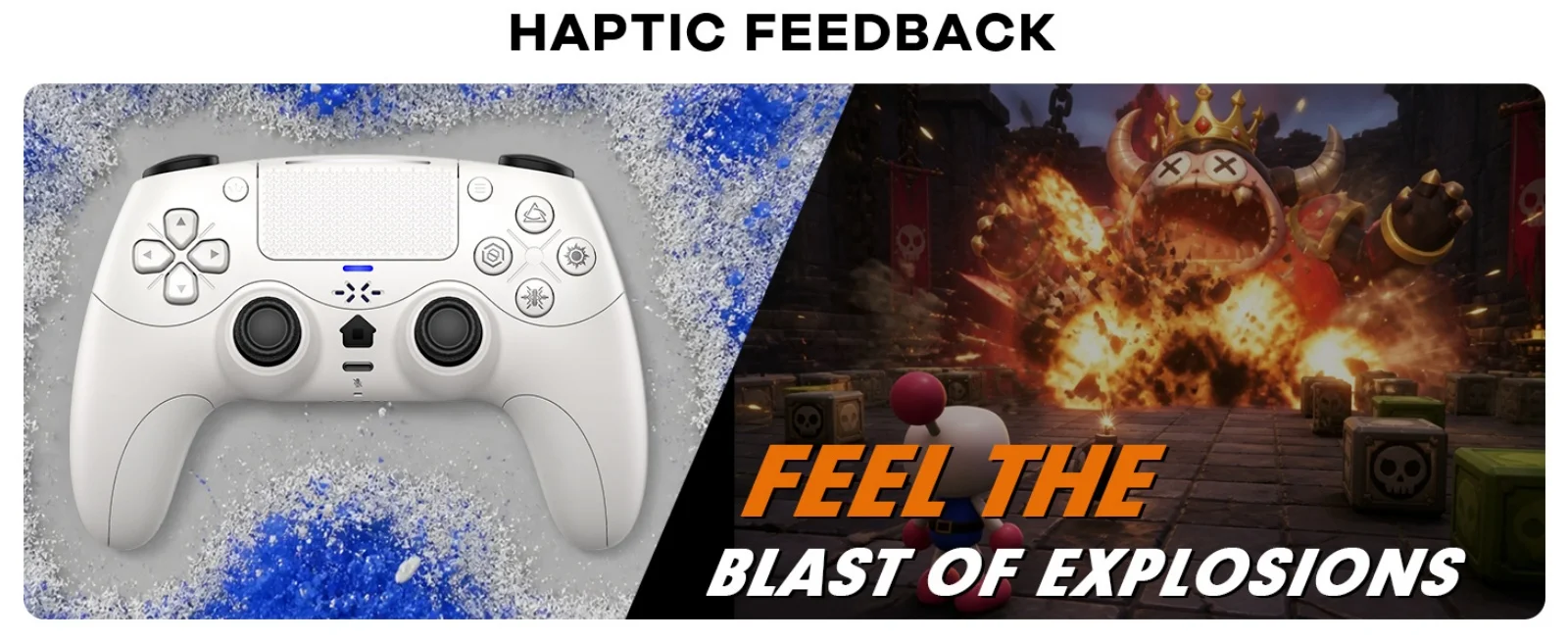
Experience ultra-realistic haptic feedback. Our advanced dual-actuators simulate everything from the roar of an engine to the distinct kick of a wea-pon placing you at the center of the action for a deeply immersive gaming experience.
Multi-Platform Support
Designed for PS5, PS5 Pro, and PC,unlocking a world of gaming possibilities
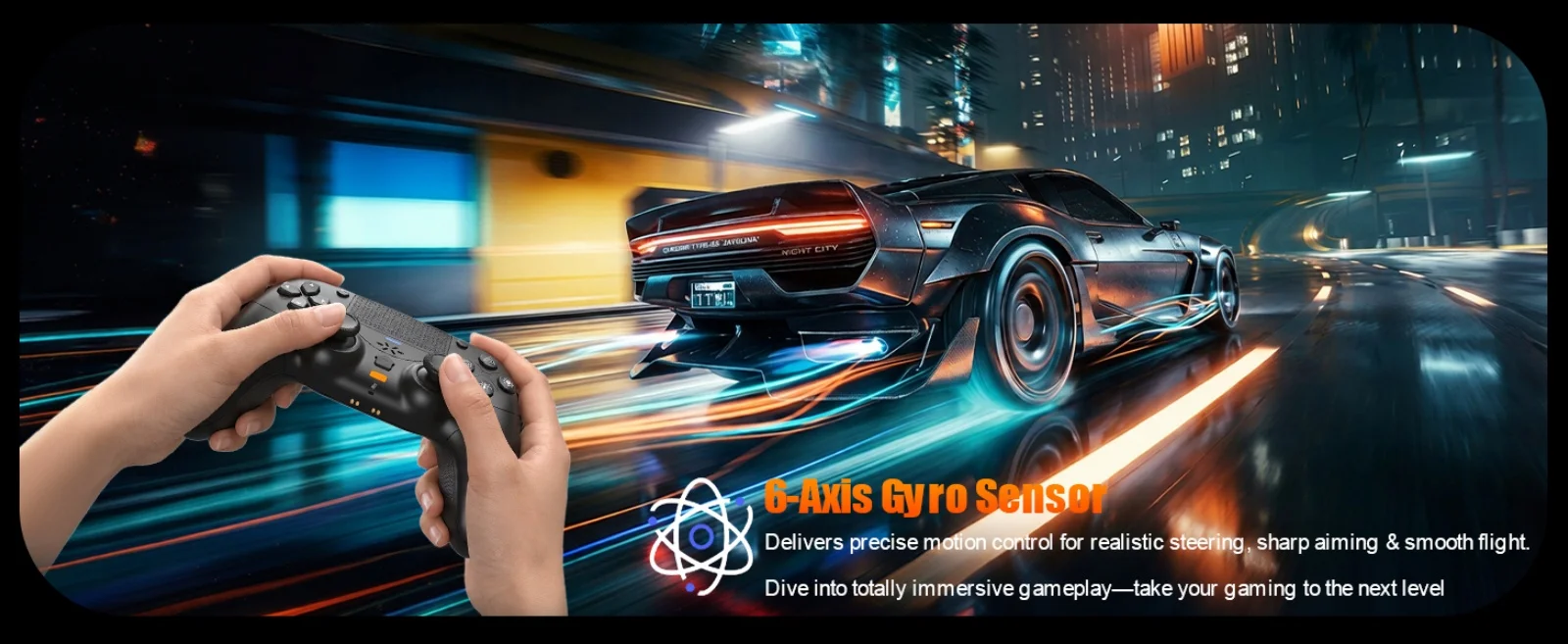
6-Axis Gyro Sensor
Delivers precise motion control for realistic steering, sharp aiming & smooth flight.
Dive into totally immersive gameplay-take your gaming to the next level
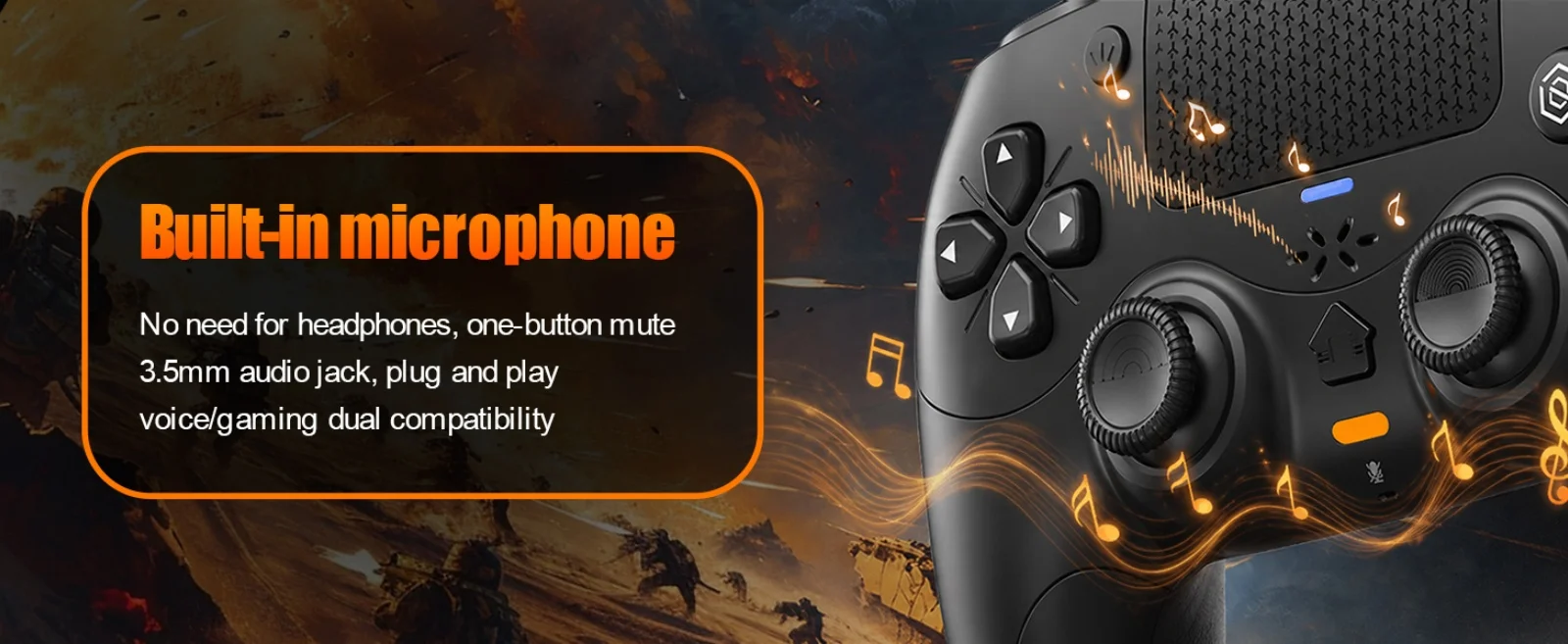
Built-in microphone
No need for headphones, one-button mute,3.5mm audiojack, plug and playvoice/gaming dual compatibility
PS-5 Host Connection Method:
👉️!!! Note: The first time a new controller connects to PS-5,a wired
connection is required.
connection is required.
1.When the controller is turned off, connect it to PS-5 via USB cable, then press the "PS button" to connect to PS-5.
2.When the wired connection is successful, disconnect the USB cable and press the "PS" button to connect to PS-5 wirelessly.
PC Wired Connection:
👋1.Power on the PC
2.The controller connects to the computer via a USB-C cable.
Note:
1. Connect the controller to your computer via USB cable. The computer will automatically install the driver. The controller supports both PS-5 wired audio and X-input modes. After connecting via USB wired connection, it defaults to PS-5 wired audio. Press and hold the + button for 3 seconds to switch to X-input mode.
2. PC display names:
PS-5 Wired: DualSenes Wireless Controller --- Light is blue
X-input: PS-5 Controller for Windows --- Light is green
Bluetooth Connection:
For PC/iOS/MAC and Steam Deck
🎮️1.Turn on Bluetooth on the PC.
2. With the controller powered off, first press and hold this button, then press the PS combination button ( +PS) for 3 seconds. The indicator light will flash, and the controller will enter pairing mode. Then release the button.
3.Search for Bluetooth "DualSenes Wireless Controller" and click to connect.
4.The controller supports Apple devices with iOS13.0 and above; the Mac platform supportswired connection and wired audio functionality.
5.Steam Deck supports wired connections and wired audio functionality (when connected to Steam Deck in PC mode, the mode can be switched).
6.A Type-C to USB adapter cable is required for wired connection between MAC and Steam Deck.
Mute Function:
1. Briefly press the mute button; the mute indicator light will remain on, indicating that the controller's microphone is muted.
2. Press and hold the mute button; the mute indicator light will flash in a cycle, indicating that all audio (including vibration) from the controller is muted.
Linear Motors:
This controller features a linear motor that generates vibrations ranging from extremely weak to strong, adapting to different gaming scenarios and providing users with a better experience.
Triggers and 3D Joystick Calibration:
1.Hold the buttons,then use the USB cable and power on.The Home button will flash quickly.
2. Press L2/R2 triggers 2 - 3 times, rotate those two 3D joysticks 2 - 3 circles each.
Then long -press X key for 1 second to confirm. The Home key will stay on.
Calibration is done; power off to save.