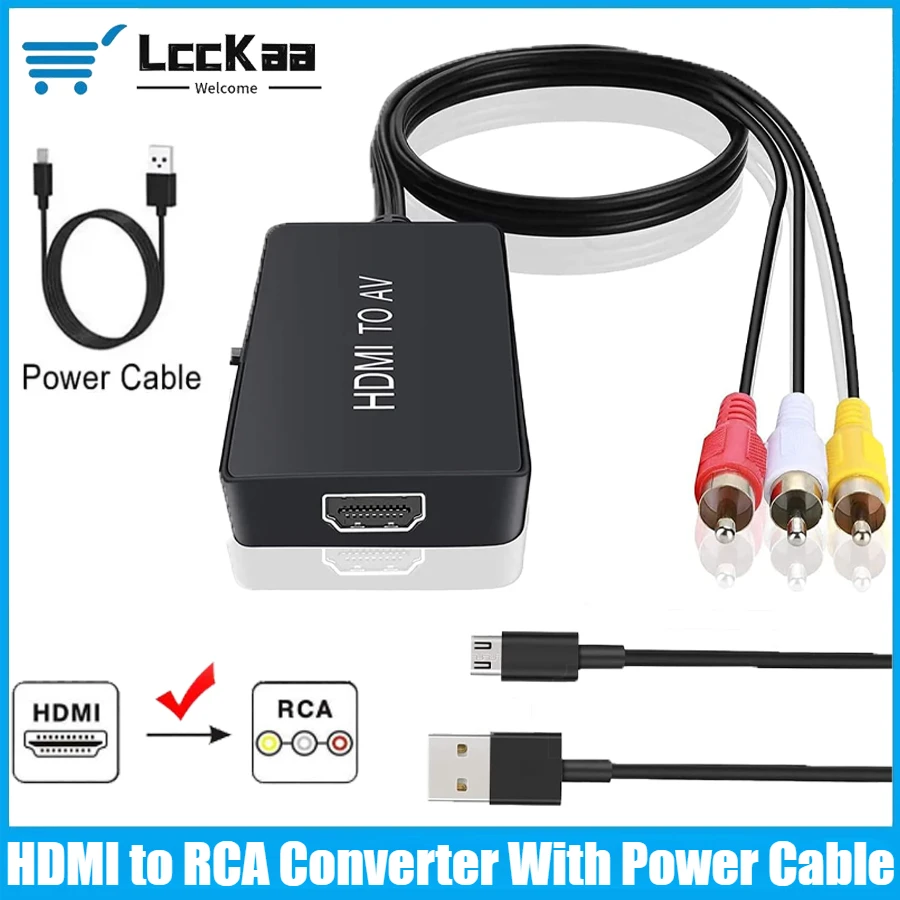
HDMI to AV RCA Converter with PAL and NTSC Support


HDMI to AV RCA Converter with PAL and NTSC Support
- Free worldwide shipping
- Pre-ship QC
- Tracked delivery
- Arrives Nov 9 – Nov 18
- Import duties included
Defective, damaged or wrong item? Free replacement or refund — just send us a short video. Details
Product details & specifications
Send HDMI video and audio to an older display with RCA composite inputs.
- Converts HDMI input to RCA composite output
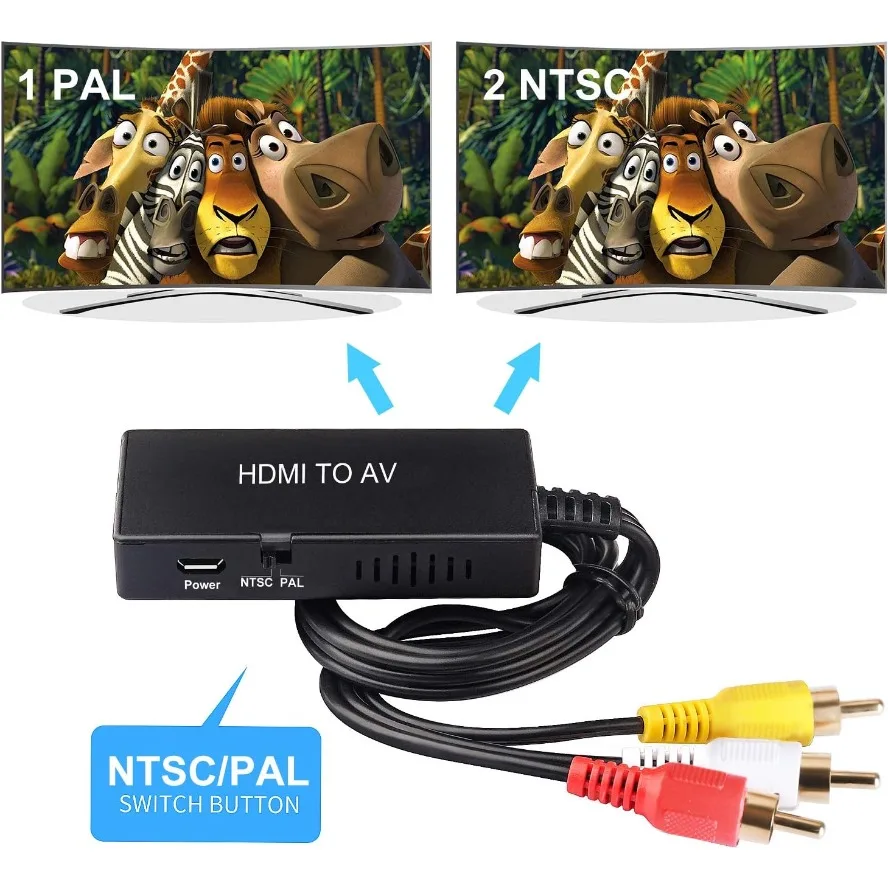
- Supports PAL and NTSC output formats
- HDMI input supports resolutions up to 1080P at 30Hz
- Compatible with listed streaming sticks, Apple TV, DVD, and Blu-ray players
SPECIFICATIONS
Application: DVD Player,TV box
Brand Name: LccKaa
Certification: CE
Choice: yes
Connector A: HDMI-Compatible
Connector B: RCA
Feature: None
Features 1: HDMI to AV Converter
Features 10: HDMI to RCA Converter
Features 2: HDMI to Video Audio Adapter
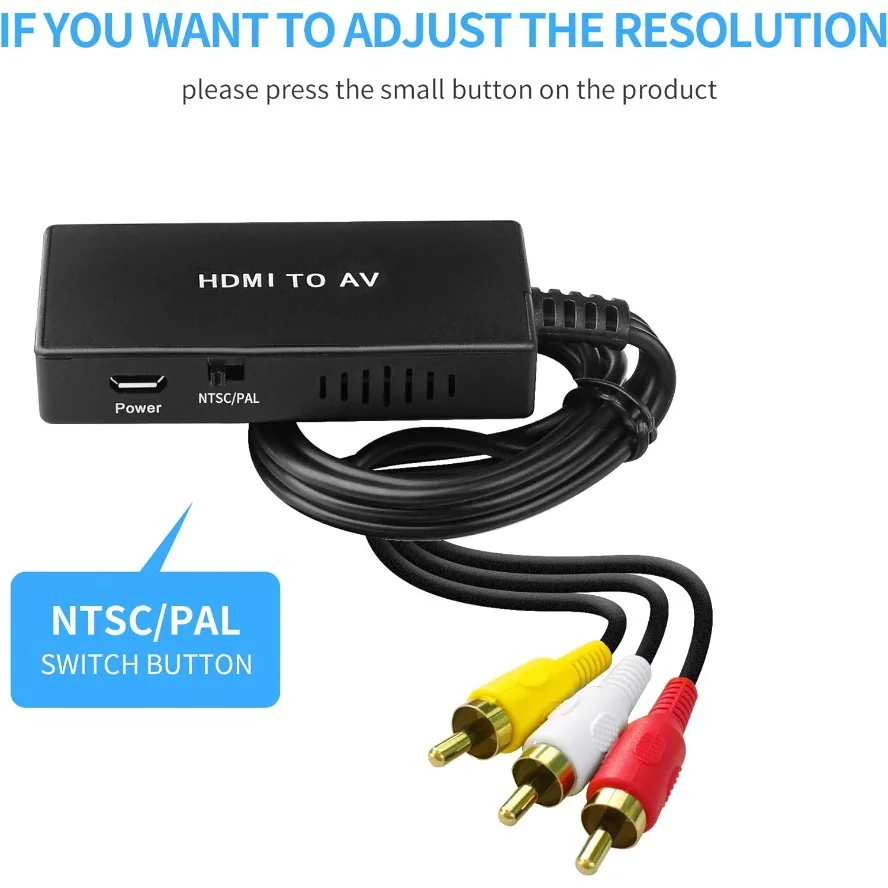
Features 3: Supports PAL/NTSC Compatible
Features 4: HDMI to AV for Roku Streaming Stick
Features 5: HDMI to AV for Fire Stick,
Features 6: HDMI to AV for Apple TV
Features 7: HDMI to AV for DVD,
Features 8: HDMI to AV for Blu-ray Player
Features 9: HDMI to AV for HD Box ect
Gender: Male-Female
High-concerned chemical: none
Model Number: HDMI TO AV
Origin: Mainland China
Outer Diameter: HDMI to AV Converter
Package: Yes,Polybag
Shielding: Non-Shielded
Type: HDMI Cables-compatible
Version: HDMI 1.4
semi_Choice: yes
About the product
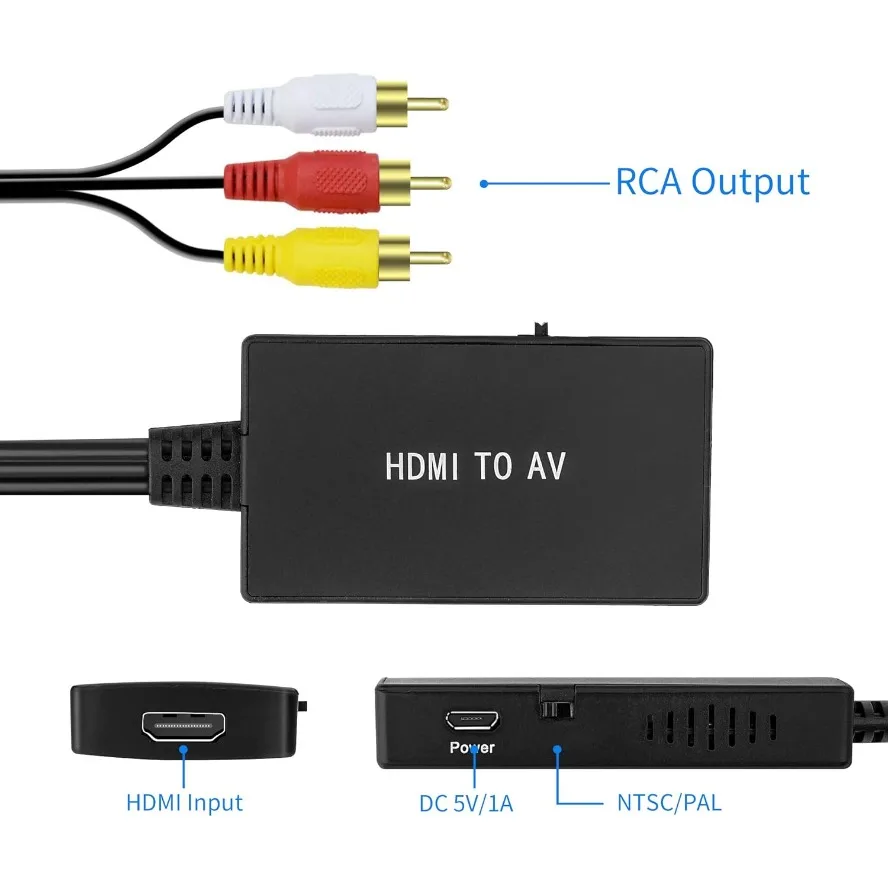
HDMI to RCA adapter: Convert HDMI signal to RCA signal, very suitable for connecting to old RCA (AV/composite video and left/right stereo audio signal) old TV
HDMI to AV support HDMI 1.3, HDMI input resolution up to 1080P @ 30Hz
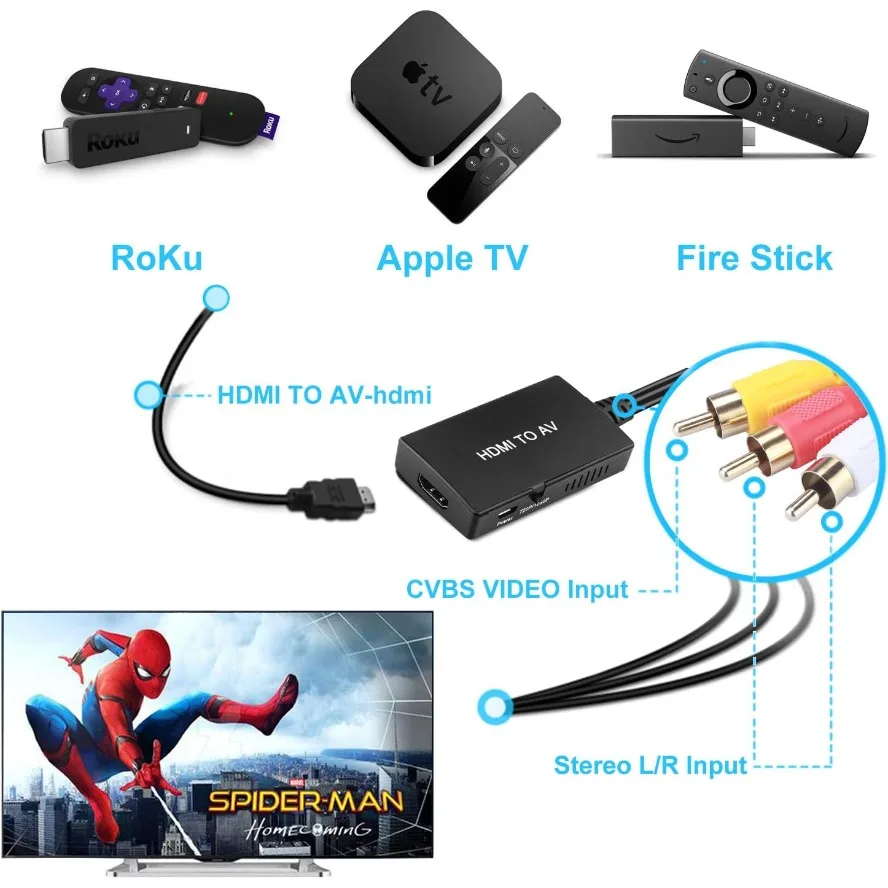
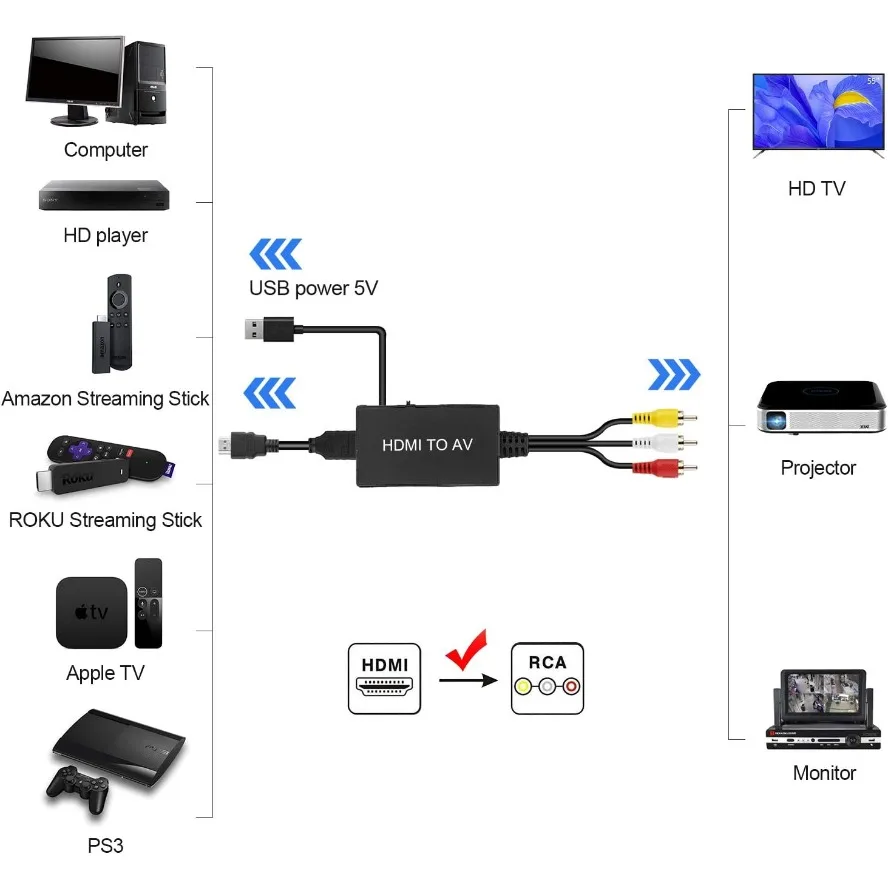
HDMI input is compatible with Roku streaming media stick, Fire Stick, Apple TV, DVD, PC, Blu-ray player, HD box, etc. The RCA output is compatible with old TVs, monitors or projectors that support RCA output.
HDMI to composite materials, please set to NTSC format when using in the United States!
Please note: 4K and 3D (such as PS4) are not supported. Cannot be used in the reverse direction (cannot be used as an AV to HDMI converter).
HDMI to RCA connection method:
1. Connect the HDMI port to the HDMI port of the signal source (the HDMI cable can be replaced for testing)
2. Connect the rca port to the RCA input of the TV/monitor (to connect correctly, you can try to rotate the port)
3. HDMI to AV converter needs to be connected to a 5V1A power supply
4. Set the TV to RCA input mode, and the signal source needs to be in working condition.
note:
Please check if the RYW (RCA) cable is plugged into the matching RCA port on the TV.
The signal source resolution cannot be higher than 1080P
Package Content
1 x HDMI to AV Converter
1 x USB Power Cable
1 x User Manual