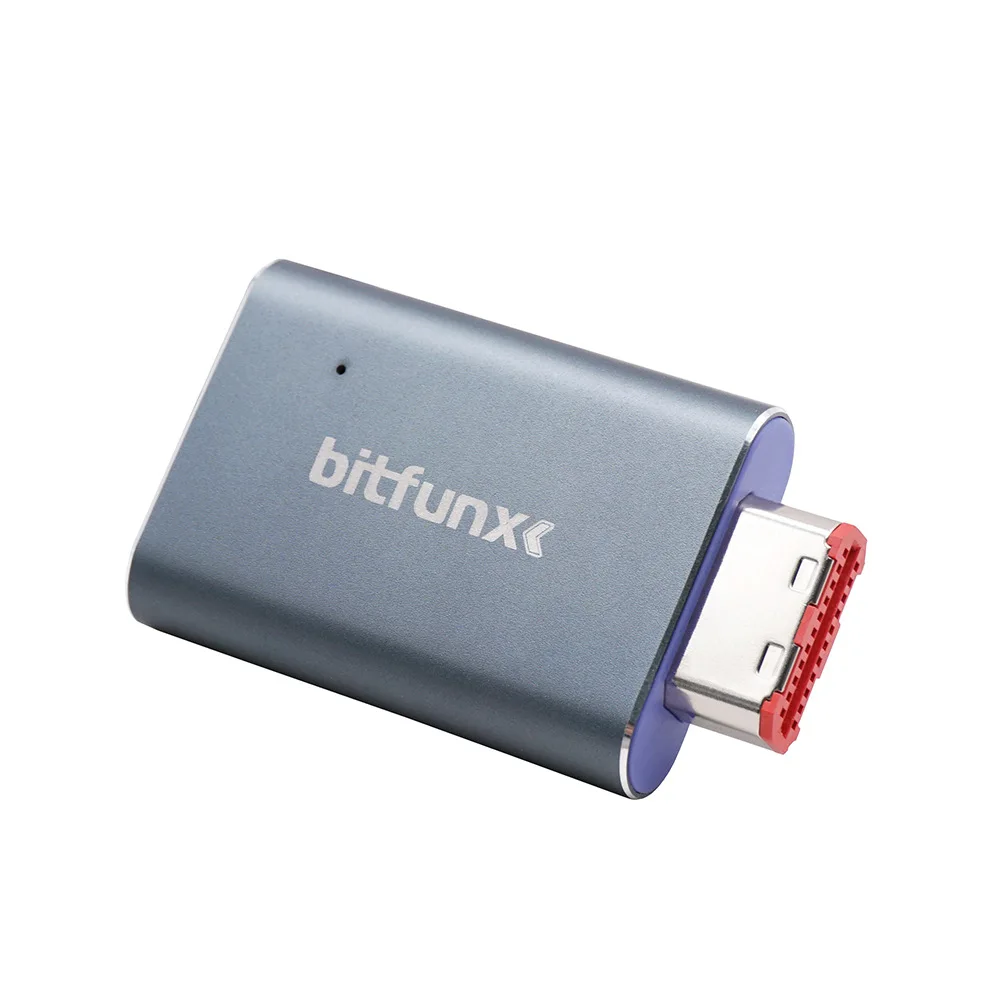
New design Video HDMI Adapter Digital AV to HDMI GC2HDMI for Nintendo Gamecube NGC DOL-001 Game Console


New design Video HDMI Adapter Digital AV to HDMI GC2HDMI for Nintendo Gamecube NGC DOL-001 Game Console
- Free worldwide shipping
- Pre-ship QC
- Tracked delivery
- Arrives Nov 11 – Nov 20
- Import duties included
Defective, damaged or wrong item? Free replacement or refund — just send us a short video. Details
Product details & specifications
SPECIFICATIONS
Accessories Type: HDMI Port
Bluetooth range: NO
Brand Name: ren tian ge
Cable features: Retractable
Compatible Brand/Model: Nintendo
Compatible Nintendo Model: Nintendo GameCube
Control Method: Push button
Controls Type: Others
Electric: No
Enclosure material: Plastic
Fastening type: Others
Harness Feature: Others
High-concerned chemical: none
Model Number: 1
Occasion: Others
Origin: Mainland China
Platform: Other
Portable: Yes
Reusability: Reusable
Sensor Technology: Others
With USB: 1
is_customized: 1
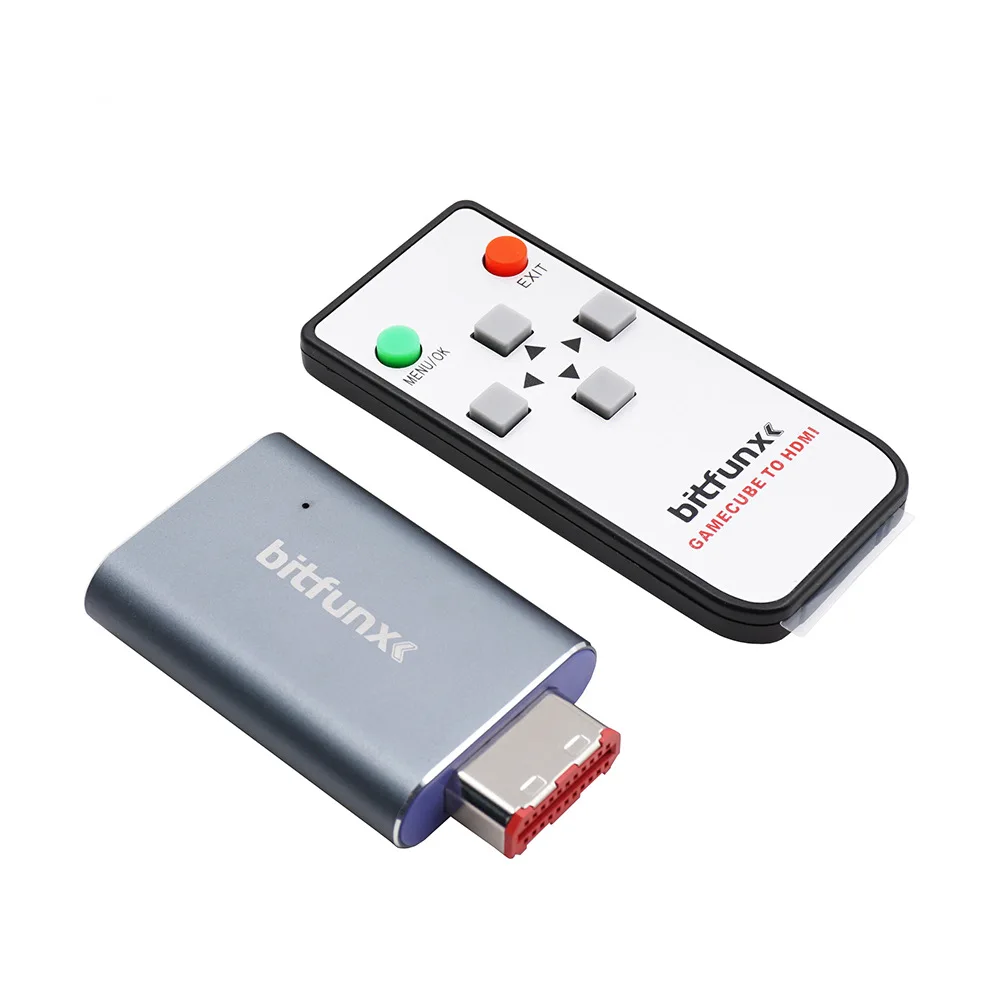
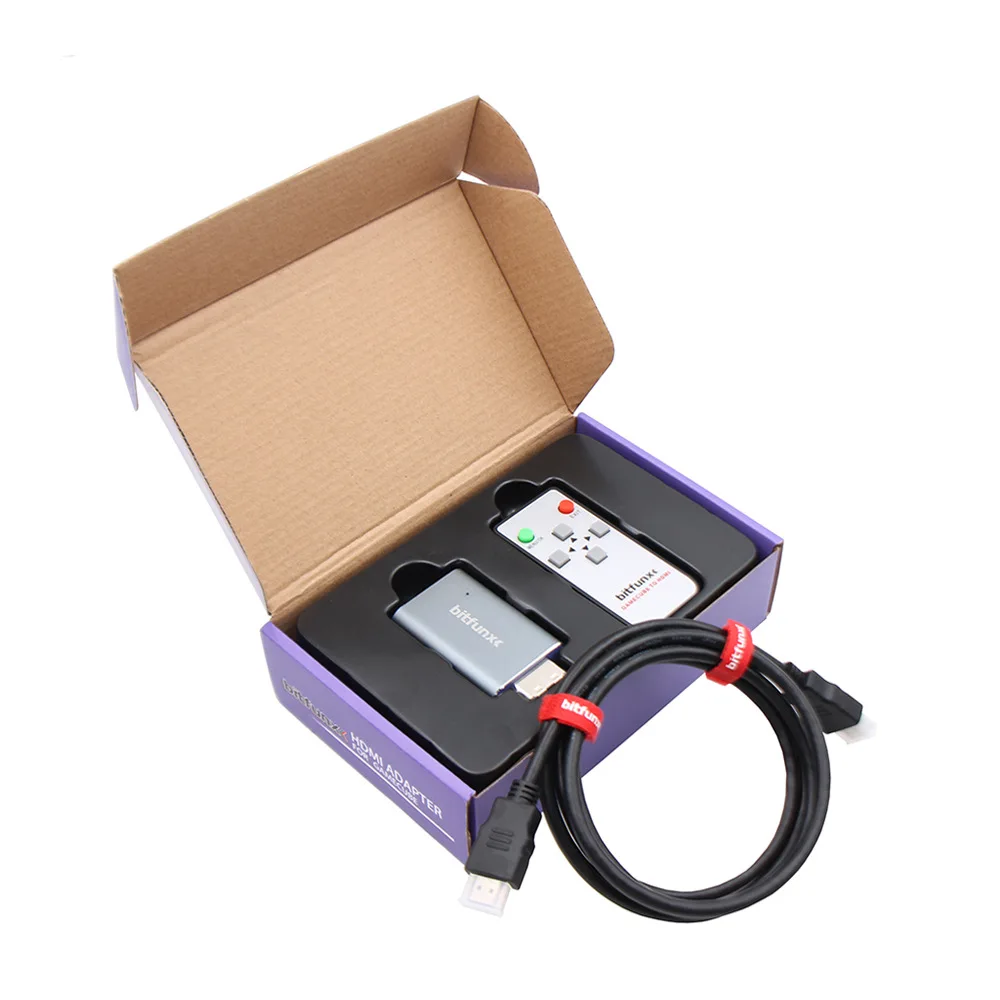
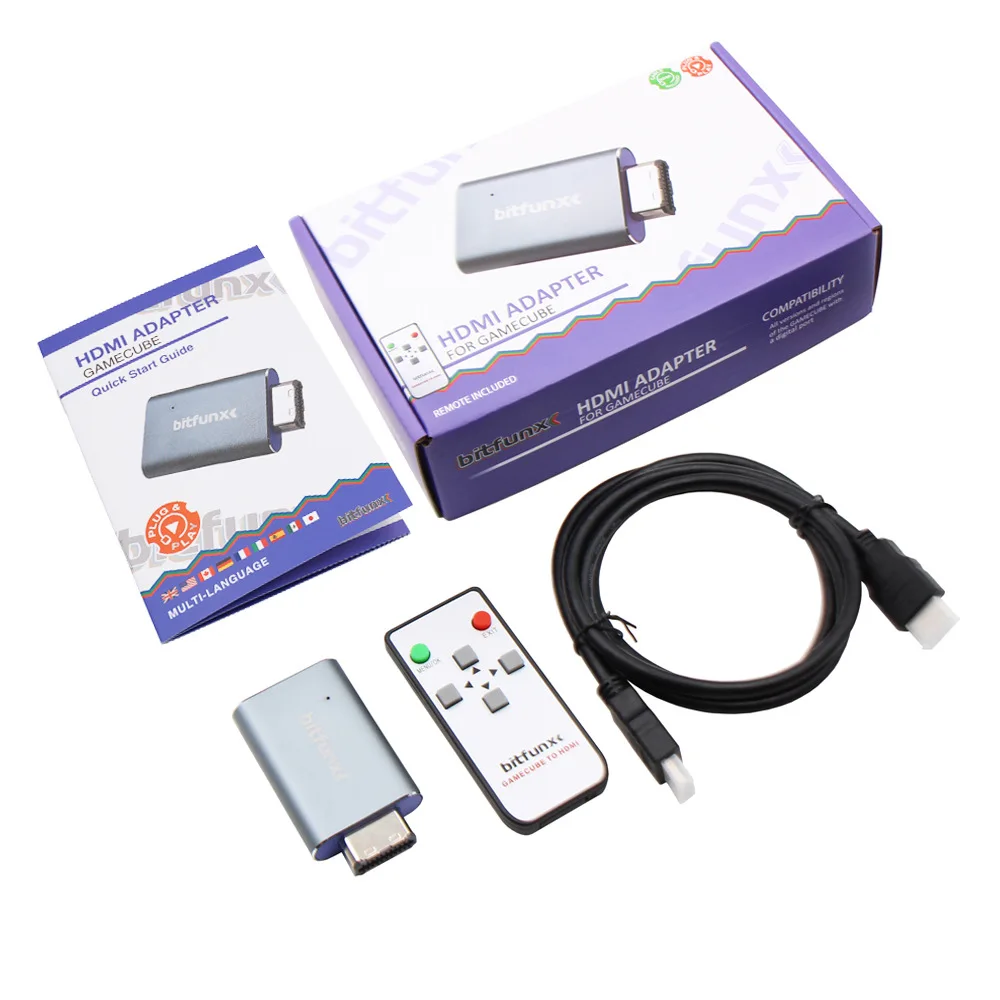
The majority of modern televisions have connectivity via HDMI and lack some of the older inputs such as component, SCART and composite which retro consoles usually use. With the Gamecube to HDMI-compatible upscaling adapter, you can give your old Gamecube a new lease of life and make it look better than ever running through your modern HD/4k TV. The Bitfunx Gamecube to HDMI upscaling adapter is also plug and play so its simple and quick to use.
FEATURES
1 Video and audio in full digital HDMI format with zero transmission loss.
2 Works with the vast majority of HDMI enabled televisions and monitors.
3 Hassle free! Plug and Play.
4 Supports all Gamecube display modes (240p, 288p, 480i, 576i, 480p, 576p).
5 Provides advanced signal processing with great precision, colours and resolution.
6 No power adapter, no messy cords – Just one single HDMI Cable.
7 The ability to line double (upscale) lower resolution games.
8 The option to add and remove scan lines for a more authentic aesthetic.
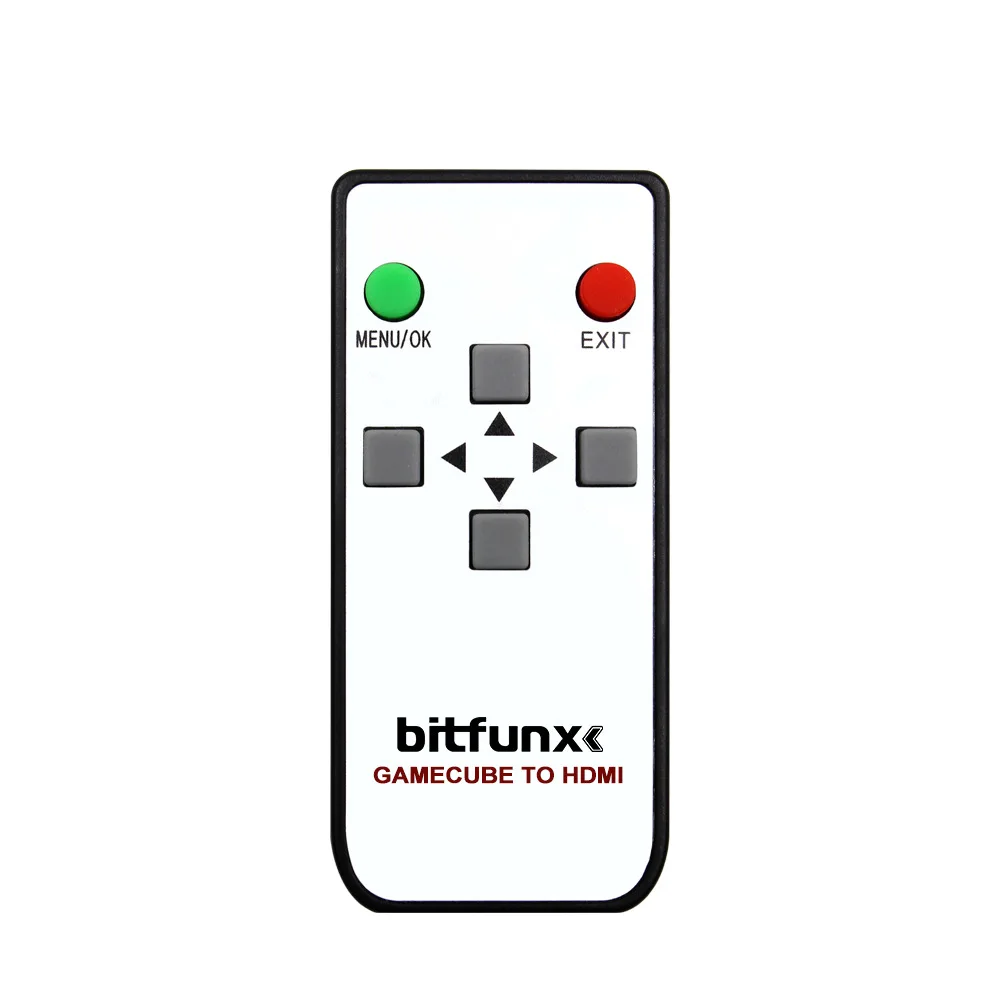
9 Remote control for easy option changes.
HOW to USE
1 Connect the Gamecube to HDMI upscaling adapter to the digital output on the back of your Nintendo Gamecube.
2 Plug a HDMI cable from your TV into the HDMI-compatible output of the Gamecube to HDMI upscaling adapter.
3 Power on your TV and then your Nintendo Gamecube.
4 On your TV choose the source (e.g. HDMI1).
5 That's it! Our HDMI adapters are 'Plug and Play' so they are very simple to use.
ADDITIONAL INFORMATION
Using the remote control, you can access the additional features by pressing 'Menu' and swiping through the options using the arrow keys. There are a variety of changeable features,such as the ability to 'Line Double' and add scan lines for your preferred appearance. The main purpose of the 'Line Doubler' feature which can be accessed by pressing Menu and turning 'Line doubler' on will be to upscale your games.
For example 240p can be line doubled to 480p. This translates to a much clearer and crisper image. This is shown in the picture below: