

SlimeVR Full Body Tracker LSM6DSV, 800mAh Battery, No Base Station Needed, VR Motion Capture Device


SlimeVR Full Body Tracker LSM6DSV, 800mAh Battery, No Base Station Needed, VR Motion Capture Device
- Free worldwide shipping
- Pre-ship QC
- Tracked delivery
- Arrives Nov 5 – Nov 16
- Import duties included
Defective, damaged or wrong item? Free replacement or refund — just send us a short video. Details
Works just as good as i’d expect any slime tracker to with this imu clear instructions in the box and good 3d print came with extra strap prints and extra chest strap (one harness one normal strap) pretty happy with it given the price going to share to some friends
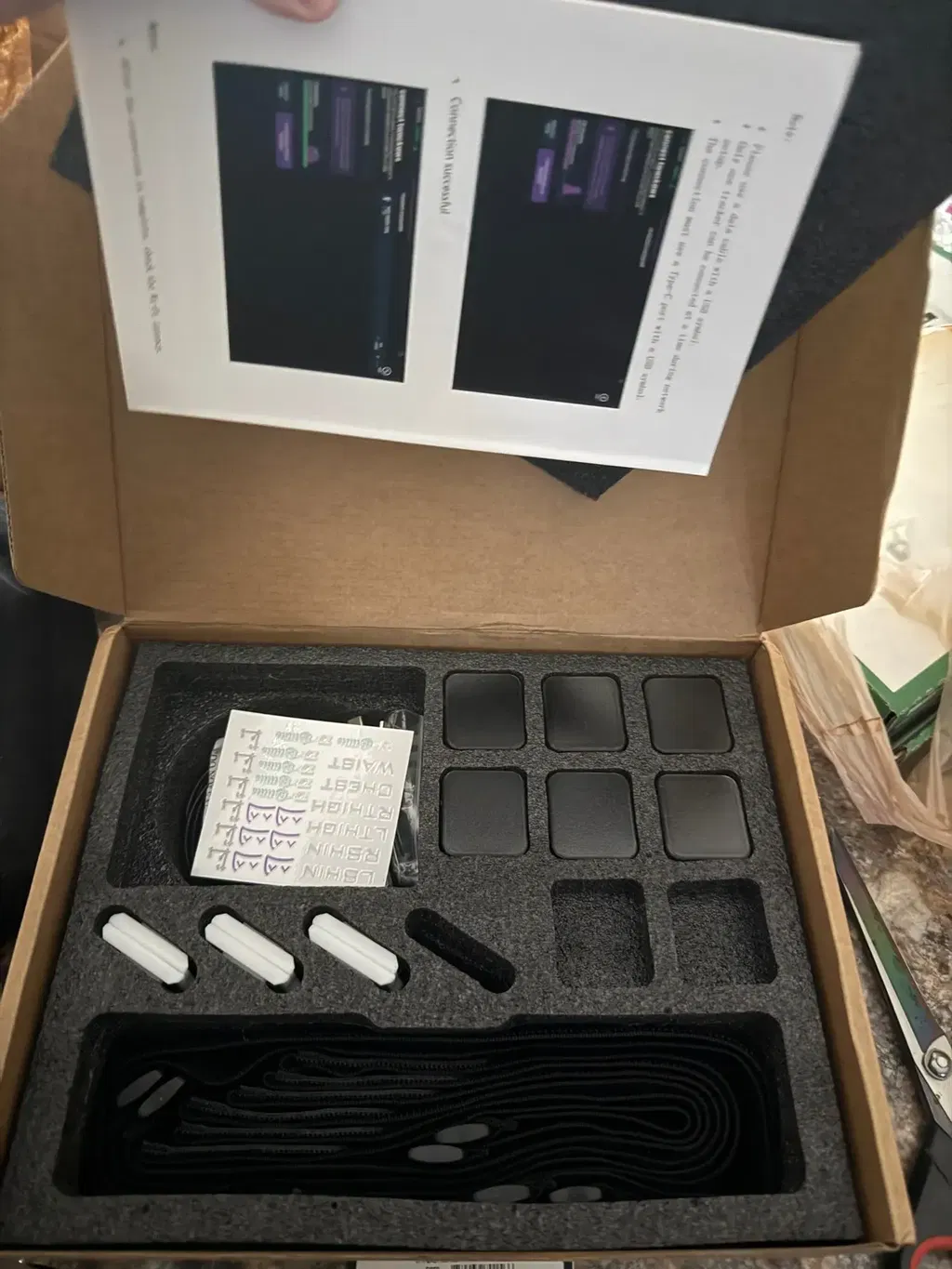
Like all slimes, these have a number of issues; I can't even say for sure if I set them up incorrectly or if there's something else wrong.
But, nonetheless, I RECOMMEND this product; they work and work quite well. They also work for a long time while new, it seems even more than 8 hours if you don't move actively.
Among the disadvantages, I would note that if you move far away from the router (into another room), almost all of them lose connection, and what's particularly annoying is that they refuse to reconnect. After disconnecting, the only way to reconnect them is to use the wired connection as you did during the initial setup.
The drift also works very strangely. Sometimes you can go almost an hour without calibrating them, but other times you have to calibrate every 15 minutes. Again, it's unclear what this depends on and whether it's actually a problem with the trainers.
But, I recommend trackers to everyone, except those who can make trackers themselves and only if they can do it more efficiently.
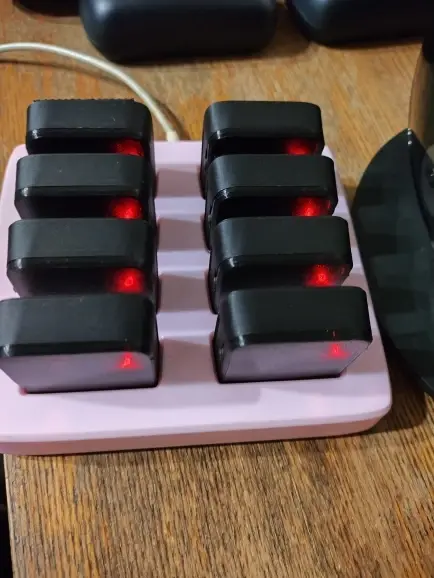
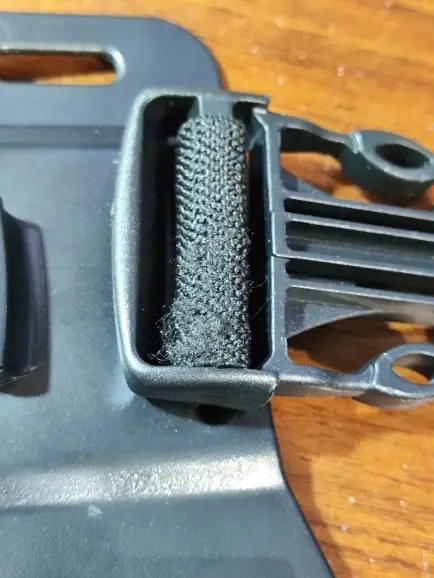
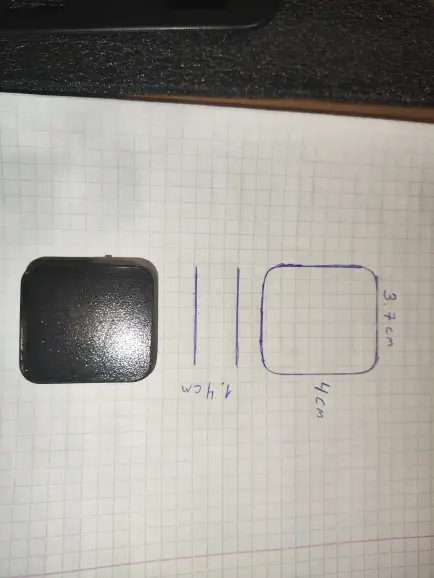
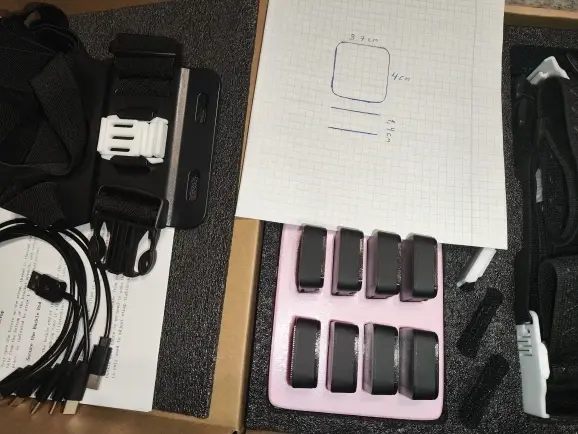
The truth is, it's an excellent product that has exceeded all expectations. Although there have been some small defects and errors in the prints, this is completely normal and something you can easily fix with things you have at home. The trackers work perfectly.
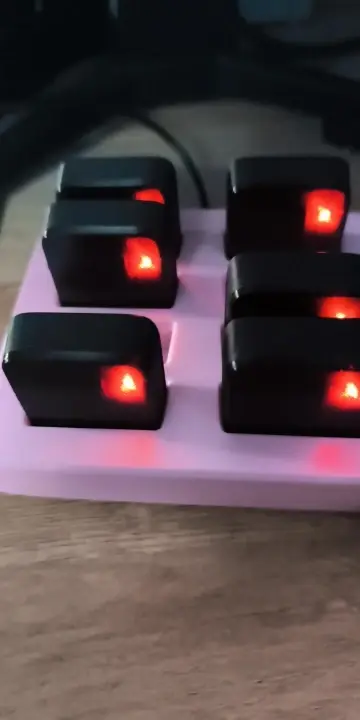
Works as intended, all ports working. Haven't tried battery stress test yet. 3d printed quality for the dock and sensors, also clip mounts except for the chest. All in right tolerances and the quality is good for the price.
Set up is the same as slimes.
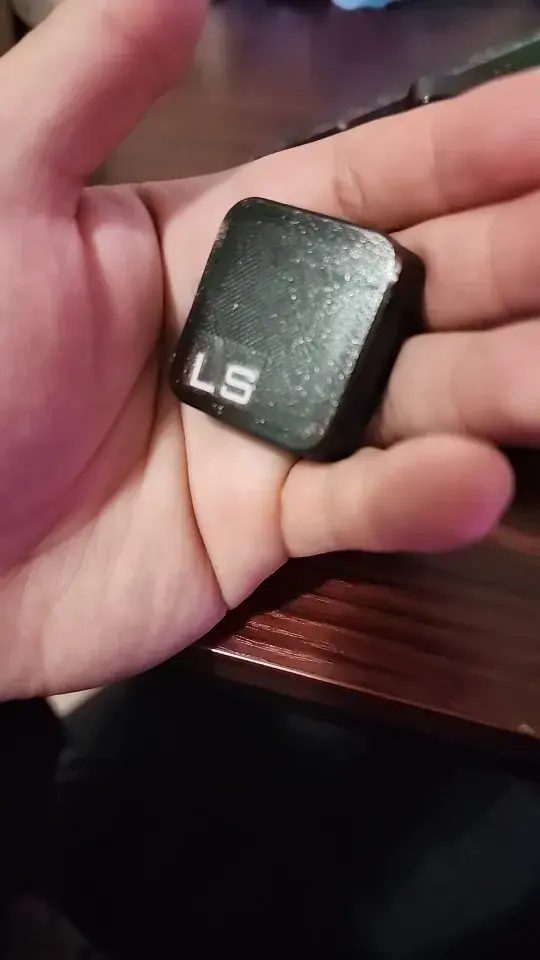
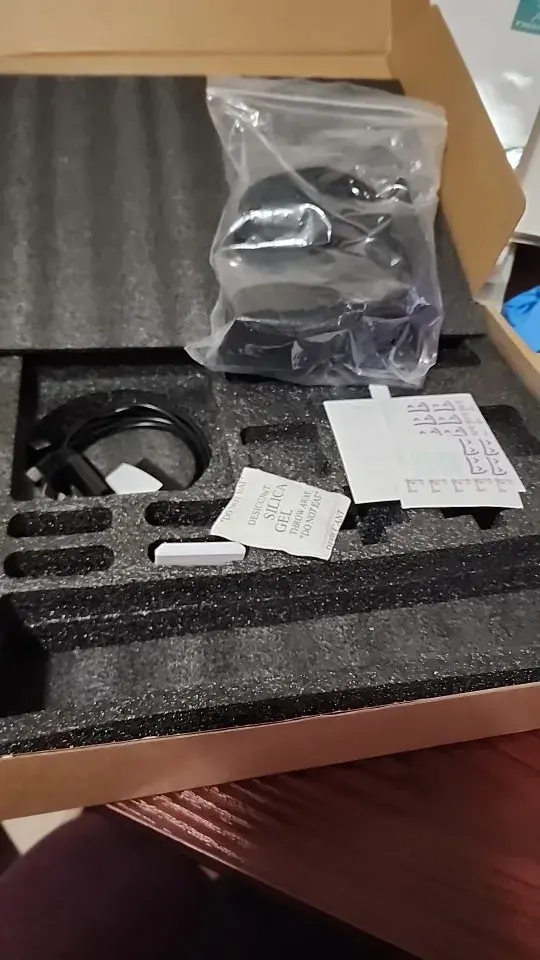
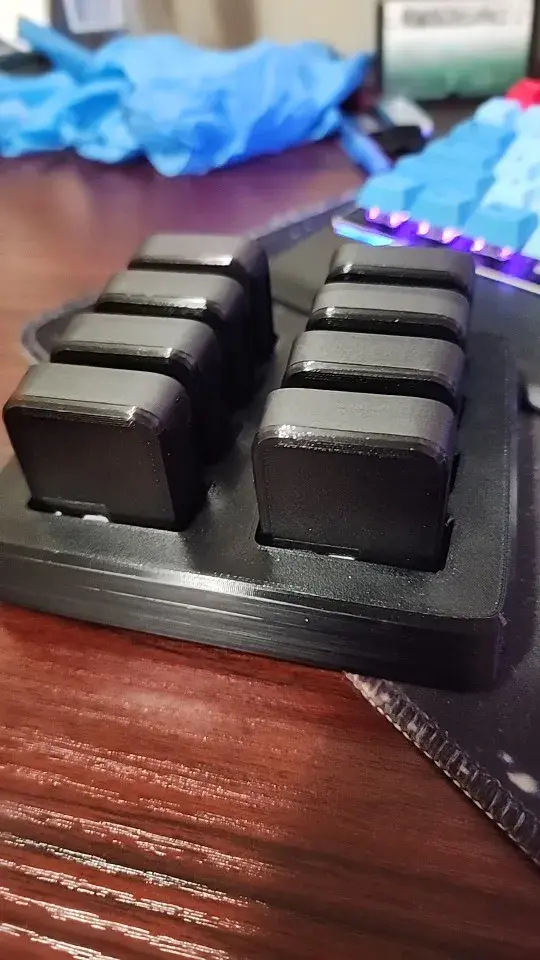
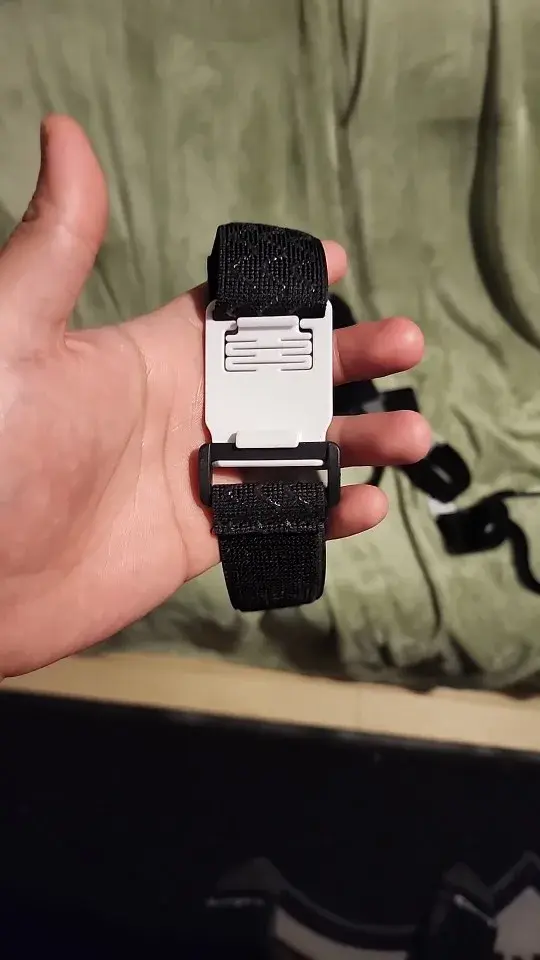
The truth is that it arrived very well, by the way, I do recommend it. I ordered the pack of 6 and everything arrived in order. I plan to order one more.
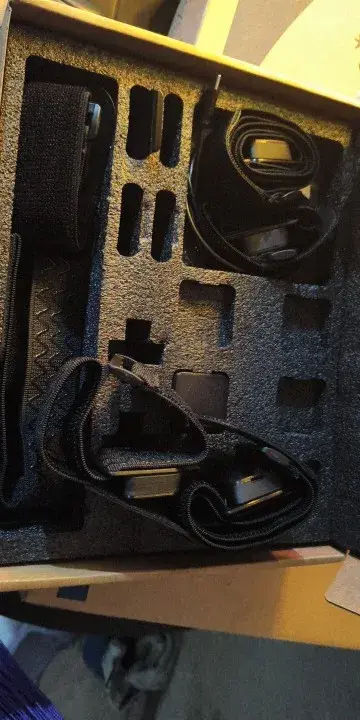
They were really easy to set up! A good battery life and shipped earlier than expected!!! One downside is that the drift is a little faster then hoped but it’s an easy calibration fix! I also love how small they are they aren’t heavy nor do they get in my way when i’m moving around and they and really easy to put on!!! !
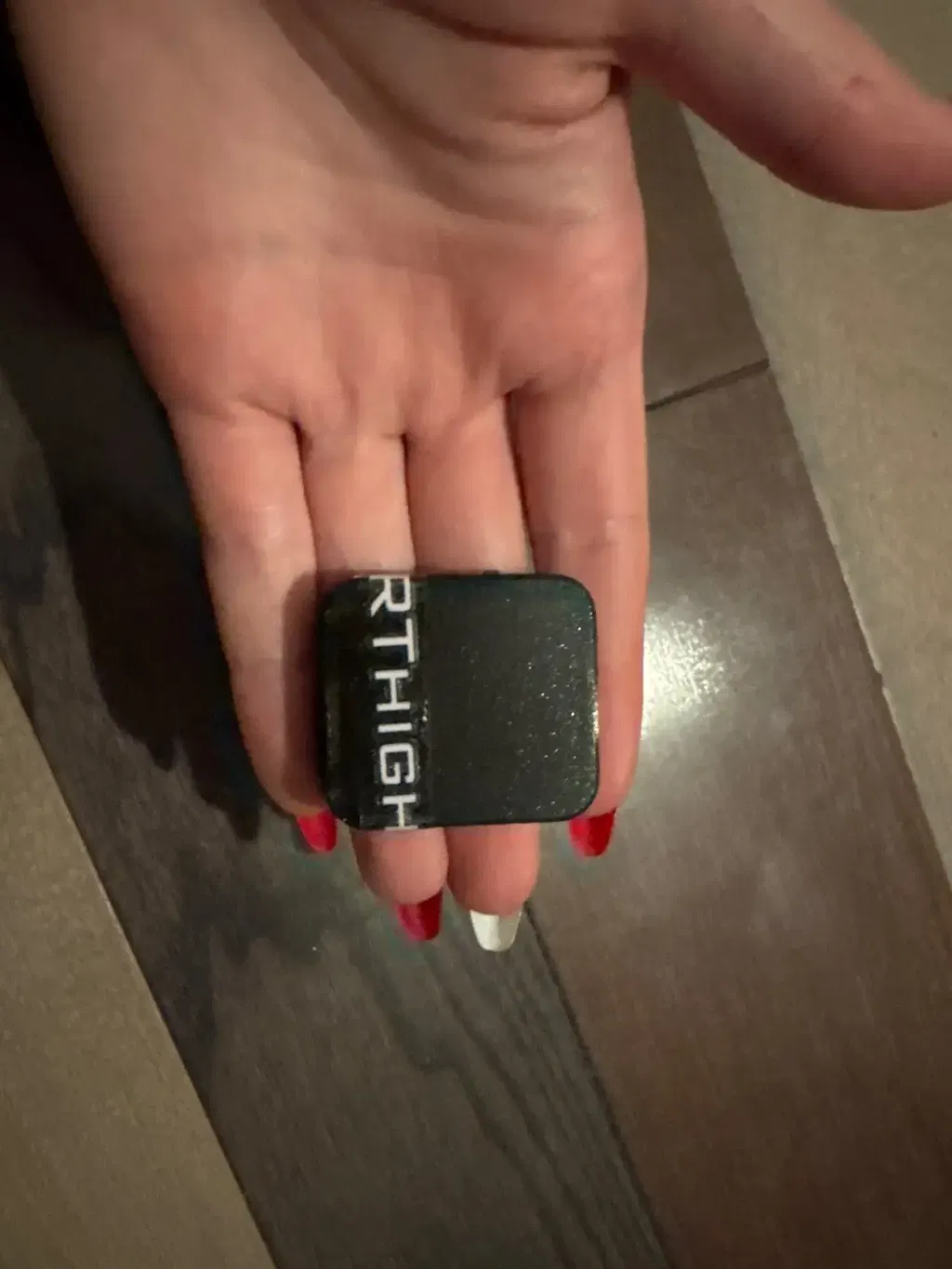
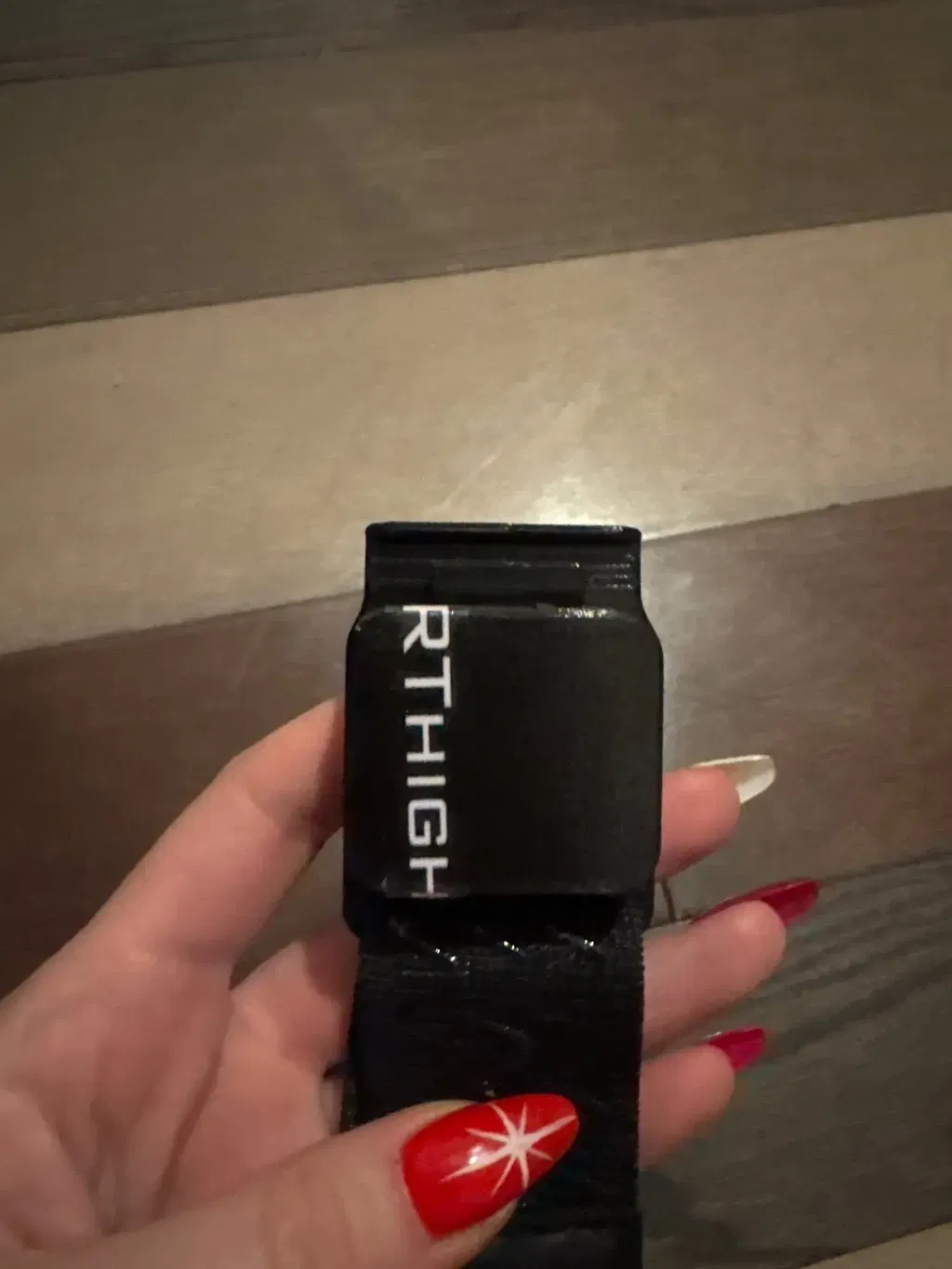
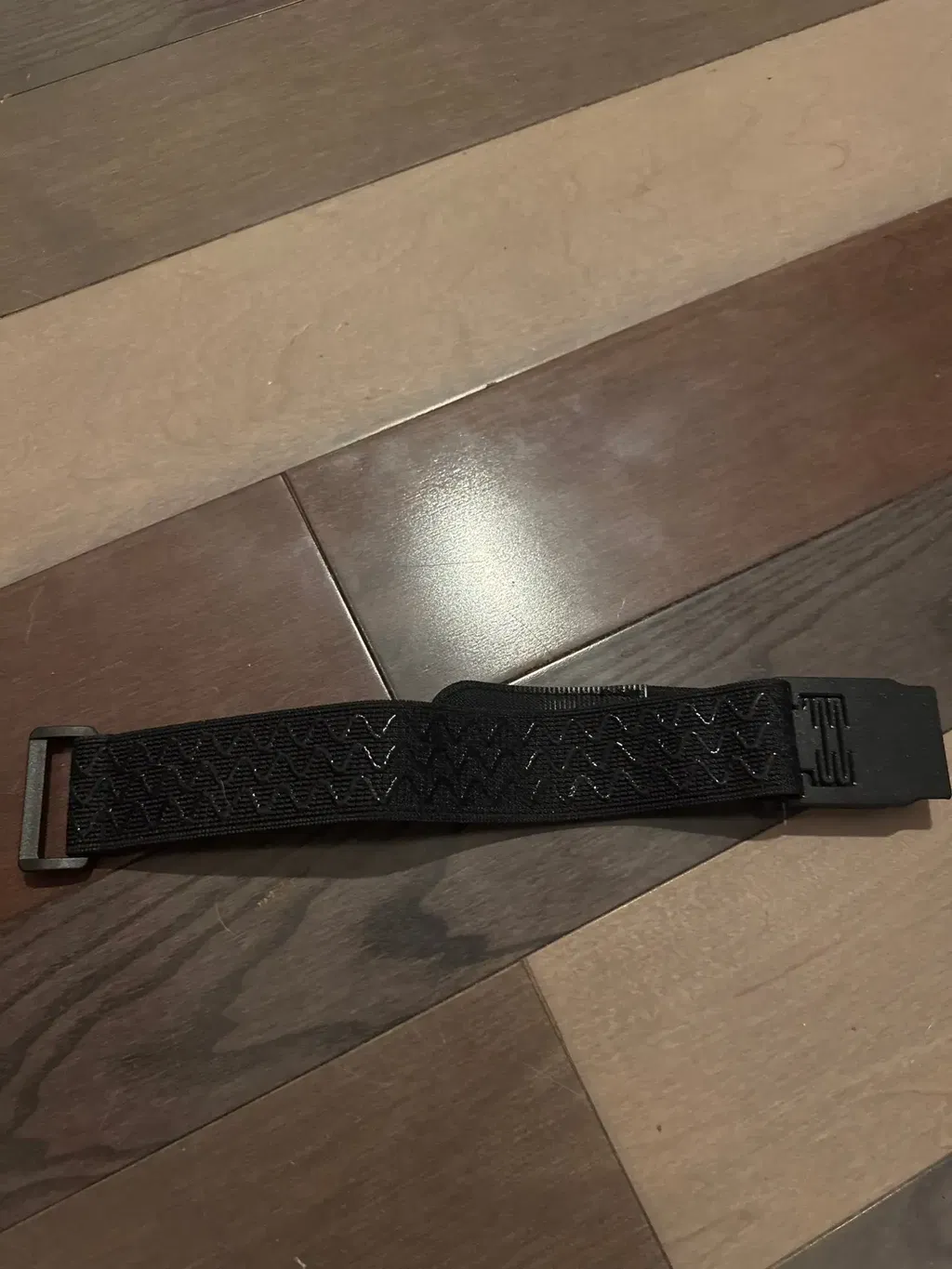
Its kewl and good price tbh, only one faulty battery out of the 8 trackers and it isnt that bad, just drains out faster than the others, other than that everything working nicely!
It arrived well packaged everything in the package was fine setup was farely easy and they work pretty well for price for my very first pair of slimes they are pretty great little drift occasionally but you can easily fix it. definitely will be buying more later
The trackers work wonders! extremely reliable the little clips do break a little but it comes with alot of spares
Amazing trackers! came with everything you need for full body tracking. the trackers do drift but it’s mainly because of user error in my opinion. thank you so much!
It works sooo good! love it
Very good quality and didn’t take long to arrive i was very happy the tracking for vrchat is really good but do need to turn them on for and wait for like 1 min or 2 for the imu to properly calculate there possessions but it’s well worth it and very cheap
So far only one tracker is connecting so if i don’t get it by tonight or tomorrow i will be getting a refund and sending it back
They work well for the price don't forget to put the sticky velcro pieces on the back of the trackers like i did and it will 100% work better
They work very well, in slimevr trackers several people say that they can't make 3 turns in a row without drifting, but I did many things, many turns, I laid down, and I had nothing or almost nothing drift (if you have drift it will probably be solved with a Yaw Reset, that is, touching the chest tracker twice or directly clicking Yaw Reset in the program, they weigh nothing, and the first time I connected them the battery dropped from 90 to 30 in a minute, but it seemed like a software error, the second time after disconnecting the cable everything seemed fine, good battery, good sensors, and it also includes a specific GoPro-style chest mount in another small box.
Product details & specifications
Bring your body movements into VRChat and other compatible VR experiences with this SlimeVR-compatible tracker set. LSM6DSV inertial sensors track movement over Wi-Fi, with no external tracking base stations needed.
Choose your tracker bundle
Choose six or eight trackers, with an optional multi-slot charging dock:
- 6 Trackers: six tracking units.
- 8 Trackers + Charger: eight tracking units and the charging dock.
- 6 Trackers + Charger: six tracking units and the charging dock.
- 8 Trackers: eight tracking units.
The charger bundles add the dock pictured in the product gallery. Select the bundle to see its matching package photo.

Tracker specifications
- IMU: LSM6DSV, with a 3-axis gyroscope and 3-axis accelerometer.
- Battery: 800 mAh rechargeable battery.
- Battery life: approximately 8–9 hours of continuous use.
- Charging time: approximately 2.5 hours.
- Tracker dimensions: 39 × 35 × 13.6 mm.
- Assembled ESP-based trackers with pre-installed firmware and a mechanical power switch.


Connect and get moving
- Install SlimeVR Server on your supported host device and connect the trackers to a 2.4 GHz Wi-Fi network. Keep the server and trackers on the same network.
- Use the setup wizard to connect the trackers one at a time and assign their body locations.
- At power-on, leave the trackers still on a flat surface for 20–30 seconds. For initial IMU calibration, follow the LSM6DSV instructions for your installed firmware in the SlimeVR calibration guide, which covers the six-sided calibration method.
- Put on the trackers, then complete mounting calibration and body-proportion setup. Choose the SteamVR or OSC setup that matches your game and headset.
SlimeVR's recommended six-point layout uses the chest, hip, upper legs and lower legs; its eight-point layout adds the feet. Use the tracker placement guide to assign positions.
For PC VR, follow the SteamVR setup. VRChat on a standalone Quest uses the OSC setup; SlimeVR Server can run on the Quest or another supported host. Follow the SlimeVR quick setup guide for your connection method.

